16
Service manual April 2017 Uber boiler
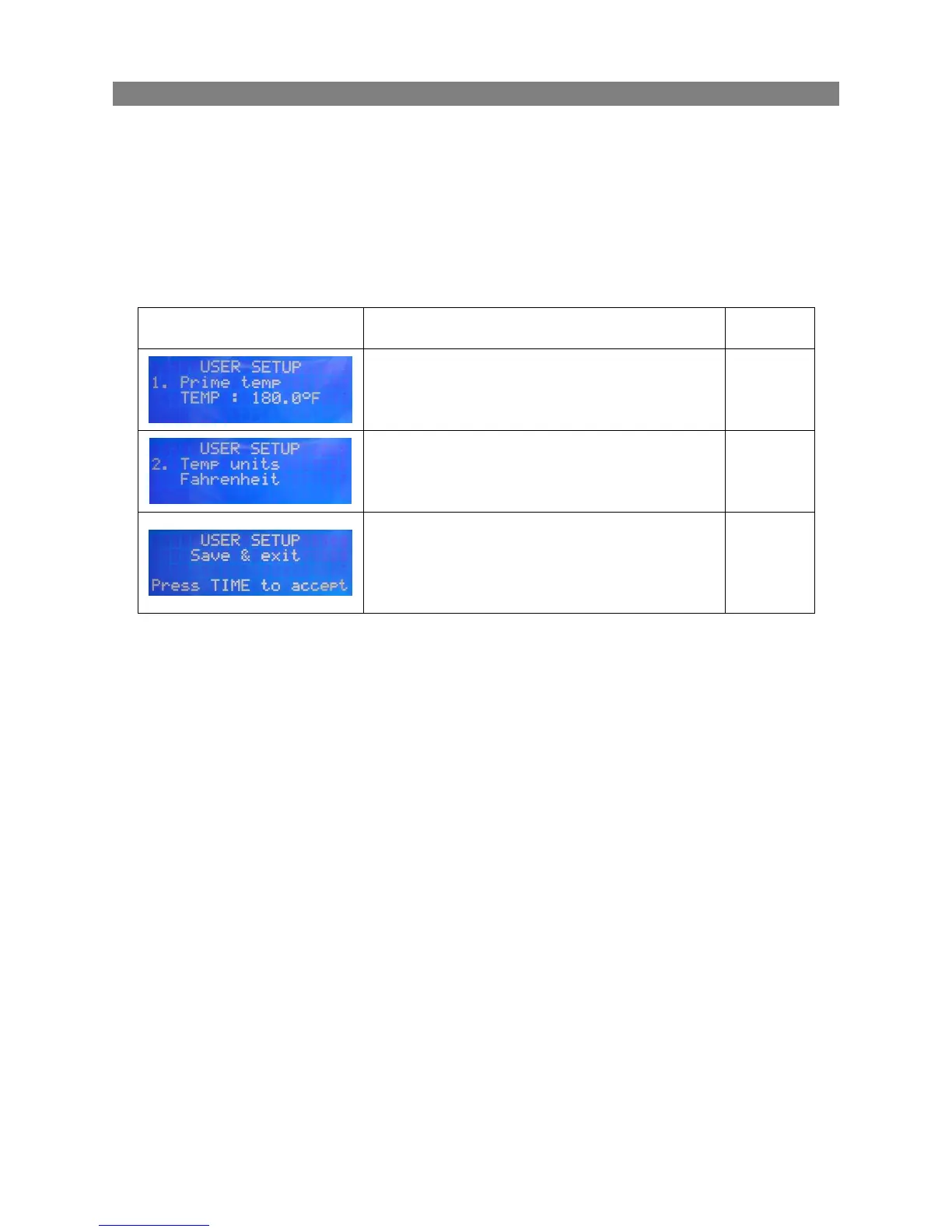
2.4 USER SETUP (software ver 1.10)
To change the Prime Temperature setting and the Temperature Unit it is necessary to
access the User Setup menu.
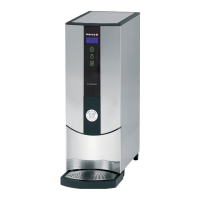
To enter User Setup press all four buttons on the front tile and then release them. While
pressed the screen will show USER SETUP message in its first line.
Buttons on the left hand side change calibration option (up/down): See options below
Buttons on right hand side adjust the calibrated value (up/down, press longer to repeat).
Sets temperature at which the element
clicks off in prime mode. The turning-on
temperature is 0.5 degree below this point.
Press TIME button to accept all the settings
– they will be stored in the non-volatile
memory. To cancel and come back to the
previous settings – turn the machine off and
on again.


 To Next Page