- 34
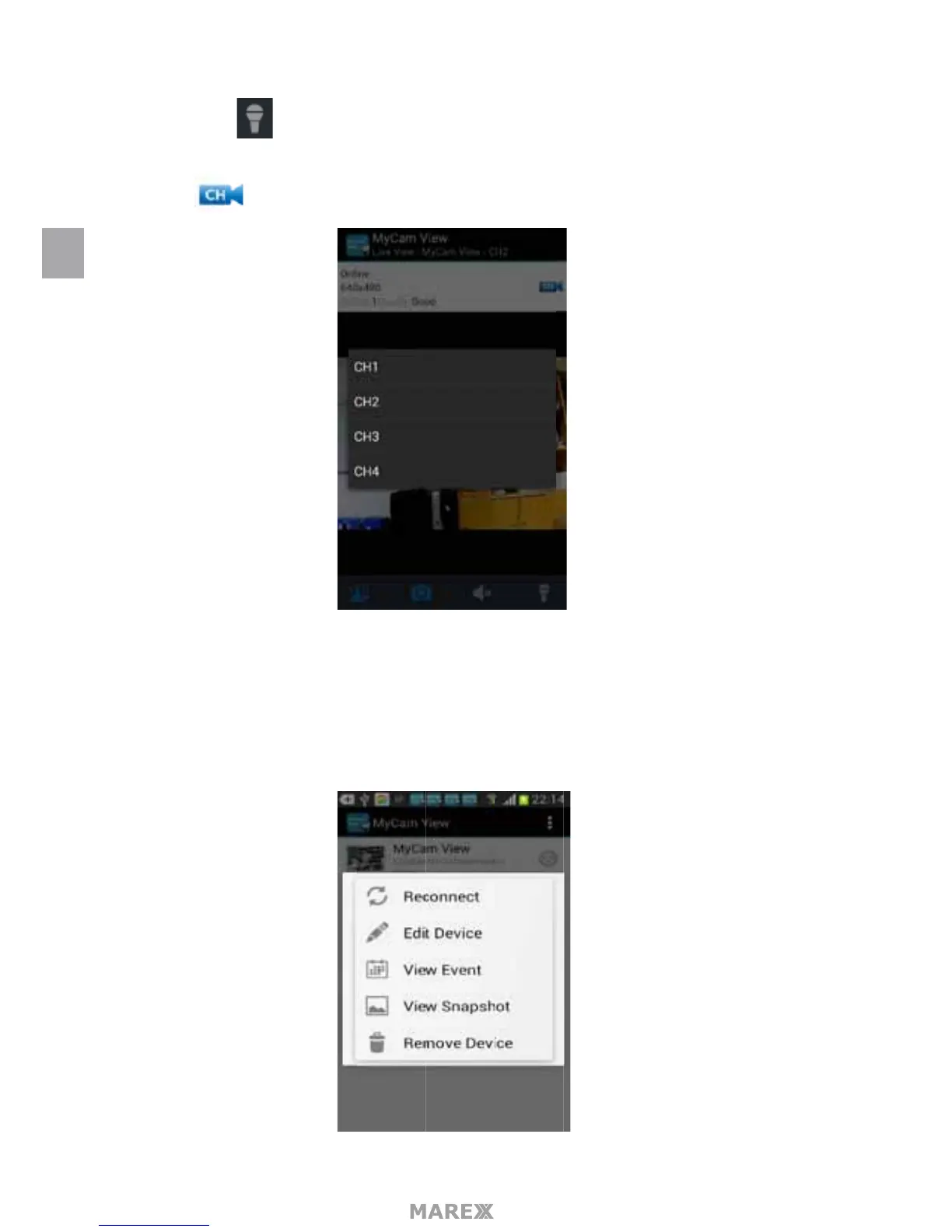
Talk back Icon Tap this icon to talk back through the camera currently being displayed on your
phone or tablet.
CH Icon Tap this icon to switch to the channel which you want to watch.
Online Displays the number of current visitors, the Marex system supports up to 4 remote visitors at
the same time.
Quality shows the network quality.
6. Press the down arrow, in the device list to open a pop-up menu.
EN


 To Next Page