- 35
Reconnect Tap this icon to reconnect when the connection between your camera system and the app
fails.
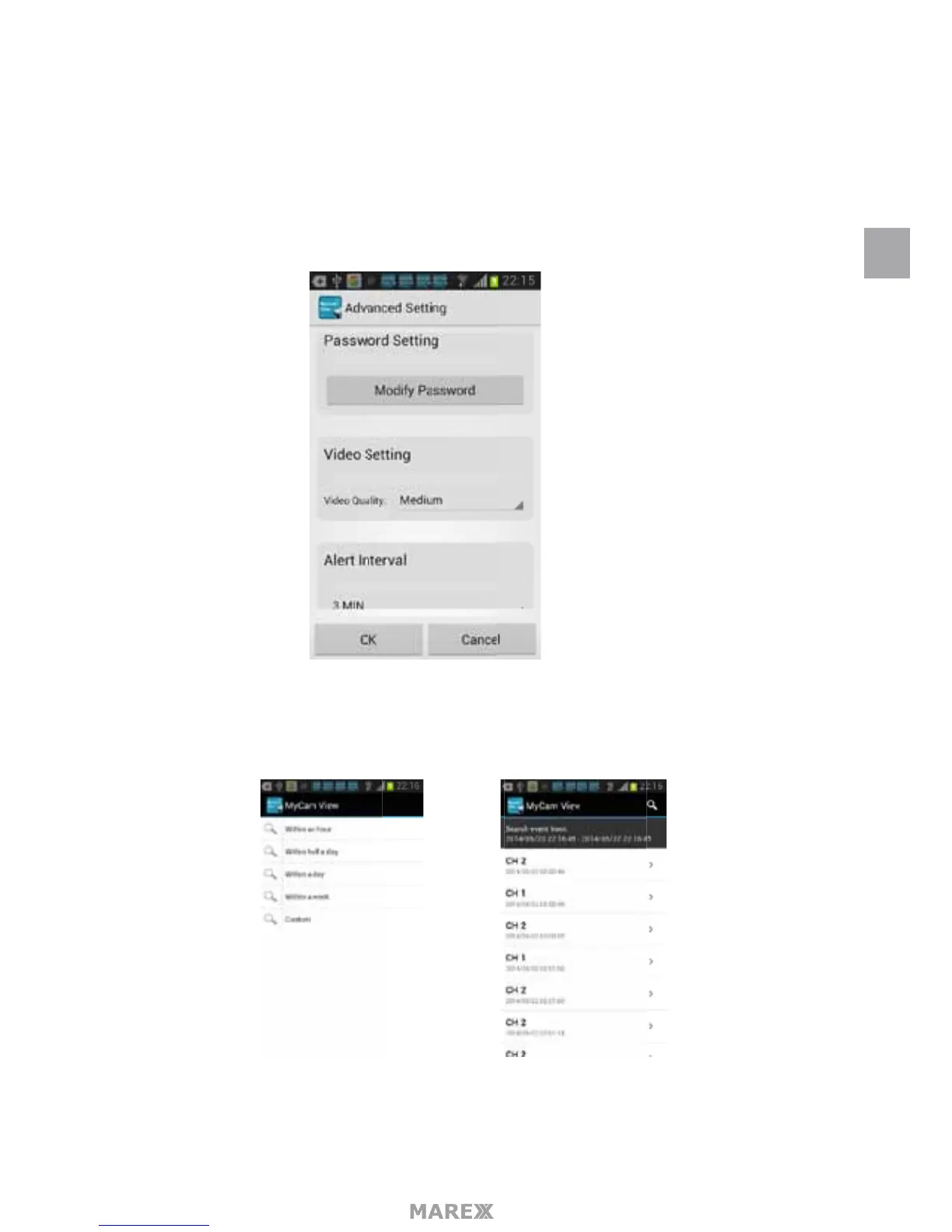
Edit Device Device setting and Advanced setting are under this menu. You can see the camera’s details
under Device Setting. You can modify Passwrd setting (default: 000000), video quality (default Min) and
Alert interval (default 3 MIN) under Advance setting.
View Event Select it to playback the video on your phone. You can tap icon to view live video by select-
ing a period of time (within an hour, within half a day, within a day and within a week) or by selecting a
Custom period of time.
View Snapshot Select this to view the snapshots you have taken.
Remove Device Delete this camera from your phone.
EN


 To Next Page