24
programming
input names
To change the name of any particular input, follow these steps:
1 In the Monitor Mode, Select the input you wish to rename
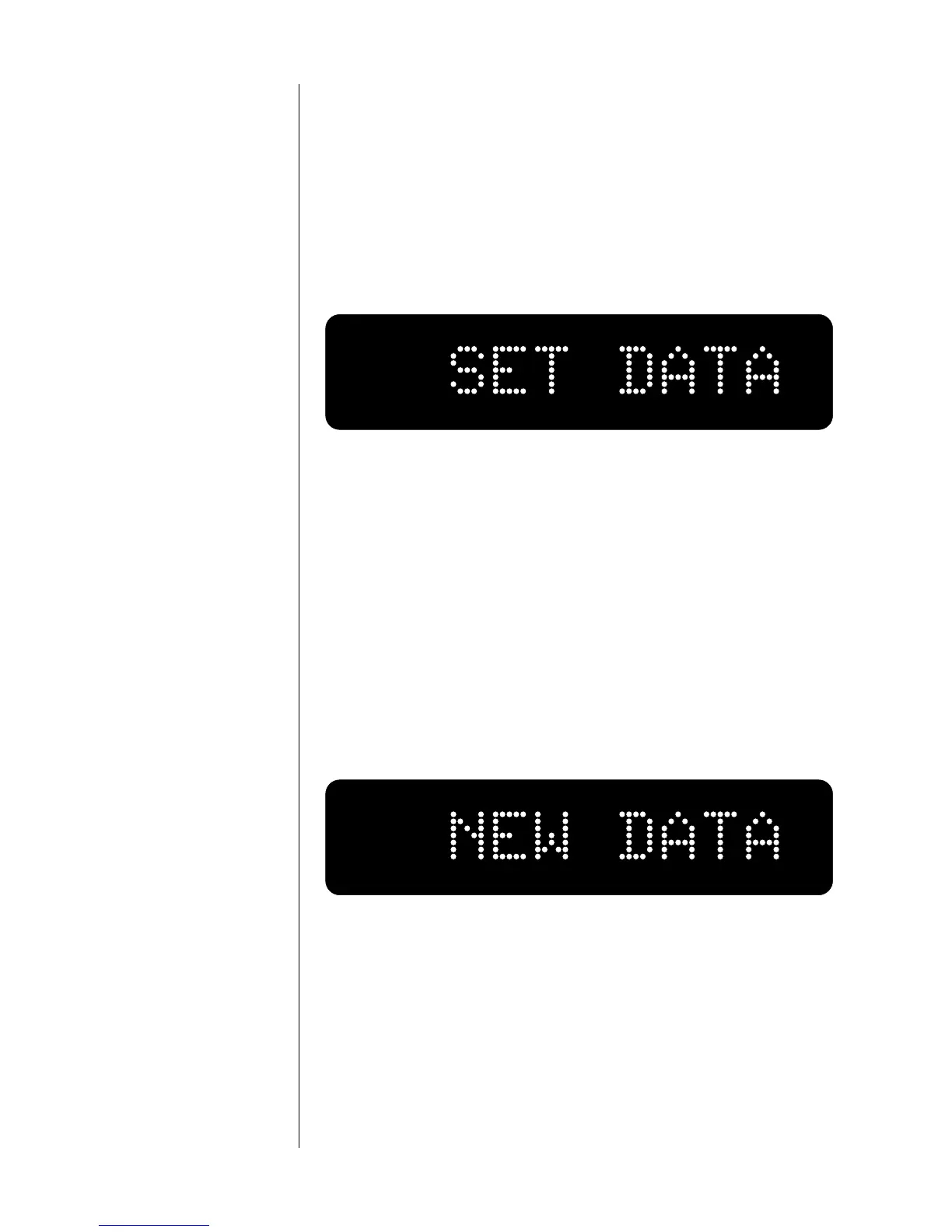
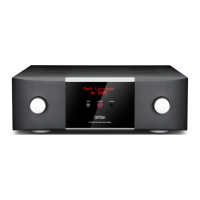
2 press and hold the Mode button…
on the front panel until the display reads SET DATA, as below:
3 Release the Mode button; Press the chosen Input button re-
peatedly…
until the Name you desire appears in the display.
4 press and hold the Mode button again…
until the display reads NEW DATA, as shown below. (Note: see
Step 5 below if you have selected an name of a device capable of re-
cording.) This indicates that your new name for that input has
been stored in nonvolatile memory. As a result, this new setting
will survive power outages and other interruptions of AC power
to the preamp.
assigning record outputs 5 If the source in question is a recordable device…
You will be further prompted to associate a particular record out-
put
with this particular device. Instead of showing “NEW DATA,”
the display will read “RCD: NONE” as shown below.






 To Next Page