30
dB SPL of music in the background too loud for a comfortable tele-
phone conversation.
To alter the change introduced by the Mute function:
1 Press and hold the Mute button
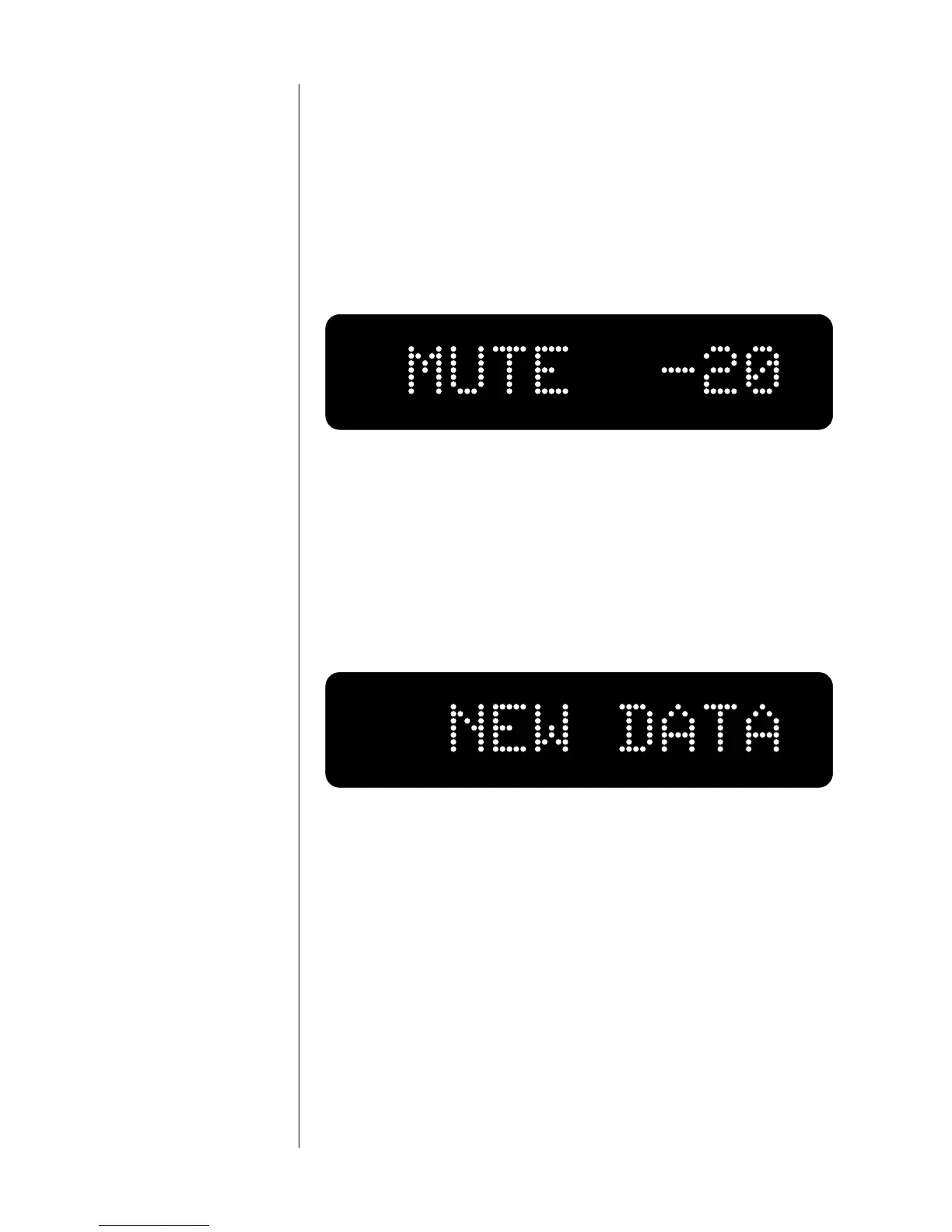
Wait until the display reads “MUTE” and a number (which will
read “-20” as delivered from the factory).
2 Adjust the volume knob to your preferred setting
You may select any value between -1 and -60 decibels (inclusive),
in one-decibel increments.
3 Press and hold the Mute button again
When the display reads NEW DATA, the Nº380 will have saved
your new setting in nonvolatile memory.
The mute button will toggle you back and forth between the “normal”
playback level and a level which is as many decibels below that level as
you have elected to use as your mute function.
However, if you adjust the volume with either the volume knob or the
remote control while in the mute mode, the preamplifier will adjust its
volume from the muted volume and disengage the mute function. This
design guards against unexpected (and possibly unpleasant) large in-
creases in volume when the mute button is disengaged after raising the
volume with the knob.
volume lock The Nº380 also allows a “maximum volume setting” to be established.
Using this feature, it now becomes possible to “lock out” volume set-













 To Next Page