29
In effect, you are setting the input offset of this input to remem-
ber an absolute volume setting (whatever it was before you held
the
mode button down) rather than a relative setting (that is, rela-
tive to the current playback volume).
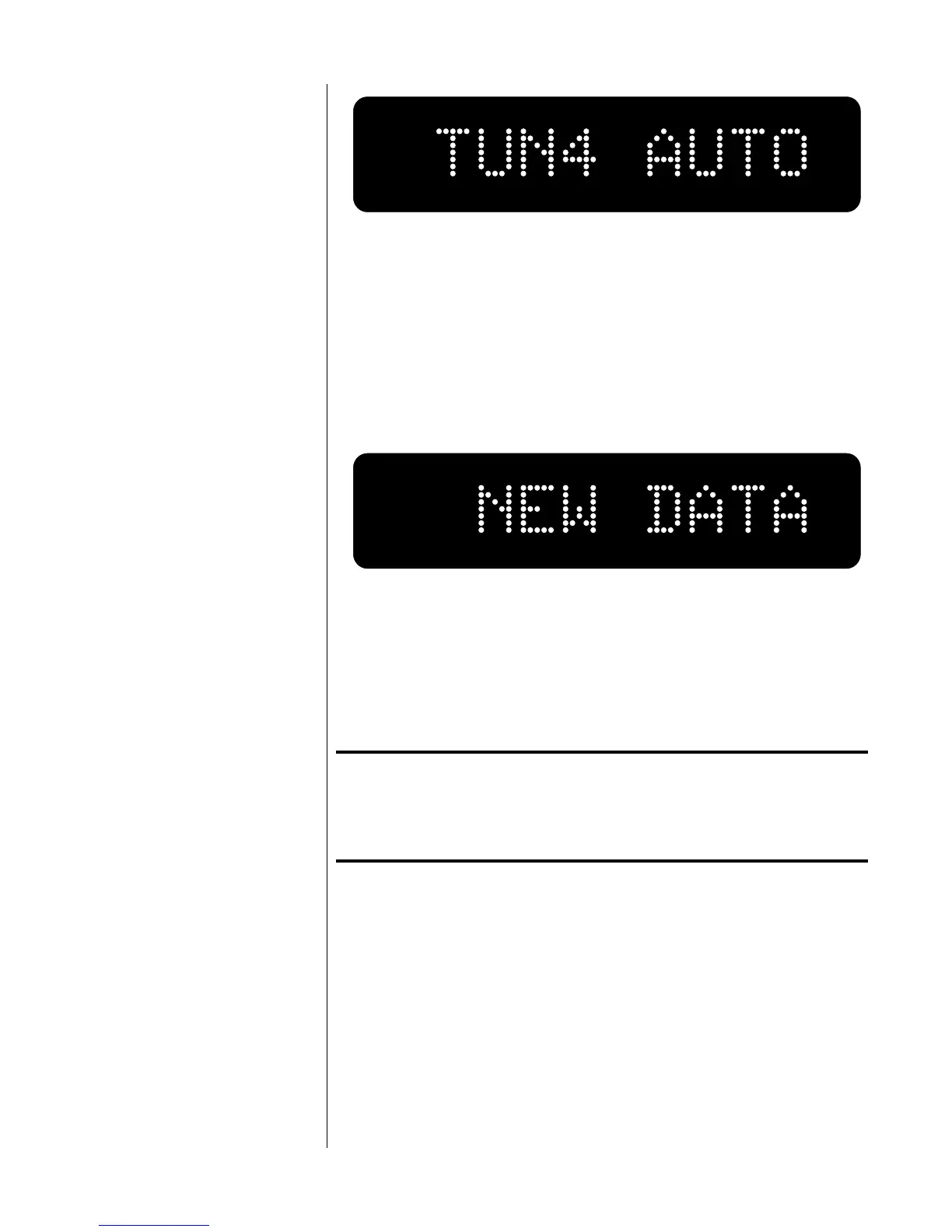
5 press and hold the Mode button again…
until the display reads NEW DATA.
This indicates that your new automatic output level has been
stored in nonvolatile memory. Your Nº380 will now automatically
return to this volume setting whenever this input is selected. To
reverse this situation, simply readjust the input offset as de-
scribed above (in “programming input offsets”).
Note: It is necessary for the Nº380 to have an Input Offset of
0.0 in order to access the AUTO setting. As a result, it
will be necessary to save a 0.0 Input Offset before
selecting AUTO if a higher offset was previously saved.
programming the
mute function
The Nº380 provides a user-defined mute function which quickly re-
duces the output level by a predefined amount between 1 and 60 deci-
bels. The factory default setting is -20 dB.
If you regularly listen at relatively high sound pressure levels, you may
wish to increase the magnitude of the change brought about by engag-
ing the mute button. For example, a -20 dB change from an average of
95 dB SPL would bring the volume in the room down to 75 dB SPL. If
used in response to the telephone ringing, you would probably find 75






 To Next Page