33
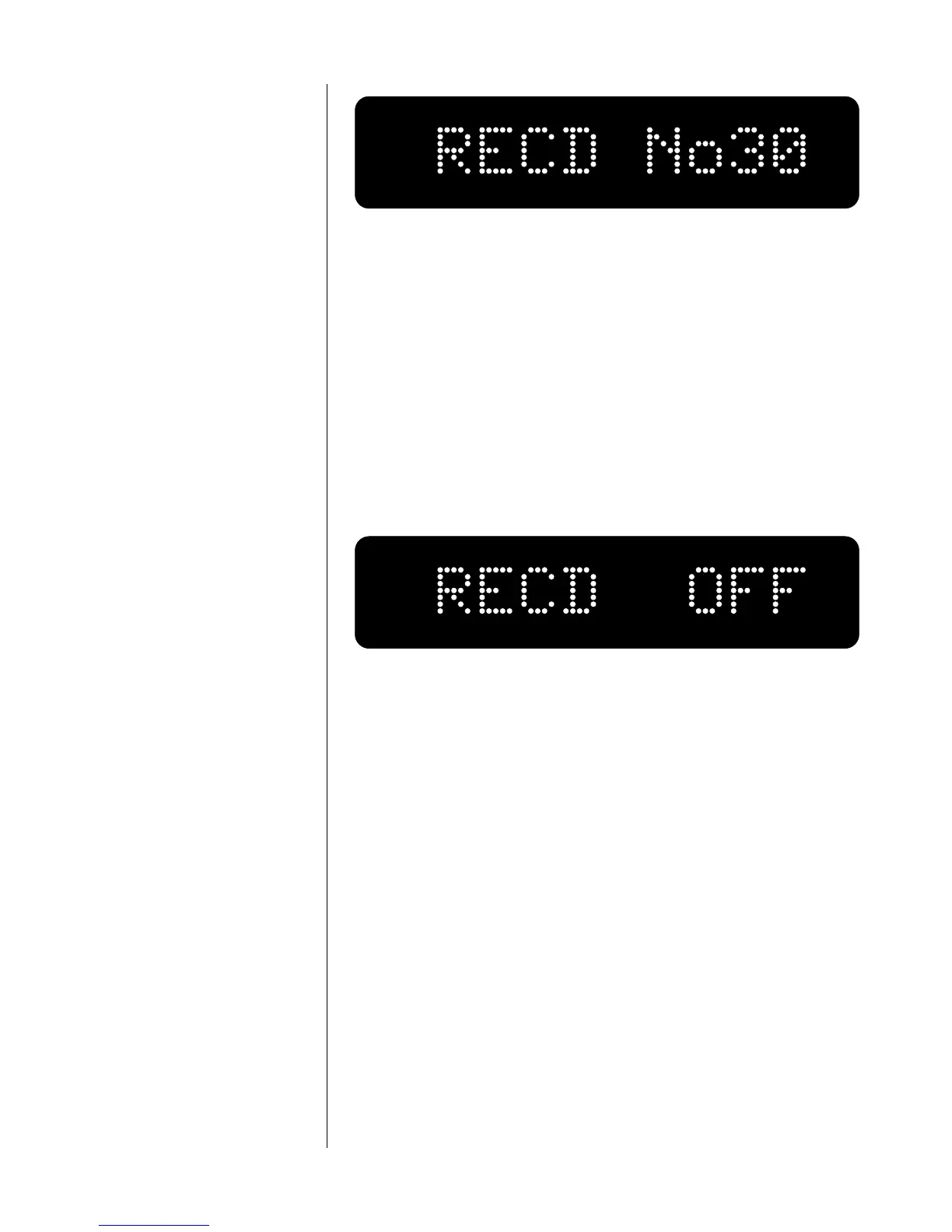
To select a different input for recording, simply press the appropriate
Input Selection button while in this mode. Note that the Nº380 will not
allow a recording device to serve as its own source while monitoring
itself, as this would allow potentially dangerous feedback to be repro-
duced by the loudspeakers. (See “programming input names” for more
details.)
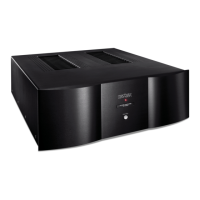
The record outputs may be disconnected (or “defeated”) by pressing
the input selector button of the currently selected (to-be-recorded)
input a second time. Doing so will toggle the record outputs on and
off. The display will alternatively read the name of the chosen input
and RECD OFF as shown below.
Defeating the record outputs eliminates even the possibility that the
input impedance of a recording device could have an effect on the
sound quality of the preamplifier. We recommend that record outputs
be turned OFF when not in use.
the balance mode The balance mode gives you extremely fine control over the relative
volumes of the Left and Right channels, by changing the volume of one
relative to the other in increments of 0.1 dB, up to 20.0 dB. (Beyond
this point, the balance control will mute the output of the reduced
channel entirely.) Once set, this inter-channel difference in volume re-
mains the same regardless of output level and selected input, until it is
changed again in the balance mode, or when AC power is interrupted
(in which case the balance is reset to 0.0).
To enter the balance mode from the monitor mode, press the mode
button twice (once from the record select mode). When the balance is
set to a neutral position, favoring neither channel over the other, the
display will show a double-headed arrow and “0.0” decibels—that is,
that the channels are balanced with respect to one another.













 To Next Page