27
4 Press and hold the Mode button on the front panel
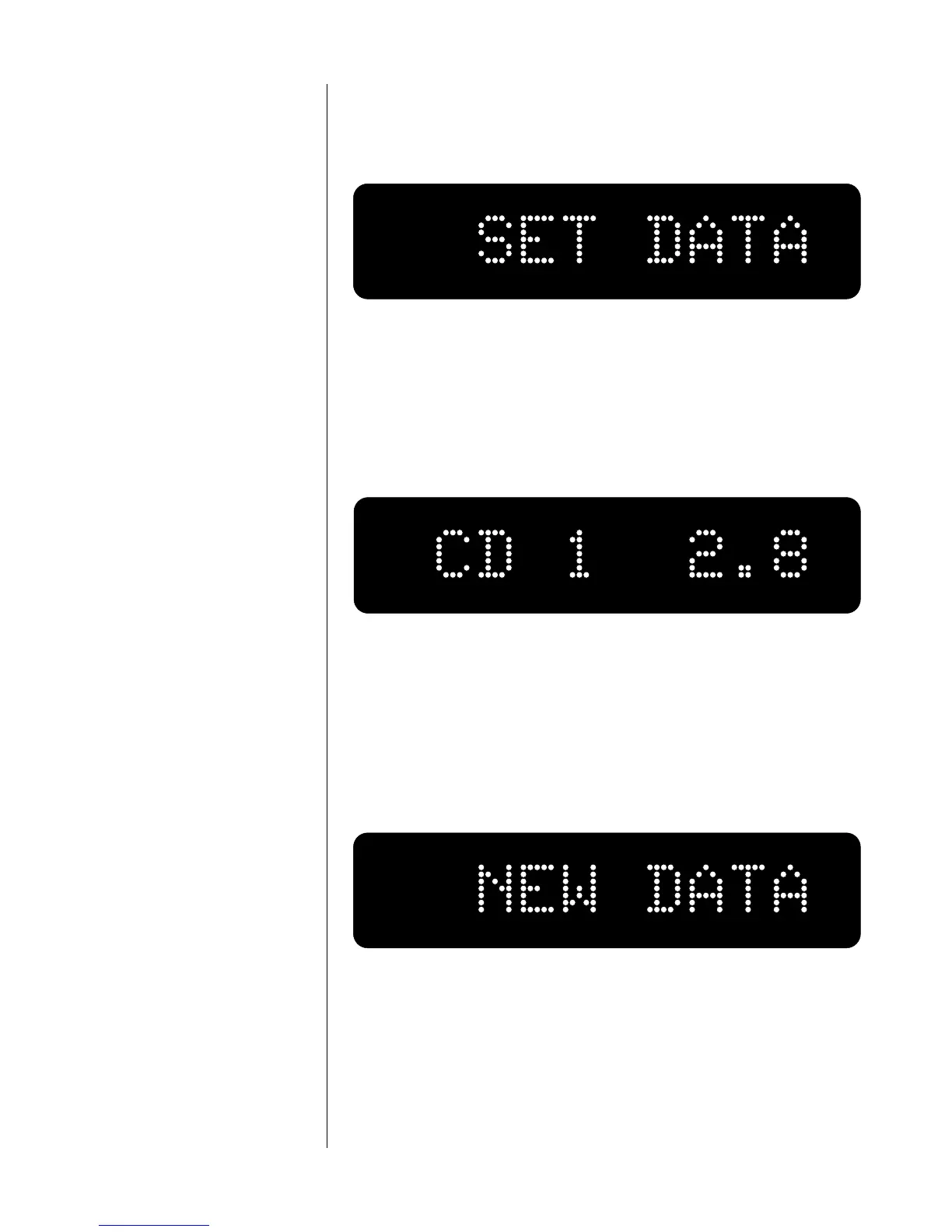
After a few seconds the display will change to show SET DATA, as
below. Release the
mode button.
5 Raise the volume to match your reference
Using the volume knob, raise the volume of your “quieter” source
until it subjectively matches the volume level of your “loudest”
source. The display will show the name of the input you are ad-
justing and the degree of additional output you are assigning to it,
measured in decibels (0.0 to 20.0 dB in tenths of a decibel).
Note that “CD 1” in the example given above represents the cur-
rently chosen input, and “2.8” indicates the current offset for that
input.
6 press and hold the Mode button again…
until the display reads NEW DATA, as below.
This indicates that your new input offset has been stored in non-
volatile memory. As a result, this new setting will survive power
outages and other interruptions in AC power to the preamp. You
may wish to repeat this process in order to refine your settings.













 To Next Page