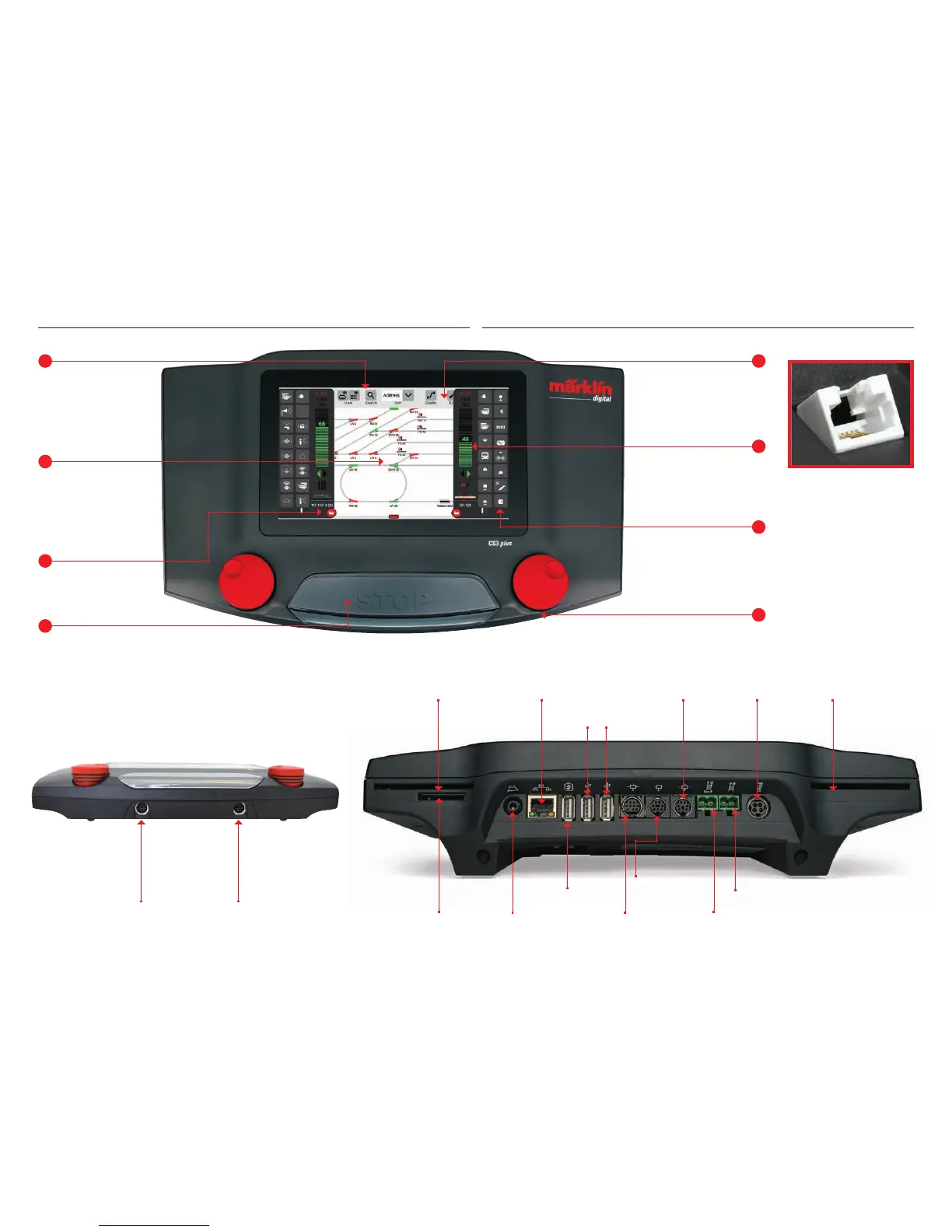
The change area: From here,
you can get to the different
basic menus. Tap on one item
and the new menu appears.
Practical: The speed can now
be controlled by wiping your
finger across a vertical bar
chart.
The functions for individual
locomotives are displayed in
rows of eight positions each.
They can be activated with a
tap of your finger.
The speed can also be controlled by means of the
control knob. The change is displayed visually in the
vertical bar chart (green).
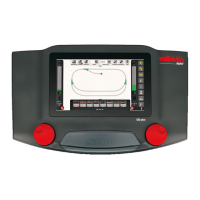
Large display with high-
resolution color screen
including a touchscreen –
all functions can be
controlled with a tap of
your finger.
The central Stop button serves simultaneously
as „Emergency Off“ – in critical train operating
situations probably the most important function
on the Central Station 3.
Slot for a chip card
with locomotive data
Connection for
switched mode
power pack
Slot for a chip card
with locomotive data
Connection for
network / PC
USB connections
for data exchange
Slot for
SD memory card
(max. 32 GB)
USB connection for
loading devices
Märklin CAN
Bus output
(9-conductor)
Speaker /
headphone
connection
Märklin CAN
Bus input
(6-conductor)
Main track
Märklin device
connection
(7-conductor)
Output
Mobile Station
Output
Mobile Station
The CS3 plus also has
a direct S88 connection
on the underside.
Basic Functions and Connections
4
Programming track


 To Next Page