Technical Notice CSO/CPO V1.1 / 10.14 Page 67 / 86
Options 9
9.1.14.3 'B' key functions
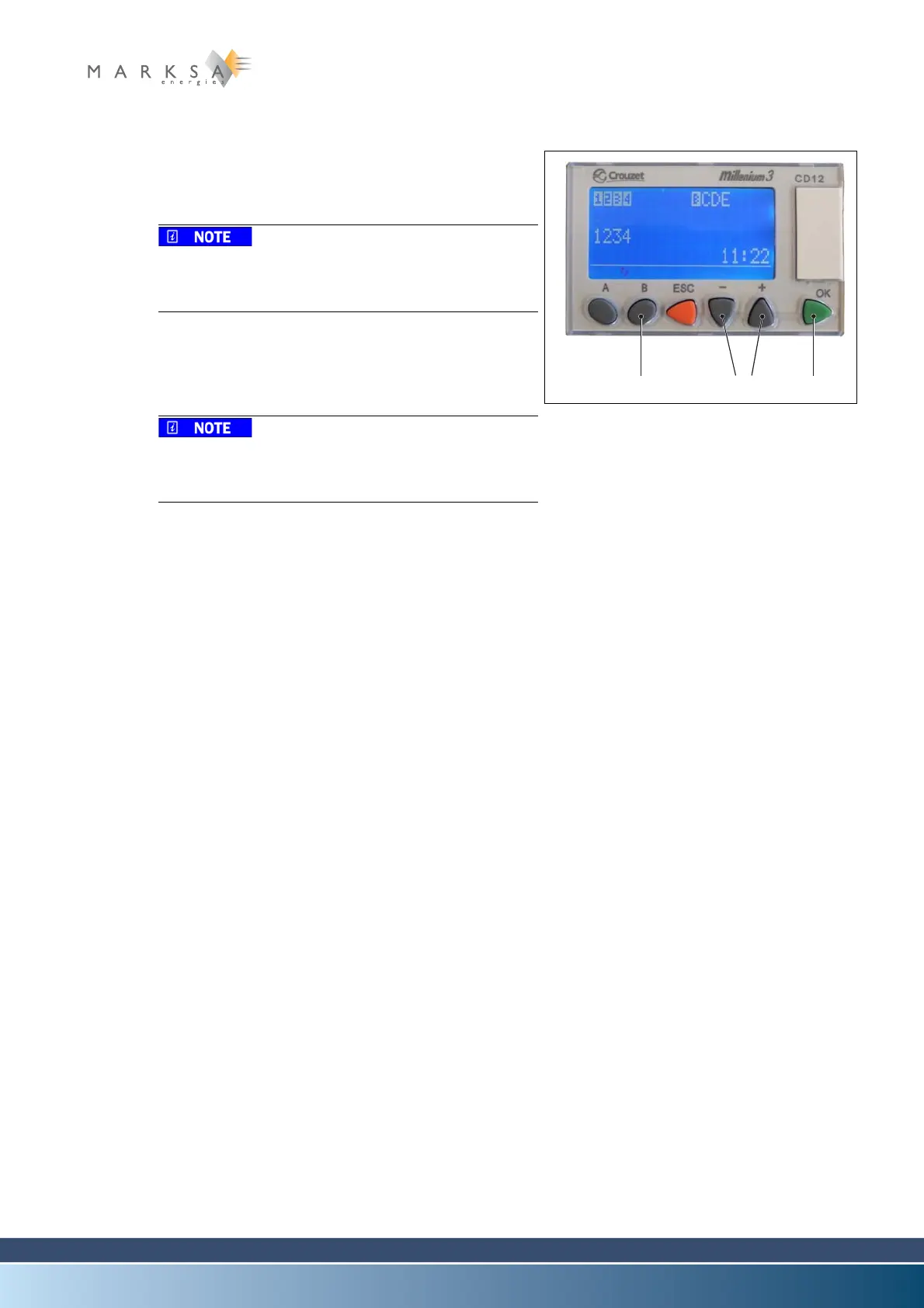
A. B key: settings menu
B. Press the B key (1) on the front panel several times to
browse through the various settings.
Press the ESC key to exit this menu. The PLC exits
this menu automatically after a few minutes of inac-
tivity.
Changing a setting
A. Press the B key (1) several times in succession to locate
the setting you wish to change.
The content of the Settings menu may vary depend-
ing on the program installed. To find a setting, use
the settings table.
See section “9.1.14.8 Settings table (variable)” on
page 74.
B. Select the setting. If the setting can be changed, select
it using the - and + keys (2).
The selected setting flashes.
C. Press the OK key (3) to confirm your selection.
D. Change the setting using the - or + key.
Press the OK key to confirm your change.
Fig. 9-16 : Display - B key



 To Next Page