EasyManua.ls Logo

Masimo Rad-67 Pulse CO-Oximeter - User Manual

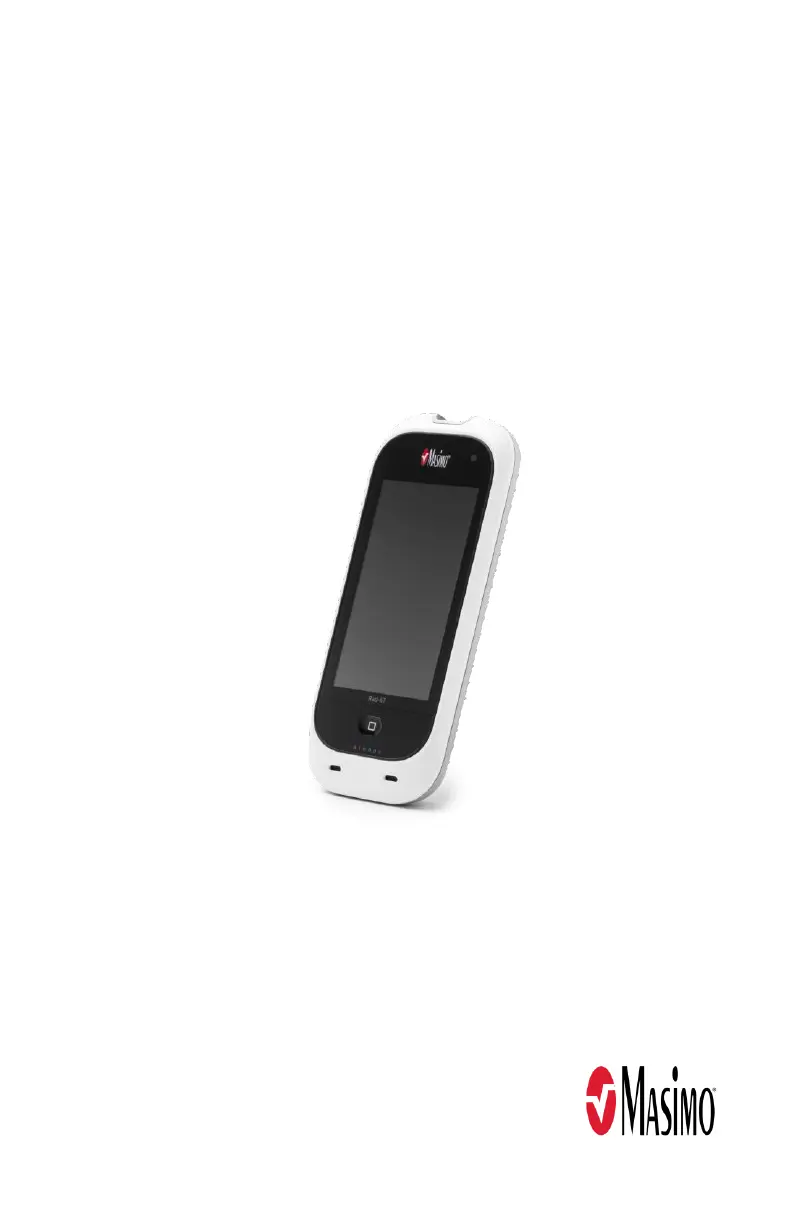
Masimo Rad-67 Pulse CO-Oximeter
106 pages
Print Icon
To Next Page IconTo Next Page
Loading...
Operator's Manual
Rad-67™ Pulse CO-Oximeter
®
Spot-Check

Table of Contents

Questions and Answers

Summary

Safety Information, Warnings, and Cautions

General Safety Warnings

Warnings about device use, modification, placement, unauthorized devices, and flammable environments.

Performance and Compliance Warnings

Warnings on performance, medical decisions, SpHb use, defibrillation, compliance, and modifications.

Cleaning and Service Cautions

Warnings about cleaning, maintenance, and avoiding electric shock.

Chapter 3: Setting Up

Initial Setup Procedures

Unpacking, inspection, preparation, guidelines, and initial battery charging for Rad-67.

Powering the Rad-67 ON and OFF

Procedures for turning the Rad-67 device on and off.

Chapter 4: Operation

Using the Touchscreen Interface

How to use the touchscreen, home button, gestures, and controls for device navigation.

Main Screen and Status Bar Overview

Explanation of the main screen layout, status bar details, and power indicators.

Parameter and Device Settings

Configuring SpO2, PR, SpHb, Pi settings, and general device settings like Localization and Wi-Fi.

Chapter 5: Spot-Check

Chapter 6: Alerts and Messages

Chapter 7: Troubleshooting

Chapter 9: Service and Maintenance

Summary

Safety Information, Warnings, and Cautions

General Safety Warnings

Warnings about device use, modification, placement, unauthorized devices, and flammable environments.

Performance and Compliance Warnings

Warnings on performance, medical decisions, SpHb use, defibrillation, compliance, and modifications.

Cleaning and Service Cautions

Warnings about cleaning, maintenance, and avoiding electric shock.

Chapter 3: Setting Up

Initial Setup Procedures

Unpacking, inspection, preparation, guidelines, and initial battery charging for Rad-67.

Powering the Rad-67 ON and OFF

Procedures for turning the Rad-67 device on and off.

Chapter 4: Operation

Using the Touchscreen Interface

How to use the touchscreen, home button, gestures, and controls for device navigation.

Main Screen and Status Bar Overview

Explanation of the main screen layout, status bar details, and power indicators.

Parameter and Device Settings

Configuring SpO2, PR, SpHb, Pi settings, and general device settings like Localization and Wi-Fi.

Chapter 5: Spot-Check

Chapter 6: Alerts and Messages

Chapter 7: Troubleshooting

Chapter 9: Service and Maintenance

Masimo Rad-67 Pulse CO-Oximeter Specifications

General IconGeneral
BrandMasimo
ModelRad-67 Pulse CO-Oximeter
CategoryMedical Equipment
LanguageEnglish

Related product manuals