Root Chapter 2- Setting Up
www.masimo.com 24
Masimo
Power On
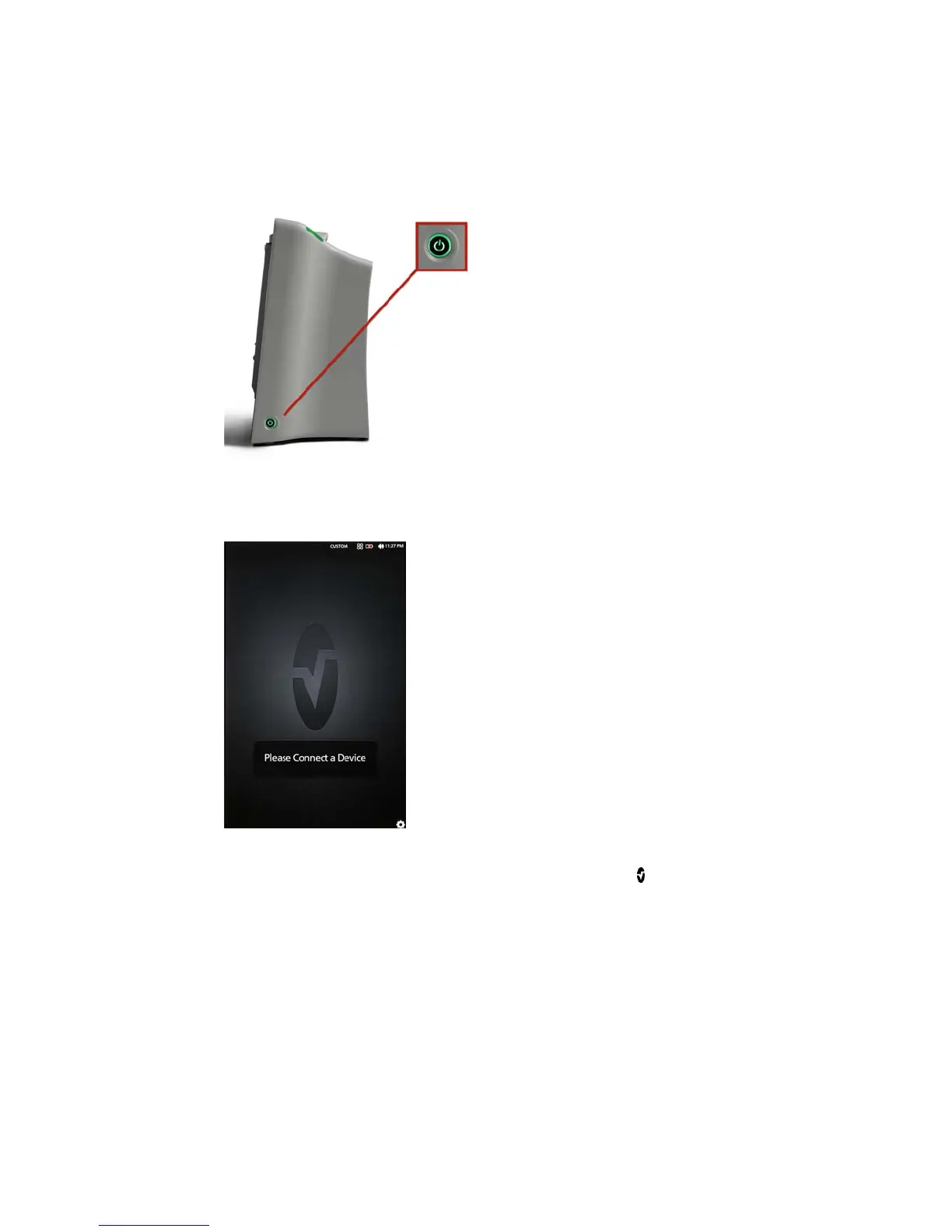
The Power Button can be used for Power On, Standby, and Power Off. To Power
On, press the Power Button for two (2) seconds until a single audible tone sounds.
Once Root turns on, if no Radical-7, Radius-7 or MOC-9 module is connected, the
Root display shows the following message: Please Connect a Device. The user is
now able to connect Radical-7, Radius-7 and MOC-9 module.



 To Next Page