Root Chapter 2- Setting Up
www.masimo.com 26
Masimo
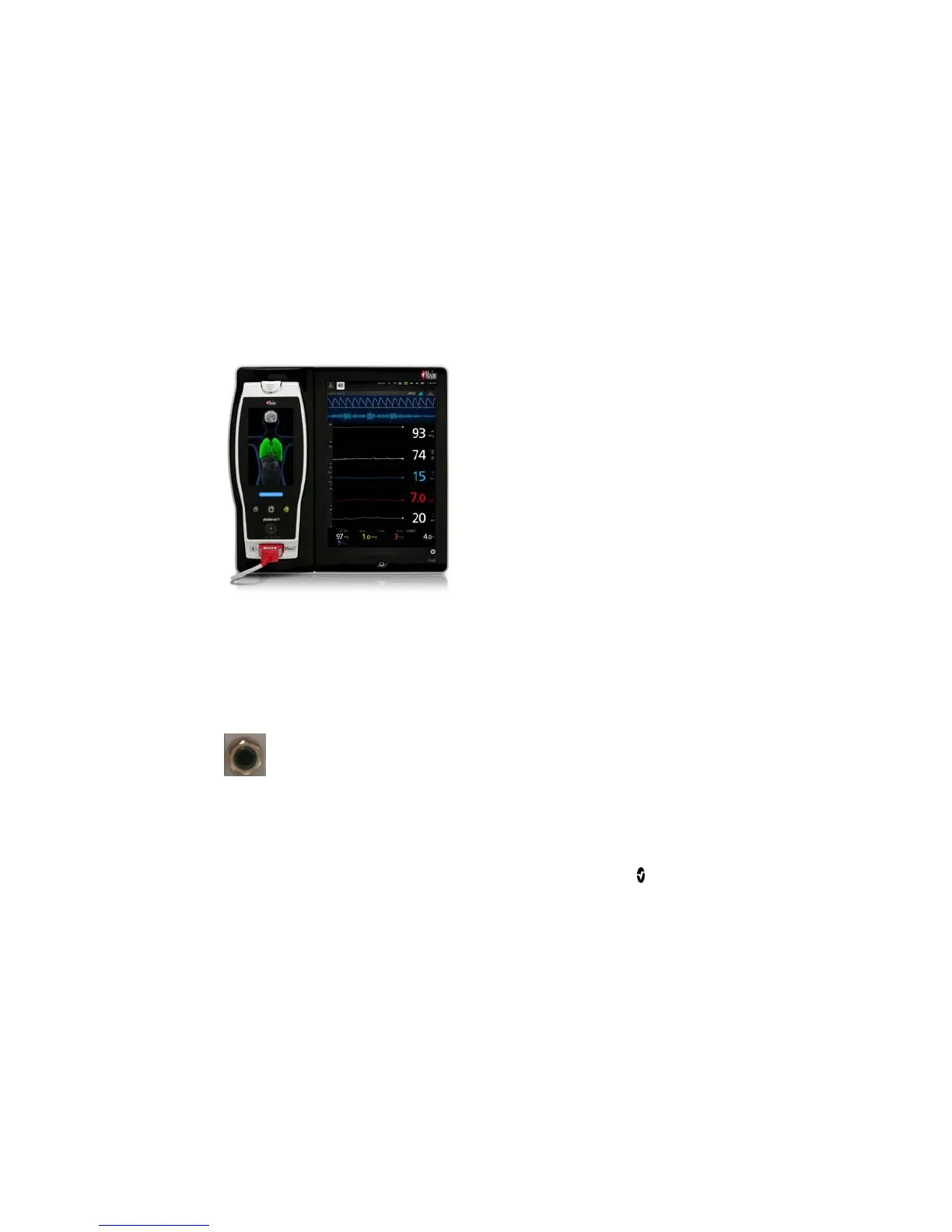
Radical-7 Connection
It is recommended that Root be powered on before performing the steps below.
Snap the Radical-7 into the Docking Station.
If the Radical-7 is not yet turned on, press the power button on the
Radical-7 to power it on.
When properly connected, the Radical-7 Charging Indicator light will
illuminate. An illuminated Radical-7 Battery icon will also appear in the
Status Bar.
Root display will show active measurements and parameters.
For Radical-7 charging conditions, see Radical-7 Charging Indicator.
Nurse Call Connection
Use a Nurse Call connection cable to connect to a Nurse Call System.



 To Next Page