Root Chapter 3- Operation
www.masimo.com 45
Masimo
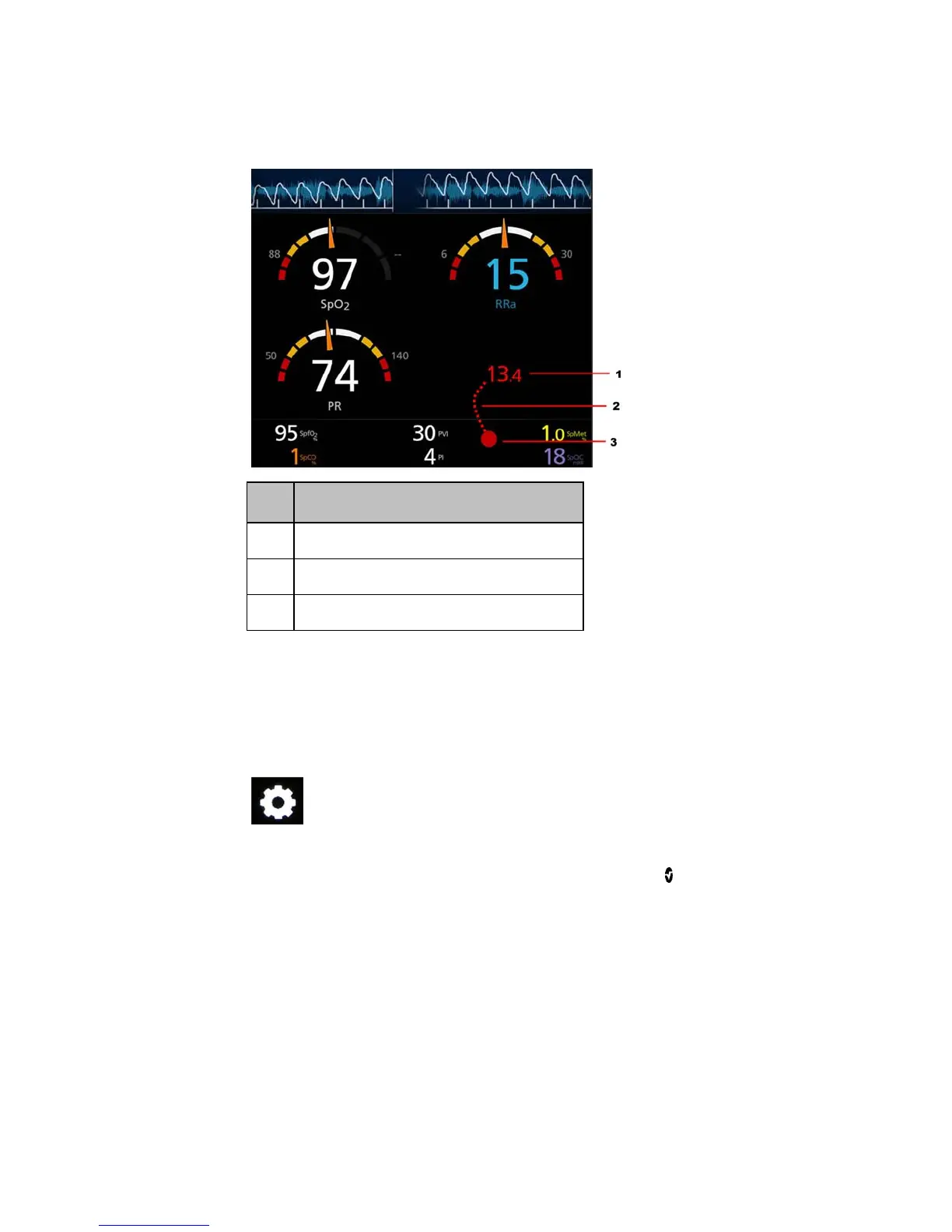
Minimizing a parameter or measurement
Order Instruction
Step 1 Press and hold the Numeric Value until it shrinks.
Step 2 Drag the Numeric Value to the Well.
Step 3 Release the Numeric Value.
Accessing Main Menu Options
To access the Main Menu options
At the bottom right corner of the touchscreen, press the Main Menu icon.



 To Next Page