Root Chapter 3- Operation
www.masimo.com 44
Masimo
Customizing Windows
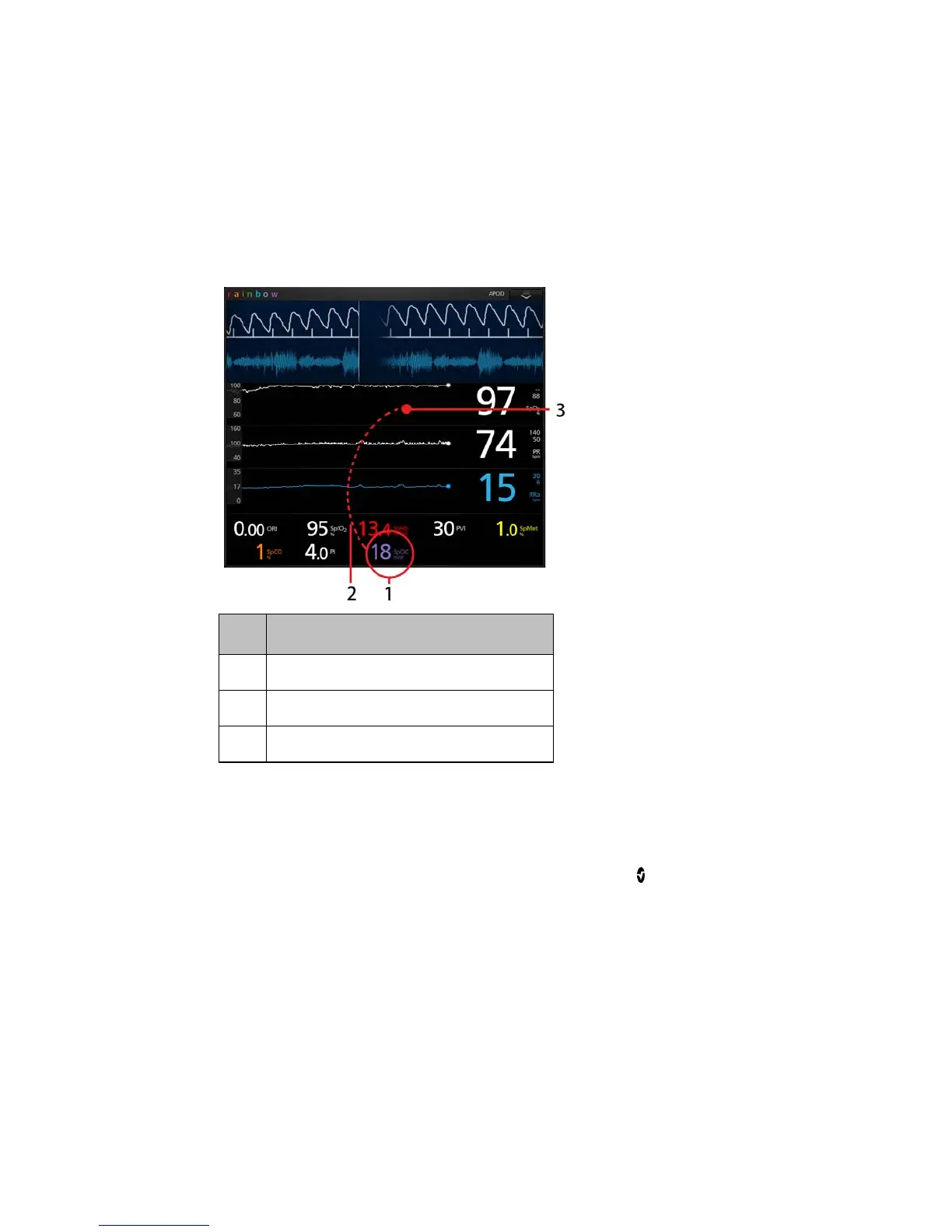
Windows can be customized by expanding and minimizing parameters and
measurements in both Trend View and Analog View. When a parameter is
minimized, it is only displayed in the Well with its Numeric Value and Parameter
Label. When a parameter is expanded, it will be shown as either a Trend Display or
Gauge.
To expand a parameter or measurement
Order Instruction
Step 1 Press and hold the Numeric Value until it dims.
Step 2 Drag the Numeric Value over any Trend Display.
Step 3 Release the Numeric Value.



 To Next Page