Root Chapter 3- Operation
www.masimo.com 52
Masimo
Brightness
Use the Brightness screen to adjust the brightness of the Root display.
Option Description Factory
Default
Setting
Configurable
Settings
Auto
Brightness
Allows automatic adjustment of
Root's display brightness based on
ambient light.
Off On or Off
Brightness
Adjust the brightness level of the
Root display by sliding the button
(4 is brightest).
4 1, 2, 3, 4
Access Control
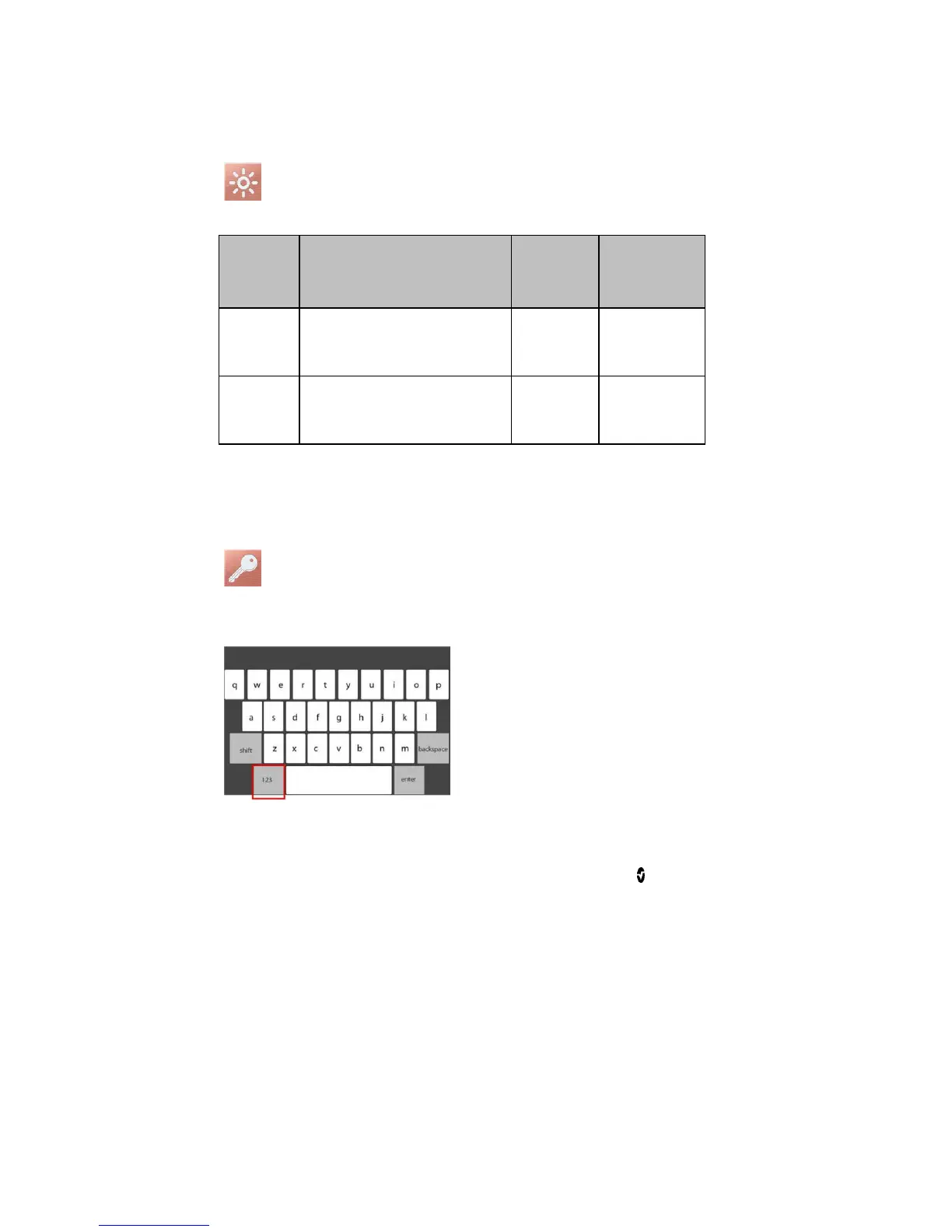
Access Control contains configurable options and settings that require a password.
To enter Access Control



 To Next Page