Root Chapter 7- Iris
www.masimo.com 73
Masimo
Port 3 Port 4
Status and connection type are read-only and not configurable by the user. For more
information on Iris connectivity, see Instructions for Use or Operator’s Manual for
the appropriate version of Masimo Patient SafetyNet.
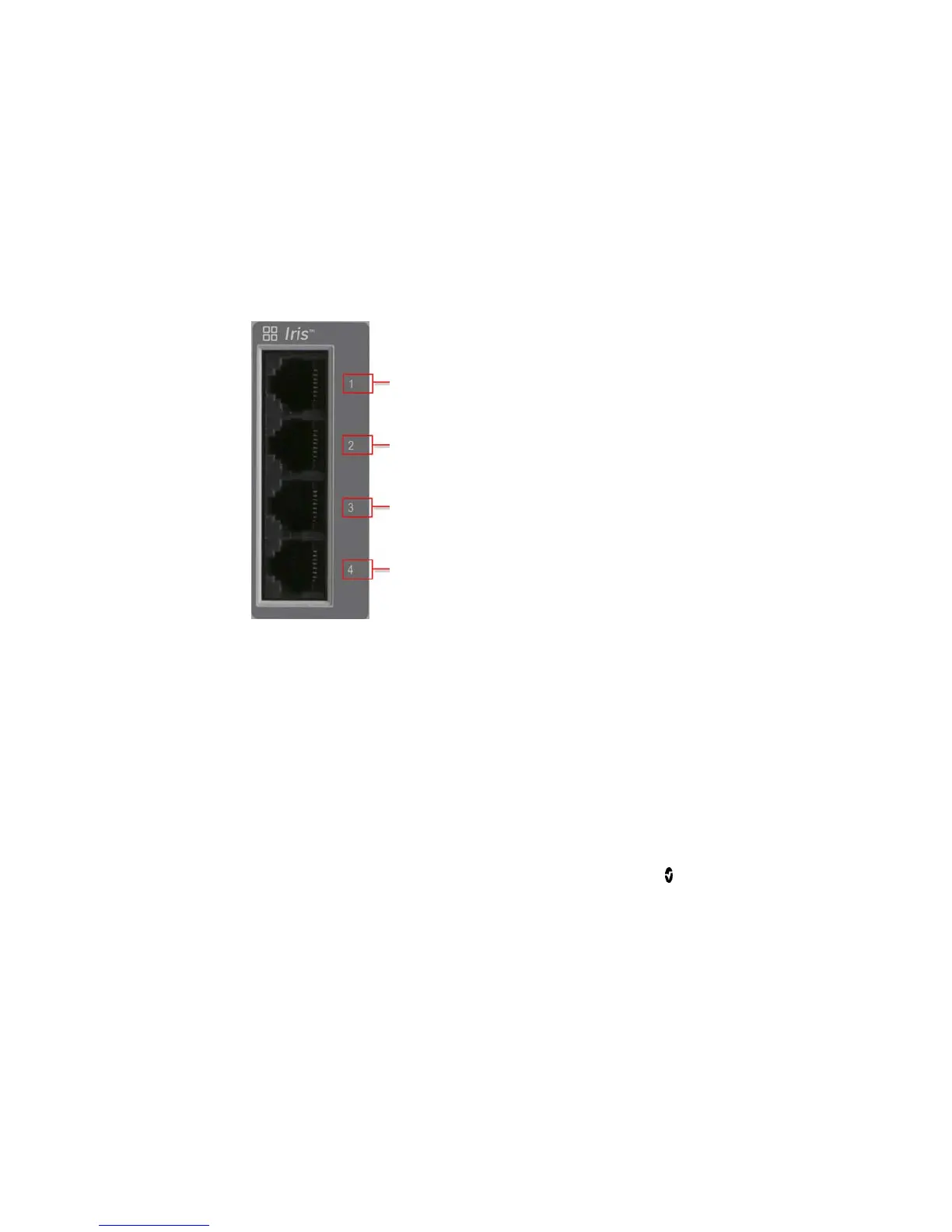
Using Iris Connectivity Ports
Use Iris Adapters and RJ-45 cables to connect standalone devices to Root.
Port 1
Port 2
Port 3
Port 4
To connect a standalone device via an Iris Connectivity Port:
1. Connect the RS-232 end of the Iris Adapter to the standalone device.
2. Connect the RJ-45 end of the Iris Adapter to any of the four (4)
compatible Iris Connectivity Ports on Root using a RJ-45 cable.



 To Next Page