Root Chapter 3- Operation
www.masimo.com 43
Masimo
Specific ranges of the Analog View are:
Ref. Feature Color Description
1
Normal Range White
Area of the display range where an alarm will not be
triggered.
2
Caution Range Yellow
Area of the display range that provides a caution
indicator.
3
Alarming
Range
Red
Area of the display range where an alarm will be
triggered.
Some ranges display as quarter circles, others display as half circles. A quarter circle
displays when the value has a physiologic normal level at one end of the range. A
half circle displays when the value has a physiologic normal level in the middle of
the display range.
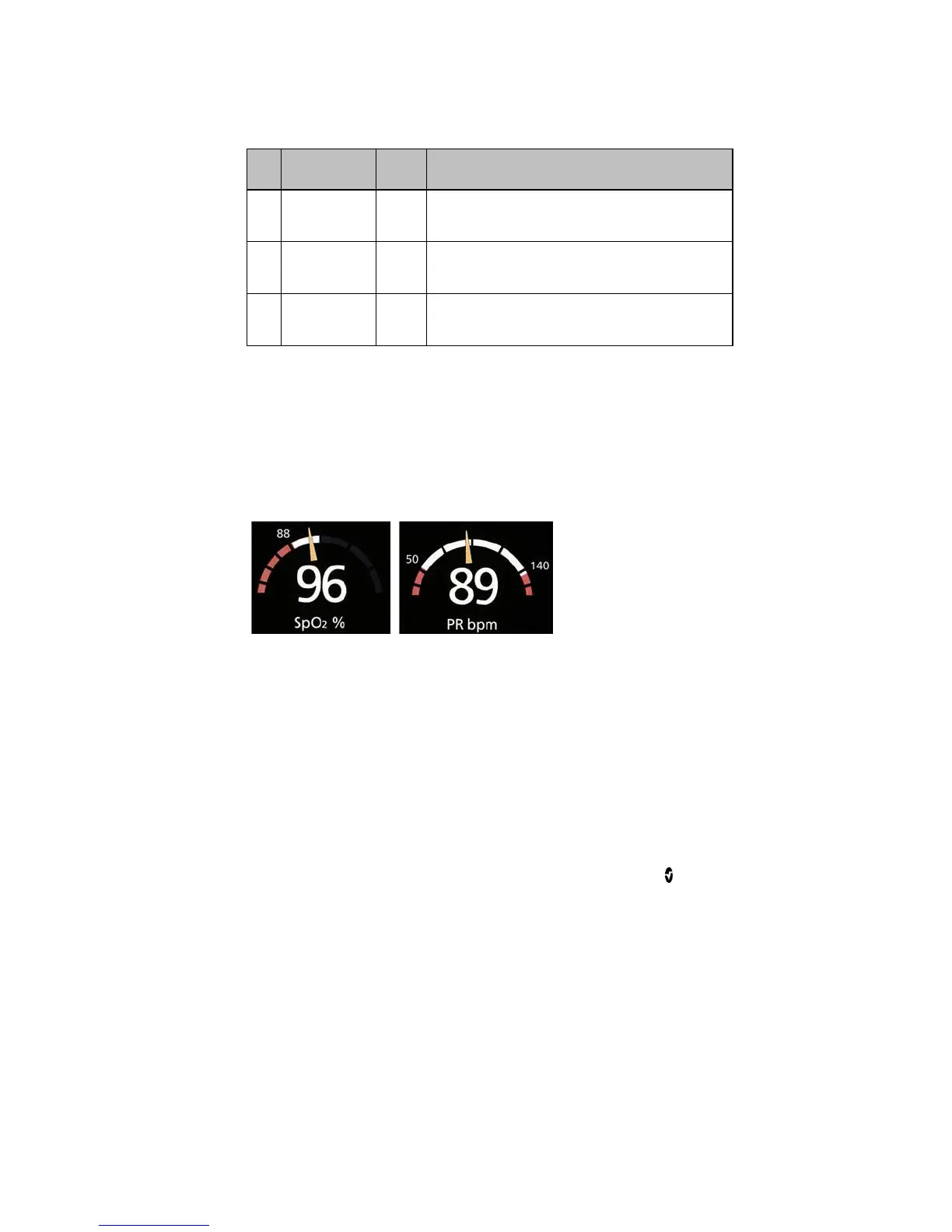
In the example below, the SpO
2
gauge is shown as a quarter circle, where values
lower than 88% will trigger an alarm, and the PR gauge is shown as a half circle,
where values below 50 bpm and above 140 bpm will trigger an alarm.
Quarter Circle Half Circle



 To Next Page