40 Administrator manual MK-TP(FP) MF (Edition 3) 2011
4.5.3 Configuring ports of scales
4.5.3.1 Configuring of Ethernet
Configuring of ports is similar to point 2.4.3.1.
4.5.3.2 Configuring RS-232.
RS-232 port can be configured to work with computer or barcode scanner.
4.5.4 On-line mode
In the on-line mode, scales transfer parameters for each transaction (the result of weighing, time for
weighing, PLU, etc.), immediately after its completion. Parameters are passed via interface RS232,
Ethernet, also on the flash memory card (if it’s inserted in the scales). The results of the transaction record
can be used for systematic analysis of turnover.
Clock
Memory
card
(4.5.5)
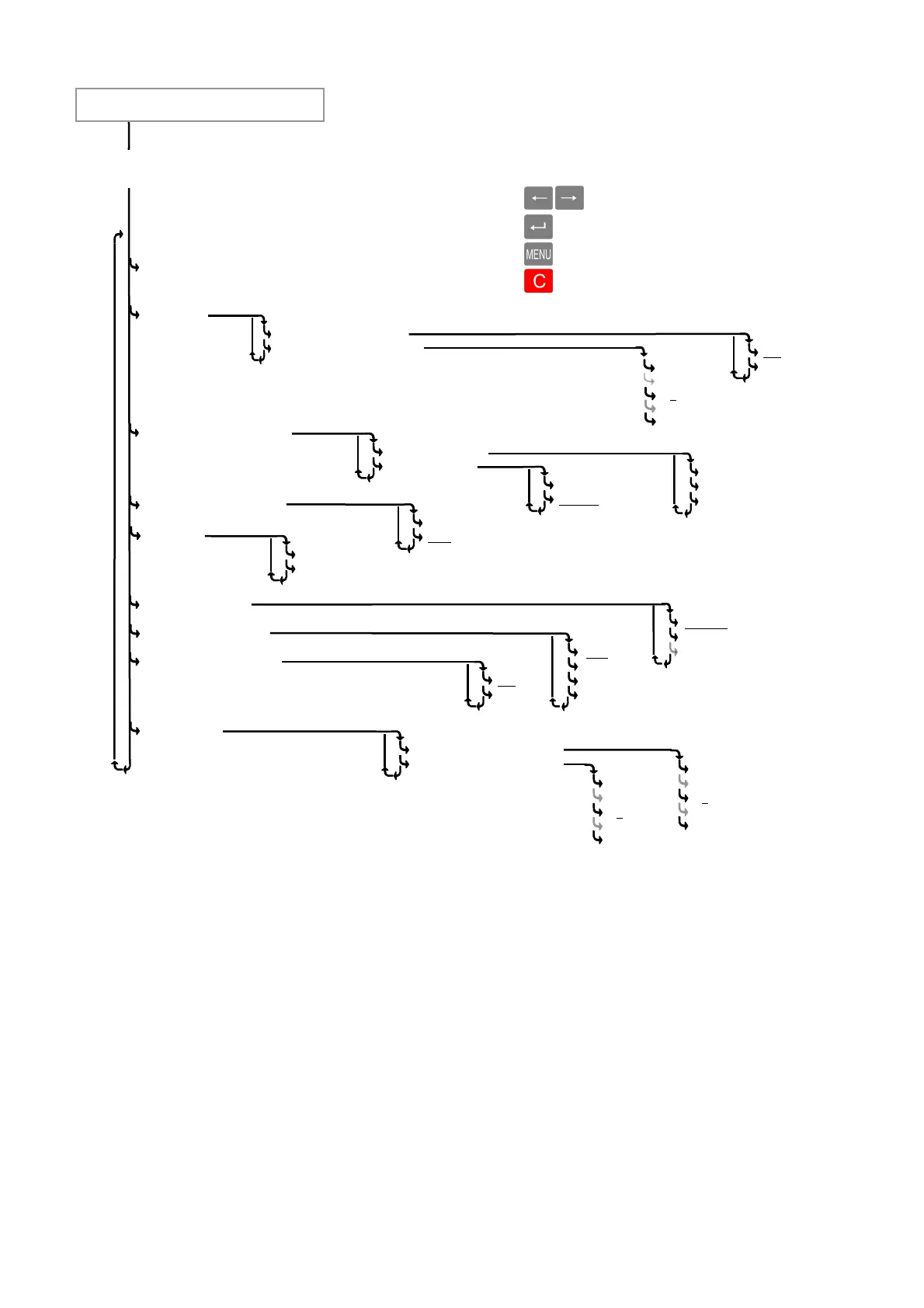
Fig. 22. Parameters setting menu
Using the keys:
- sorting menu items
- menu selection
- return on a higher level
- exit menu
Default parameters are underlined.
On-line mode (4.5.4)
Printing (4.5.2.1)
Contrast (4.5.2.2)
Ethernet (4.5.3.1)
RS-232 (4.5.3.2)
Save to card
Read from card
ON
OFF
Computer
Scanner
Backlight (4.5.9.1)
Contrast (4.5.9.2)
0
- - -
5
- - -
9
0
- - -
5
- - -
9
Русский
English
- - - - - - - - -
ON
OFF
IP-address
Subnet mask
Port
ON
OFF
0.00
0.000
0
0.0
Printer
Connections (4.5.3)
0
- - -
5
- - -
9
Language (4.5.6)
Price format (4.5.7)
Sound (4.5.8)
Display
Parameters
Administrator’s menu



 To Next Page