6 Administrator manual MK-TP(FP) MF (Edition 3) 2011
Introduction
Scales MK-TP (modification MF) provides several important functions that are used in commercial
and accounting operations.
MK-TP scales are the multifunctional device. For changing functions of scales you need to set up
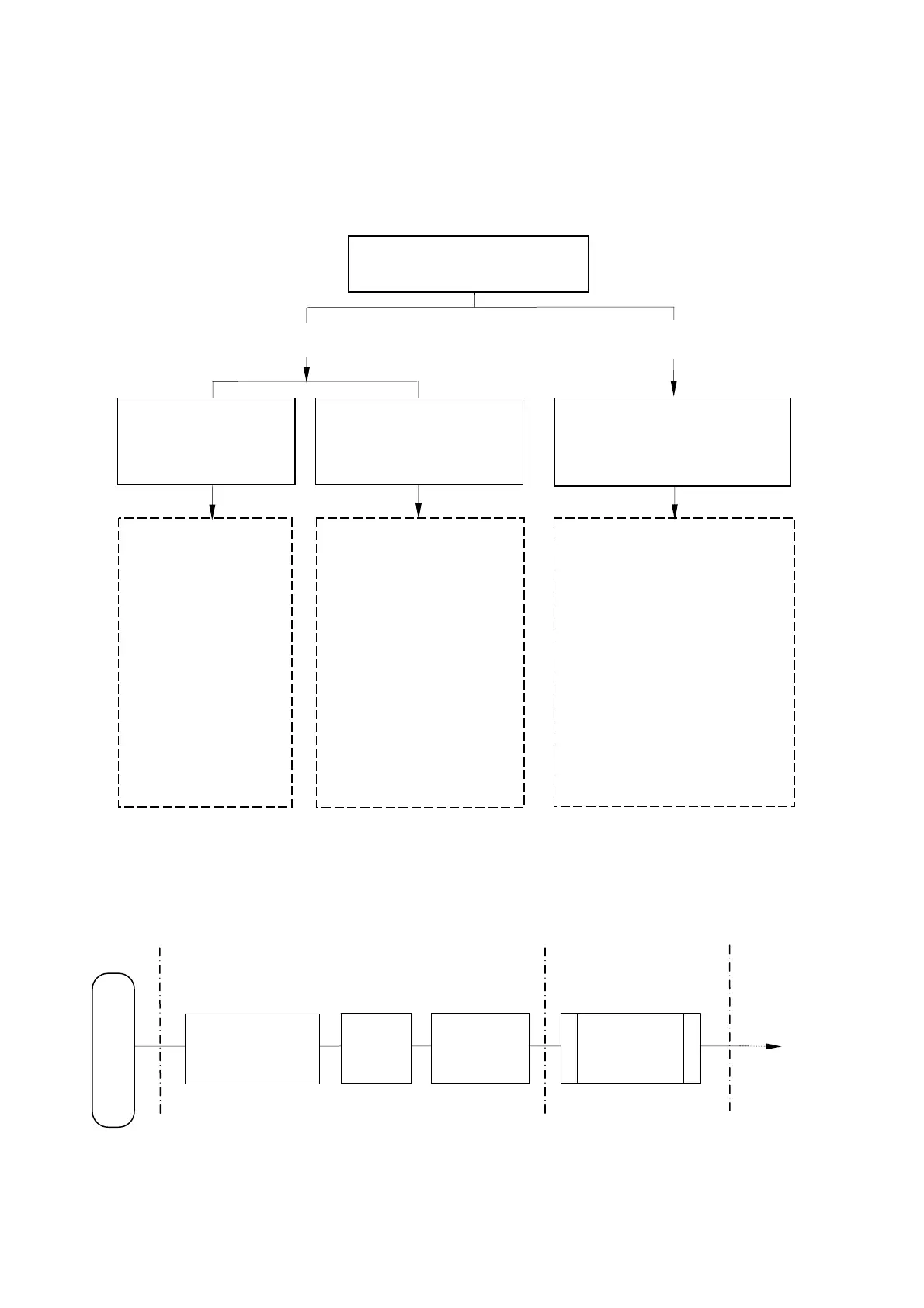
appropriate mode of work (Fig. 1).
Fig. 1. Modes of work for MK-TP scales
* There is no TPS mode in packing scales.
Work in all modes consists of two phases: programming the scales and the work itself directly with
the items (Fig 2).
N o t e - To use the scales modification MF, instead of earlier versions, you must set the
PROFESSIONAL.
Scales work
(for operator)
Fig 2 Basic steps for operating MK-TP scales
Start of operations
Work with items
Scales programming
(for administrator)
Label (ticket) pro-
gramming
Input
base of
items
Parameters
setting
Printing scales
MK-TP
Purpose – calculation with buyers.
• Create your own label
designs.
• Large library of standard
labels.
• Print logo, certification
mark, graphics.
• 10 print font for text data
• Building networks of
scales having different for-
mat of labels.
• Printing the total labels.
• Automatic setting
label format.
• Ability to enter the
base of items from
scales’ keyboard.
• Easy scales pro-
gramming.
• Calculation the cost of weight
and piece items
• Calculation of the total sum,
change calculation.
• Creation and printing of tickets.
• Creation and printing reporting
documents:
- report on the sold items per day,
per month;
- intermediate report on revenue(X
- report);
- total report on revenue (Z - re-
port).
• Separate accounting for 8 Sell-
ers
Purpose – Item’s marking.
PROFESSIONAL mode
(Professional labels printing)
LITE mode
(Simple labels printing)
TPS* mode
(ticket printing mode: payment
with customer, ticket printing)



 To Next Page