46 Administrator manual MK-TP(FP) MF (Edition 3) 2011
4.7.1 Cancel purchase
Purchase registration could be canceled until ticket closing. Enter to operator’s menu, select “Cancel
purchase”. You will see number, price and cost of last registered item on the indicator. Press and hold
button for see the name of the product. By , button select item. For cancel registration
press button. You could cancel all registration.
N o t e - In simultaneous work scales asks to identify the seller, who cancel purchase (press А, В, С
or D button).
4.7.2 Refund
Refund of purchase is made by following way.
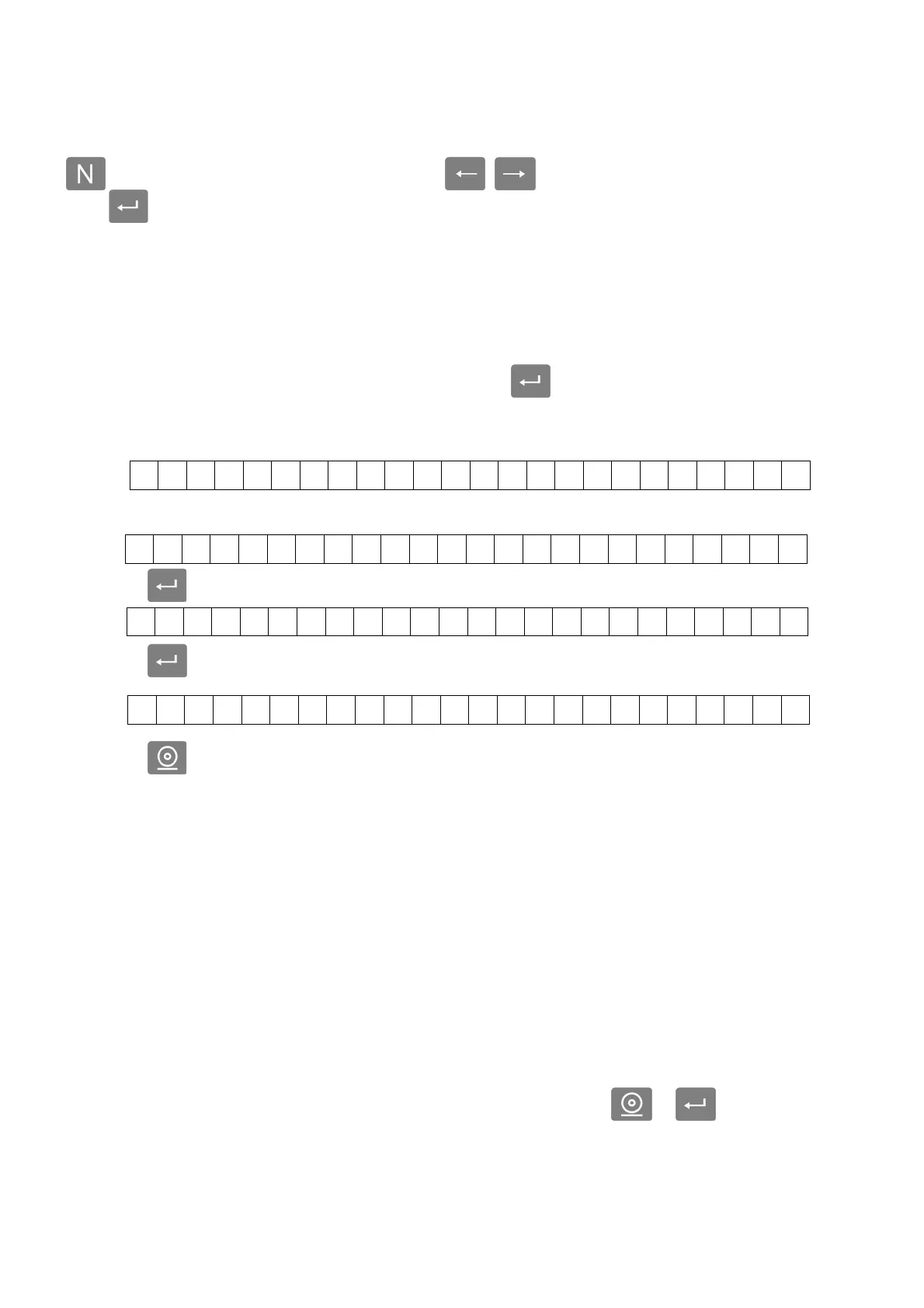
In Operator’s menu, select “Cancel purchase”, press button. Scales enter to operating mode,
with a sign of return “#” on the first familiarity of indicator.
Select item the same way like in operating mode (for non-programmed item set the price).
Press button. By keyboard set the weight or number of pieces.
Press button; make sure that returned purchase is entered correctly.
Press button, scales will print refund ticket and go to operating mode.
Weight (quantity) of refund item is checked off from total sales of item. In X-report and Z-report
you will see refund row.
Notes
1 When you refund a preprogrammed item, the refund will be counted in “Report on sold goods (per
day and per month)”.
2 In simultaneous work scales asks to identify the seller, who makes a return (press А, В, С or D
button).
4.7.3 Report on sold goods
The report show sale of items for current day, from 00:00 hours until the moment generated (or for
current month, from 00:00 hours the first day of the month until the moment generated).
The report includes time and date of generation, name and quantity of sold items.
For printing a report select this report in Operator’s menu and press or button.
4.7.4 Z - report
Total report of receipts per shift is printed taken once per shift. This report close shift, zeroing mem-
ory of receipt for all operators. The report includes unique number, date and time of report, receipt and
WEIGHT - kg 0 NET UNIT PRICE - eur/kg TOTAL PRICE-eur
# 0 . 0 0 0 0 . 0 0 0 . 0 0
# 0 . 0 00 1 3 0. 2 0 0 . 00
K g : 0 . 3 2 0
# 0 . 3 2 0 1 3 0. 2 0 4 1 . 6 6



 To Next Page