12
links) schaltet die Lichtfunktion der aktuell
gesteuertenLokeinundaus.DieLichtfunktion
wirdvondenFunktionenF1bisF28unab-
hängig betrachtet und wird daher hier separat
behandelt.InderMittelstellungdesDrehknopfs
stehtdieLok.DieFahrstufe000wirdimDisplay
angezeigt.DieFahrtrichtungderLokwirddurch
denPfeilvorderFahrstufenzahlangezeigt.Die
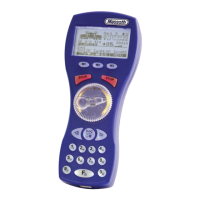
Funktionen lösen Sie mit den Funktionstasten
1 bis 8 aus. Empfängt die Lok hingegen serielle
Funktionen, so blinkt die Funktion F1 mehrmals
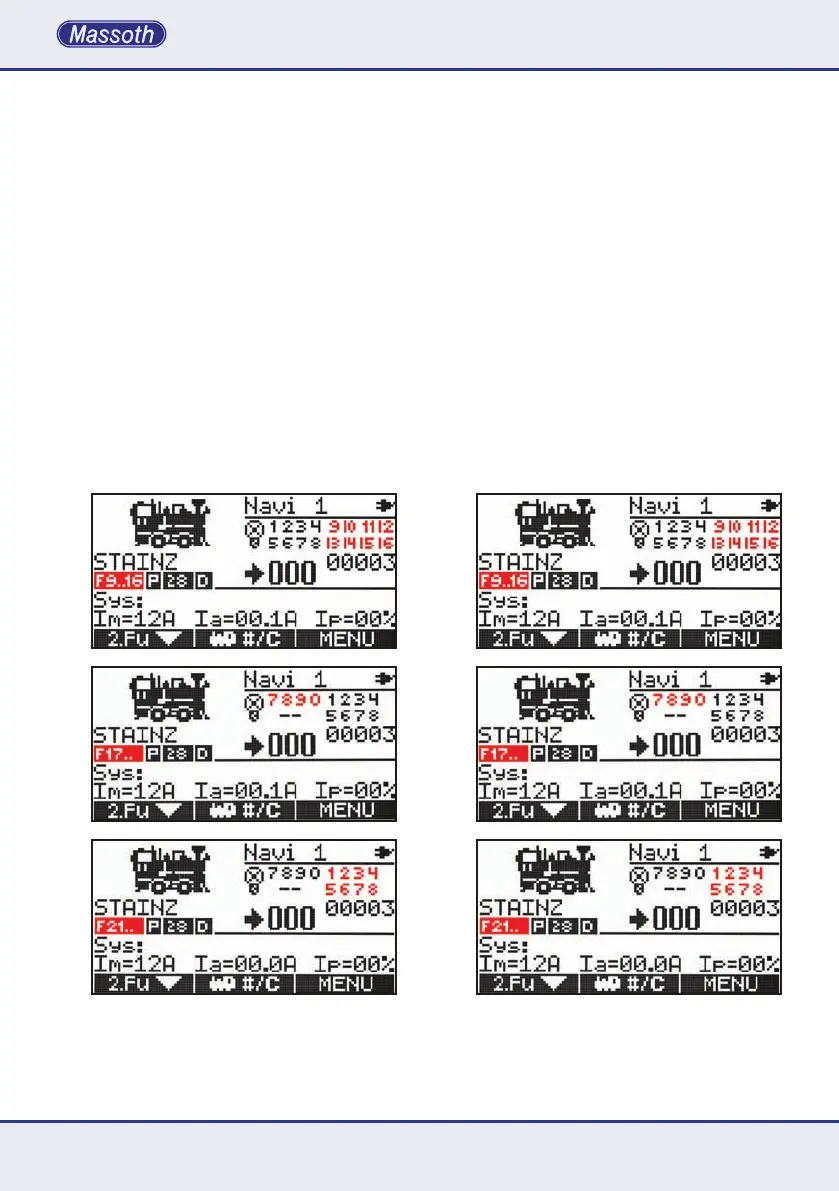
auf. Mit der Taste F schalten Sie die Funktions-
ebenenvonF1...F8aufdieFunktionenF9...F16,
F17...F20 und F21...F28. Im Funktionsbereich
F17...F20sindauchdieBinaryStatesvon30-99
perEingabeverfügbar.Durchnochmaliges
drücken der Taste F, werden die Funktionstasten
wieder auf die Funktionen 1 bis 8 zurückgestellt.
The light function is independent from F1 to F28
and is operated separately. If the wheel knob
isincenteredpositionthelocomotivestands.
Speed step 000 is shown in the display. The
drivingdirectionofthelocomotiveisshown
with the arrows in front of the speed steps.
Functions are triggered with the keys F1 to F8.
Ifalocomotiveisoperatedwithserialfunctions
theF1functionwillashasmanytimesas
the triggered function. Use the F key to switch
the function layers from F1...F8 to F9...F16,
F17...F20 and F21...F28. The function mode
F17...F20 also offers the binary state function
operation from 30...99 by entering the function
address with the keyboard. Use the F key as
oftenasrequiredtonallyreturntoF1...F8.


 To Next Page