20
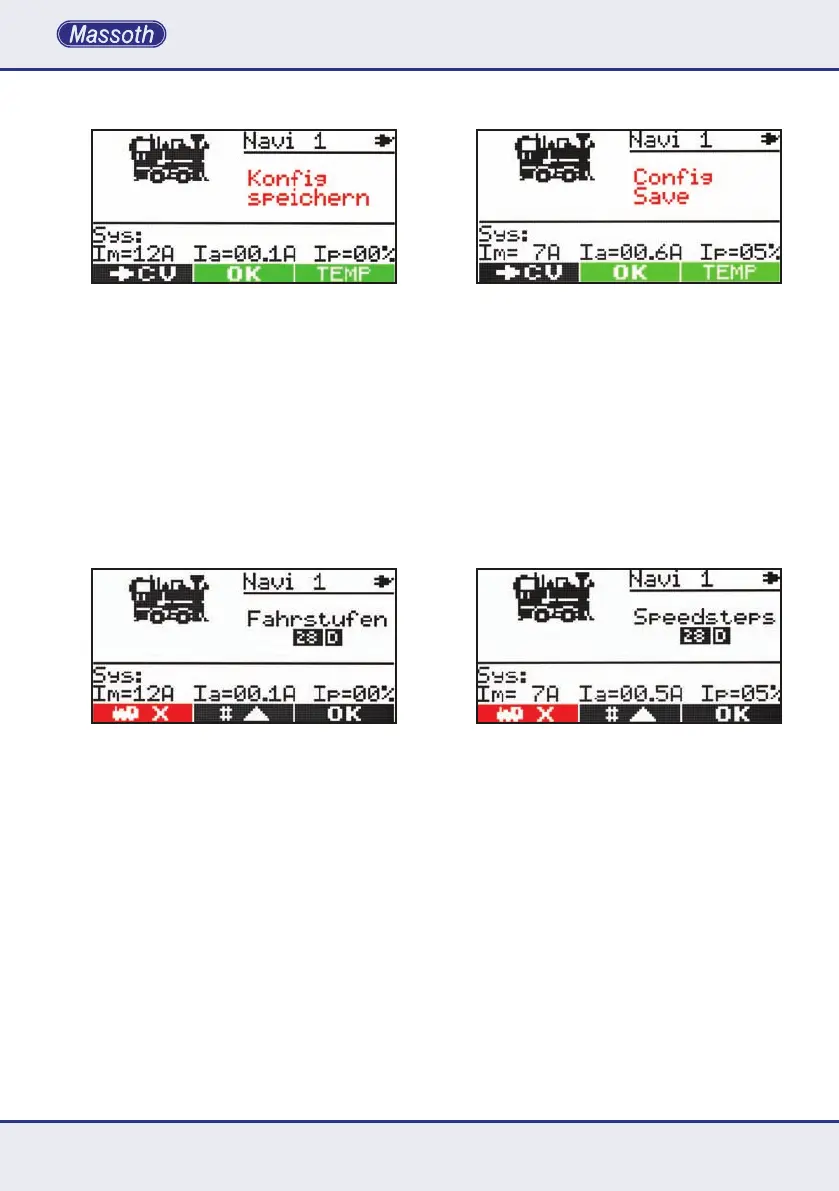
3.5.6. Lokkongurationspeichern
SpeichenSiehierdieKongurationIhrer
Lokomotiveab.MitM2werdendieDaten
permanent übernommen und sind beim
nächsten Einschalten der Zentrale auch noch
vorhanden.SpeichernSiedieDatendagegen
nur temporär mit M3,sosinddieDatendieser
LokomotivenurwährenddiesesSpielzyklu-
sesvorhanden.WirddieZentralezueinem
späteren Zeitpunkt erneut eingeschaltet, sind
dieseDatennichtmehrvorhanden.Sinddie
DatenderLokomotivegespeichert,gelan-
gen Sie direkt wieder in den Fahrmodus.
3.5.7. Lokadresse löschen
DurchlangesDrückenderTasteM2 gelangen
SieindasLokKongurationsmenü.Imersten
KongurationsfensterhabenSiedieMöglichkeit
einenichtmehrbenötigteLokzulöschen.Durch
DrückenvonM1 wird die aktuelle Lok gelöscht.
Nun müssen Sie mit M1 oder M2 wieder eine
neue Lok auswählen und mit M3 bestätigen.
4. Die 2. Funktionsebene
DerDiMAXNavigatorbietetnebenderHaupt-
funktion zur Loksteuerung eine zweite Ebene
fürverschiedeneFunktionen.Sokannmanmit
demDrehreglereineLoksteuernundzusätzlich
Weichen oder Fahrstraßen schalten oder sogar
einezweiteLoksteuern.DiezweiteSteuerfunk-
tion des Handreglers wird mit den drei Tasten
unterhalbdesrundenDrehknopfsgesteuert.
3.5.6. SavingtheLococonguration
SavingthelococongurationwithM2(OK)
willstorethespecicationspermanentlyin
theNavigator.Afterturningonthesystem
againthecongurationisstillavailable.Ifthe
congurationissavedwithM3(TEMP),the
congurationisstoredtemporarilyonly.This
meansthatthelocodetailsareonlyavailable
until the system is shut off. When the Central
station is switched on again, these details
willnotbeavailableanymore.Aftersaving
thecongurationtheNavigatorwillshow
thestandarddrivingscreenautomatically.
3.5.7. Deleting a loco address
Holding M2 long (three seconds) will load the
lococongurationmode.Therstcongura-
tionpageprovidesafunctiontodeletelocos
that are not required anymore. Holding M1
willdeletetheactivelocofromtheNaviga-
tor. Afterwards a new loco can be selected
with M1 and M2andconrmedwithM3.
4. The secondary function layer
Besidesthestandardlocomotivecontrol
withthedialknob,theNavigatorsupportsa
secondary function layer for different functions.
Thisallowsoperatingalocomotivewiththe
dial knob while turnouts or turnout routes are
controlled.Evenasecondlocomotivecanbe
operated. The secondary function is controlled
with the three keys below the dial know.



 To Next Page