25
vorhanden,sowirddiesmiteinemX hinter
der Adresse angezeigt. Ebenso, wenn eine
dieser Loks durch einen anderen Benutzer
belegt ist. Geben Sie in diesem Fall die belegte
LokfreioderkongurierenSiedieseneu.
DieHauptfunktiondesNavigatorskann
zwischen dem Steuern einer Lok oder Traktion
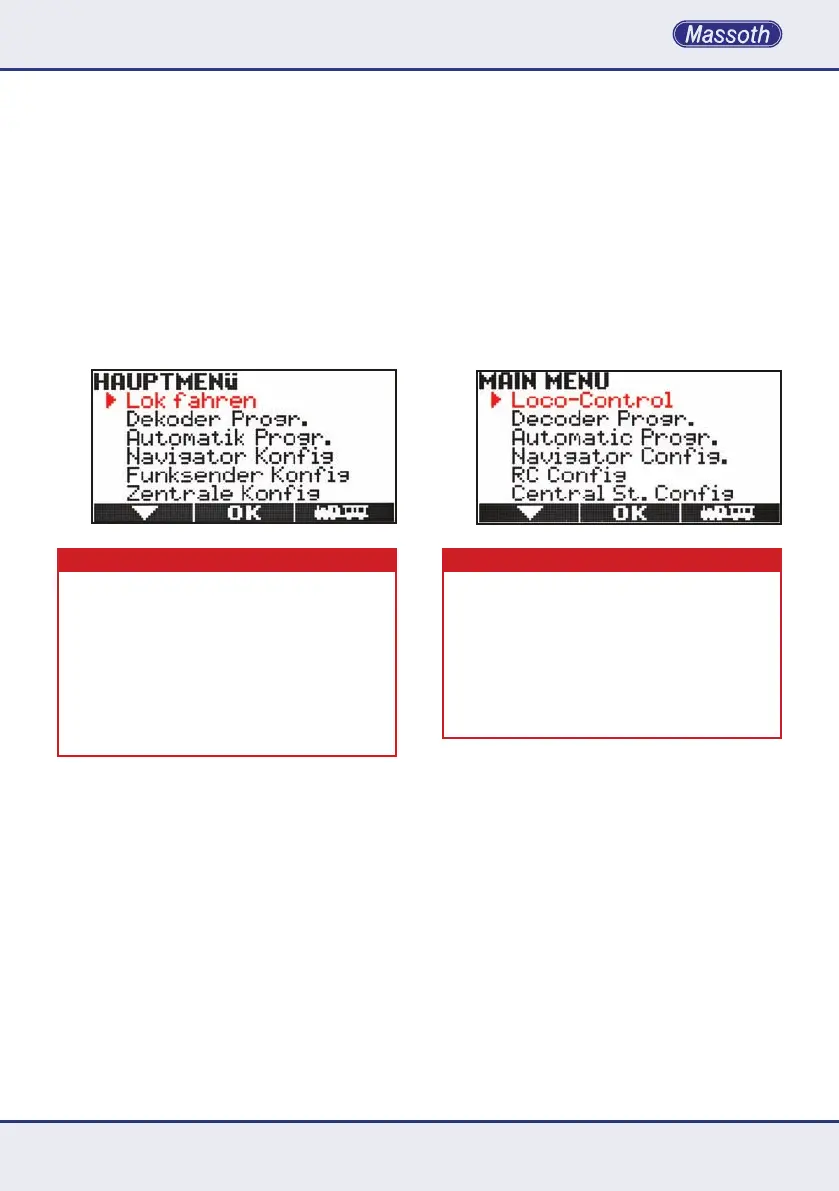
umgeschaltetwerden.DasMenüzeigtander
ersten Stelle anschließend nicht mehr die
OptionLoktraktionsondernLokfahren.Damit
kehren Sie in den normalen Lokmodus zurück.
WICHTIGER HINWEIS
Bei der Verwendung einer Traktion ist es zwingend
notwendig, dass alle Loks mit den gleichen Eigen-
schafteninderLokkongurationangelegtsind.Das
bedeutet, alle Loks müssen mit der gleichen Fahrstu-
fenanzahl und parallel programmiert sein. Ist dies nicht
der Fall, kann die Traktion nicht genutzt werden und
wirdabgebrochen.AußerdemmussjedeLokinder
Zentralebekanntsein,dasvorhandenseinimNaviga-
toristnichtausreichend.Dahersolltevorstartender
TraktionjedeLokeinmaleinzelnaufgerufenwerden.
thatareassignedtotheNavigatorofotherusers
onthesamelayout.Inthiscasetheactiveloco-
motiveneedstobereleasedorrecongured.
ThemainfunctionoftheNavigatorcanbe
switched from single loco operation to consist
operation.Whenconsistisselectedtherst
option in the menu (M3) shows Loco-Control.
This returns to single loco operation.
IMPORTANT NOTE
Whenaconsistisactivateditisrequiredthatalllocos
areconguredwiththesamesettings.Thisapplies
forthespeedstepcongurationandparallelfunction
commands. If this is not the case, the consist cannot be
activatedandwillbecanceled.Itisalsorequiredthatall
locos of the consist do exist in the central station. It is
notsufcientthatthelocosarestoredintheNavigator.
Therefore it is highly recommended to load all consist
locos separately in the single loco operation mode.



 To Next Page