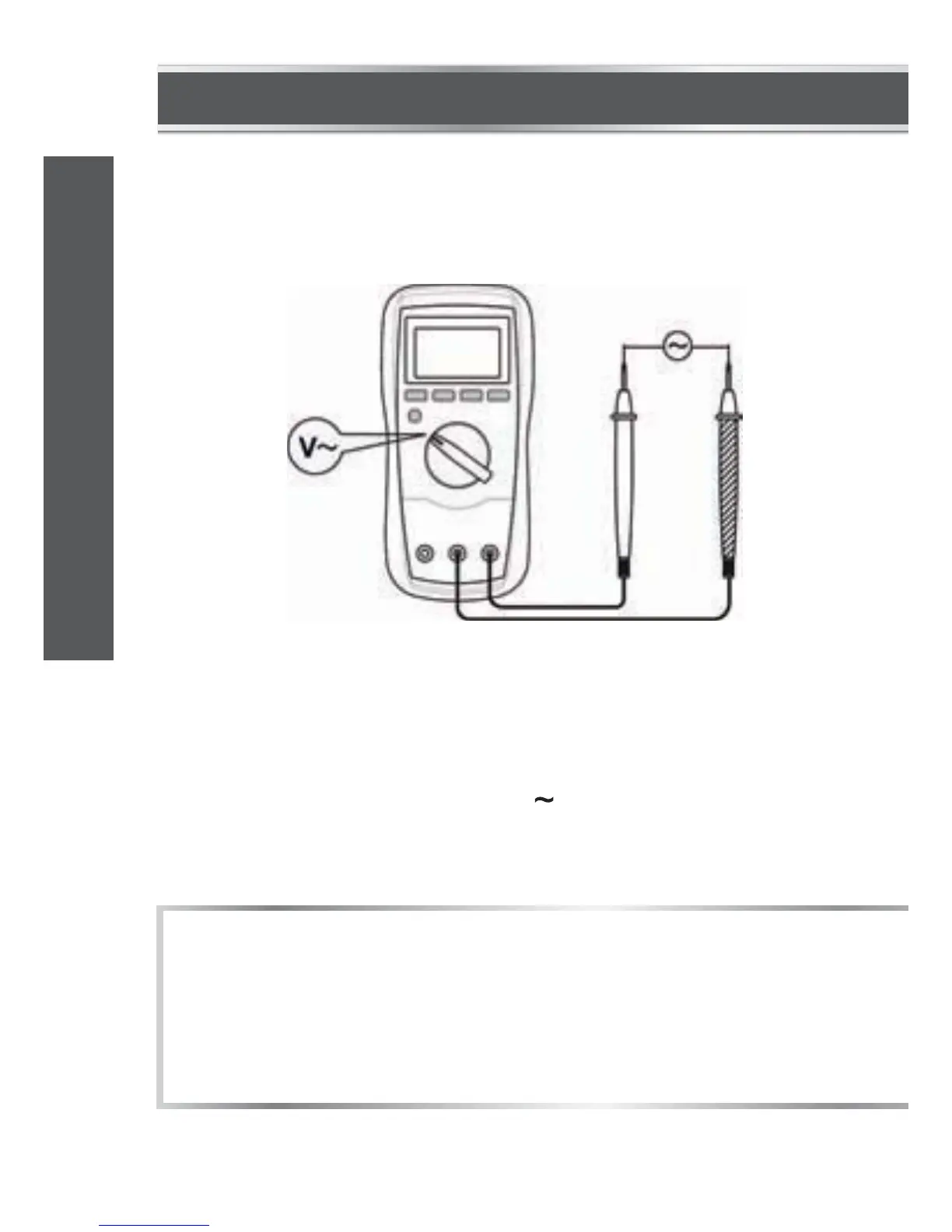
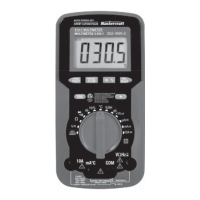
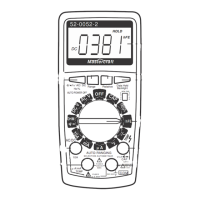
MEASURING AC VOLTAGE
1.
2.
3.
4.
Connect the black test lead to the "COM" terminal and the red
test lead to the "INPUT" terminal.
Set the function switch to the V position.
Connect the test leads across the source or circuit to be tested.
Read the reading on the display.
1.
2.
NOTE:
To avoid electric shock to you or damage to the meter, do not
apply a voltage higher than 600 V between terminals.
In manual range mode, when the display shows “OL”, a higher
range should be selected.
model no. 052-0052-2 | contact us 1-800-689-9928
21
OPERATING INSTRUCTIONS


 To Next Page