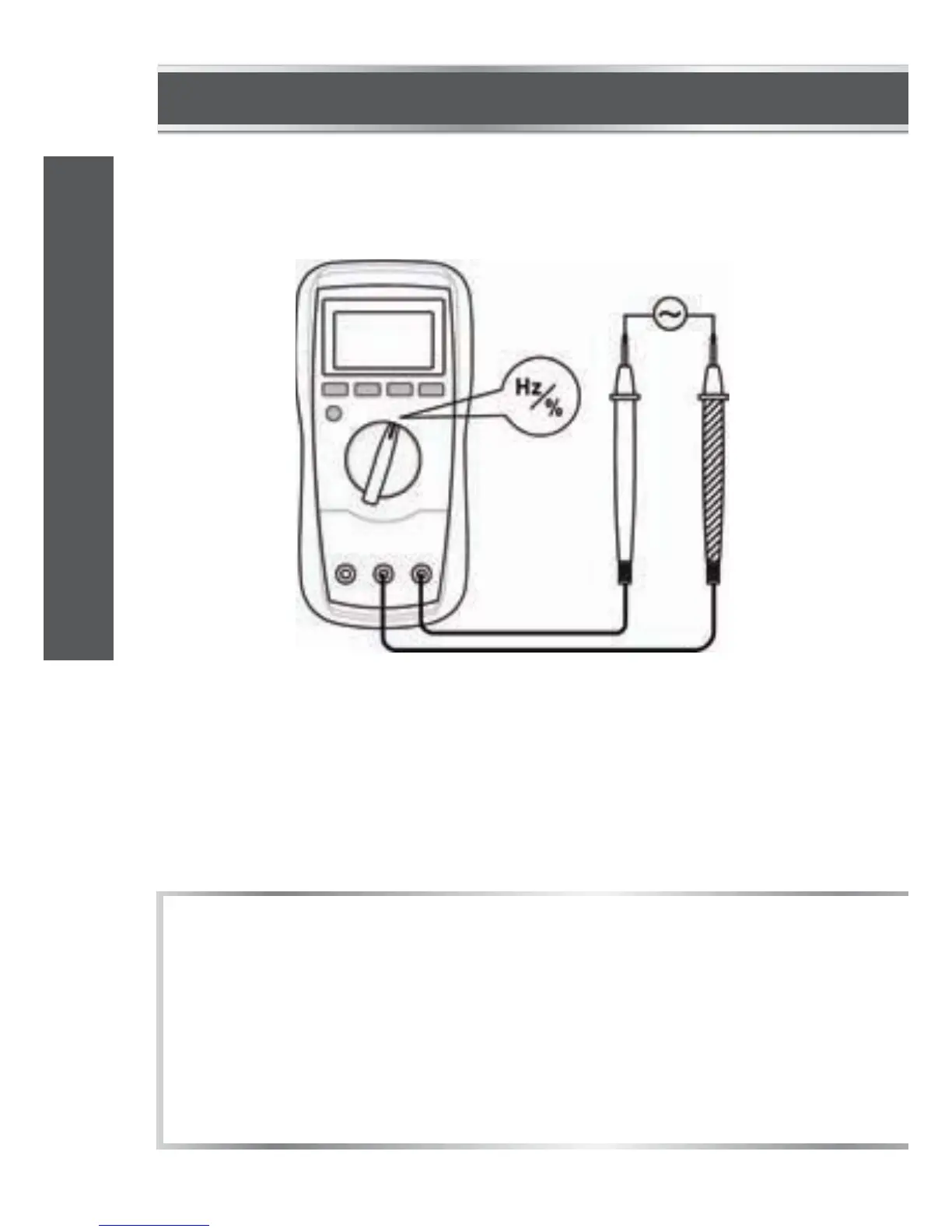
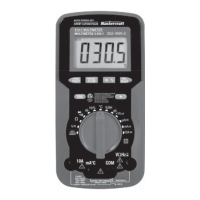
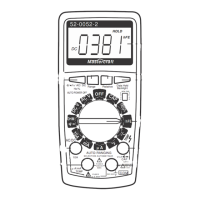
MEASURING FREQUENCY
1.
2.
3.
4.
Connect the black test lead to the "COM" terminal and the red
test lead to the "INPUT" terminal.
Set the function switch to Hz/% position. Then press the "Hz %"
button until the display shows "Hz".
Connect the test leads across the source or circuit to be tested.
Read the reading on the display.
1.
2.
3.
For frequency measurements, the range exchange is automatic,
and measurement range is: 0 – 10 MHz.
The voltage of input signal should be between 1 and 20 V RMS
.
The higher the frequency, the higher the required input voltage.
For measurements < 10 Hz, the amplitude of input signal must
be more than 2 V RMS.
NOTE:
model no. 052-0052-2 | contact us 1-800-689-9928
27
OPERATING INSTRUCTIONS


 To Next Page