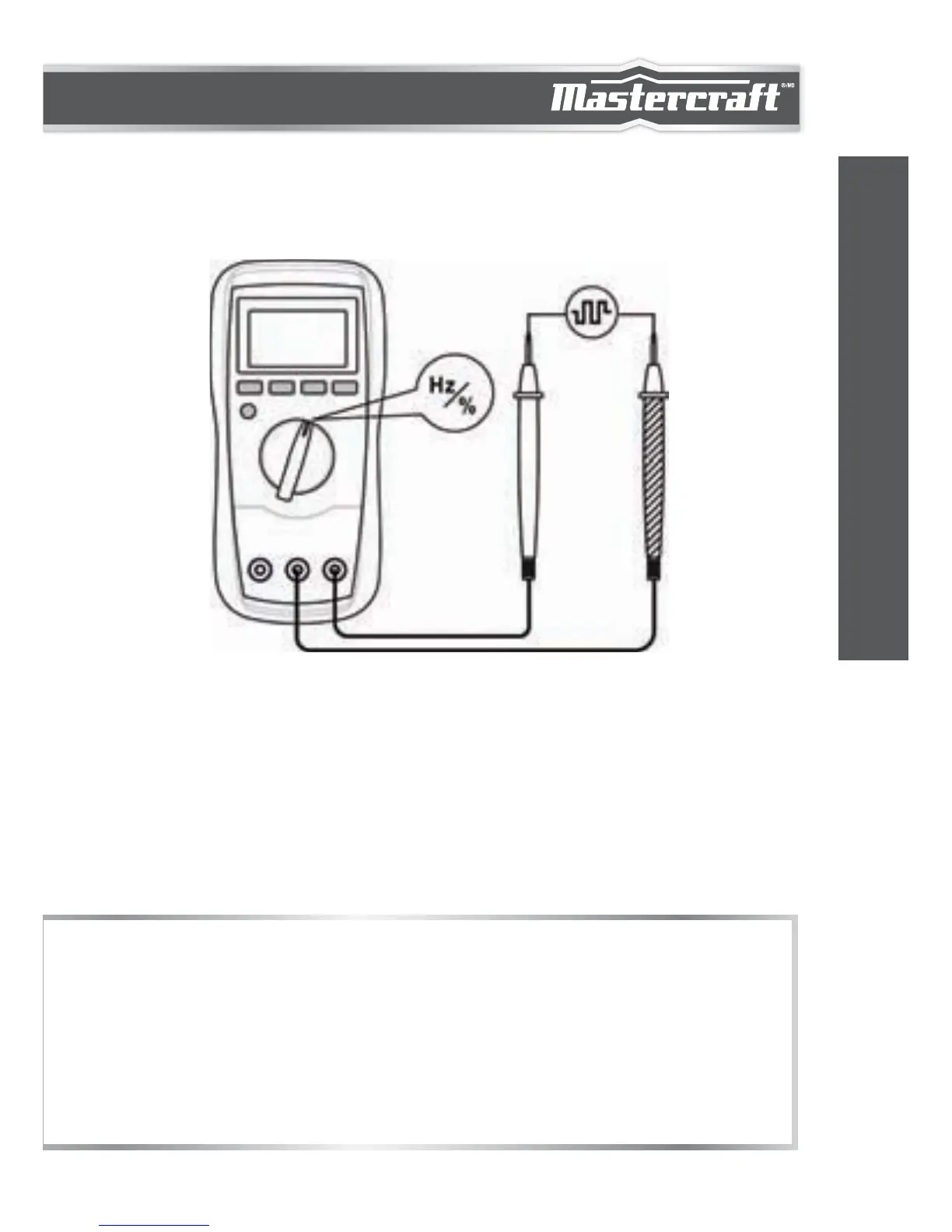
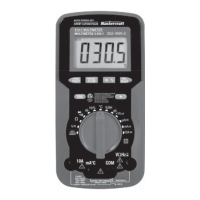
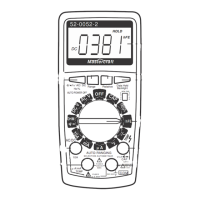
MEASURING DUTY CYCLE
1.
2.
3.
4.
5.
Connect the black test lead to the "COM" terminal and the red
test lead to the "INPUT" terminal.
Set the function switch to Hz/% position.
Press the "Hz %" button until the display shows "%".
Connect the test leads to the circuit to be tested.
The reading on the display is the duty cycle value of the square
wave being measured.
1.
2.
The voltage of the input signal should be between 4 and 10 V
P-P.
After you remove the measured signal, its reading may still
remain on the display. Pressing the "Hz %" button twice will
zero the display.
NOTE:
28
OPERATING INSTRUCTIONS


 To Next Page