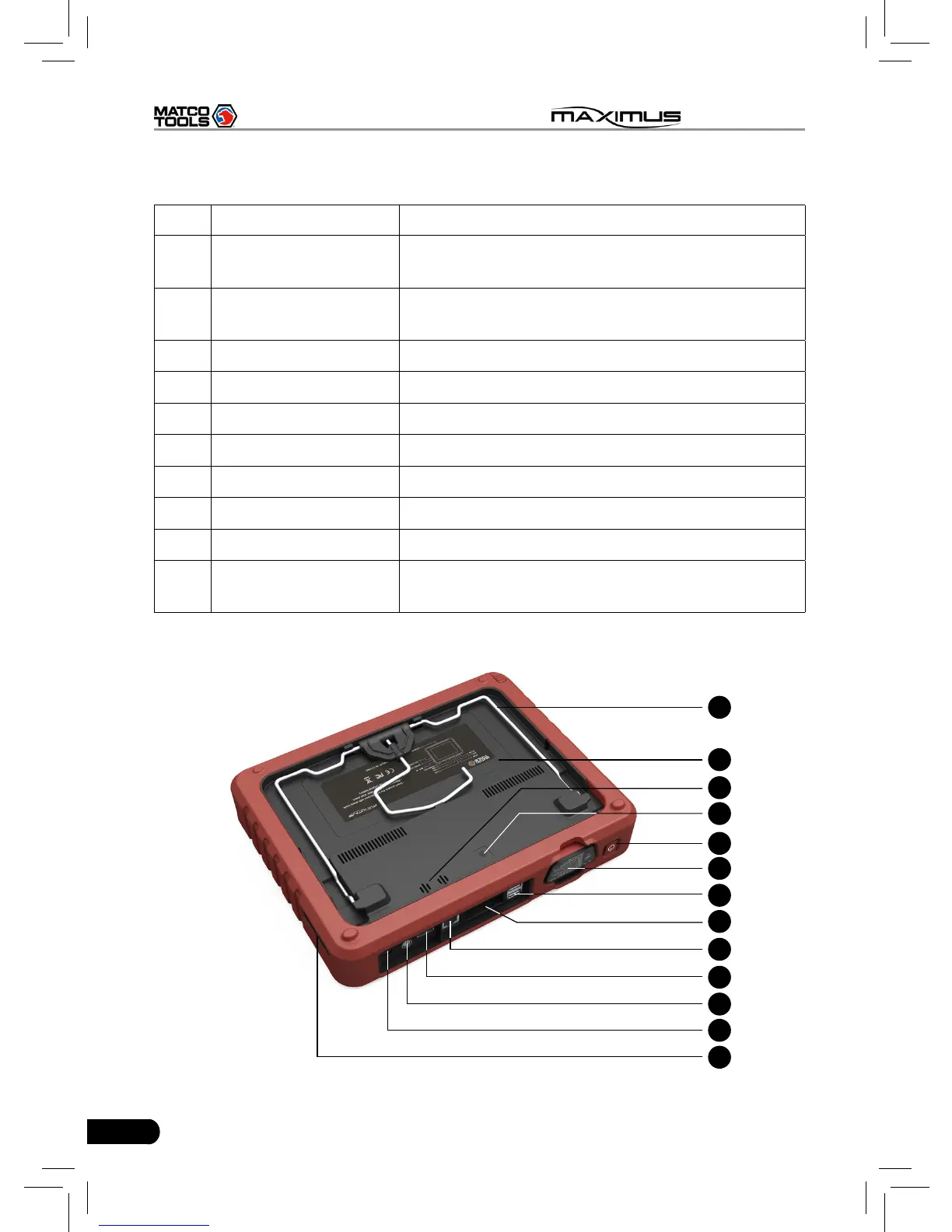
Table 2-1 formulates interfaces and indicators of MAXIMUS(front)
No. Name Descriptions
1 Touch screen
Color touch screen for displaying. On-screen
keyboard and handwriting input are supported.
2
Communication
indicator
It flashes while MAXIMUS communicates with
the included diagnostic connector.
3 Power indicator It lights up while MAXIMUS is on or in use.
4 Audio in port To connect audio device, such as amplier.
5 Audio out port To connect earphone
6 Air intake vent
7 SD card slot To store SD card
8 Microphone
9 Stylus For clicking operation
10 Charging slot
Place MAXIMUS on the docking station for
charing.
2.1.2 Rear view
11
12
14
13
15
16
17
18
19
20
21
22
23



 To Next Page