8
SD card
(optional)
1 For extending memory
9
OBD II
extension
cable
1
2.4 Getting to know MAXIMUS
2.4.1 Powering on MAXIMUS
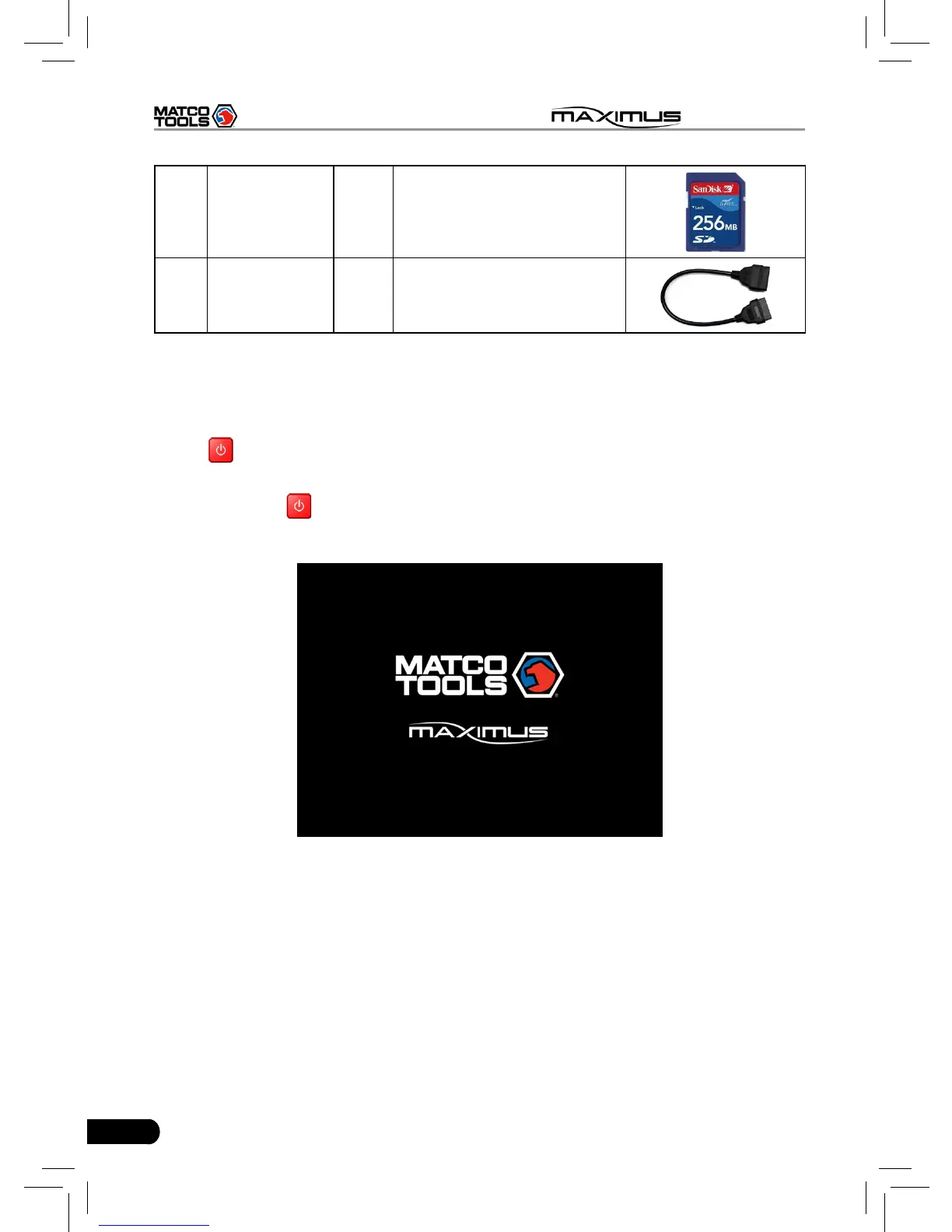
Press on the MAXIMUS to turn it on, the screen will begin to initialize, as
shown in Fig.2-2.
Note: Pressing
for 8 seconds can power it off. Doing so is not suggested,
please click "Exit system" on the main menu to turn it off.
Fig. 2-2
After the system completes initializing, a message "Please register this unit
with LAUNCH before continuing. (An active internet connection is required)" will
appear on the screen. To register, click "Register it now" to enter registration
interface(For detailed on how to register, please refer to Chapter 8 Update. If
you have registered, this dialog box will not appear.); click "Register it later" to
register later and it will enter the main menu screen.



 To Next Page