3.3 How to diagnose
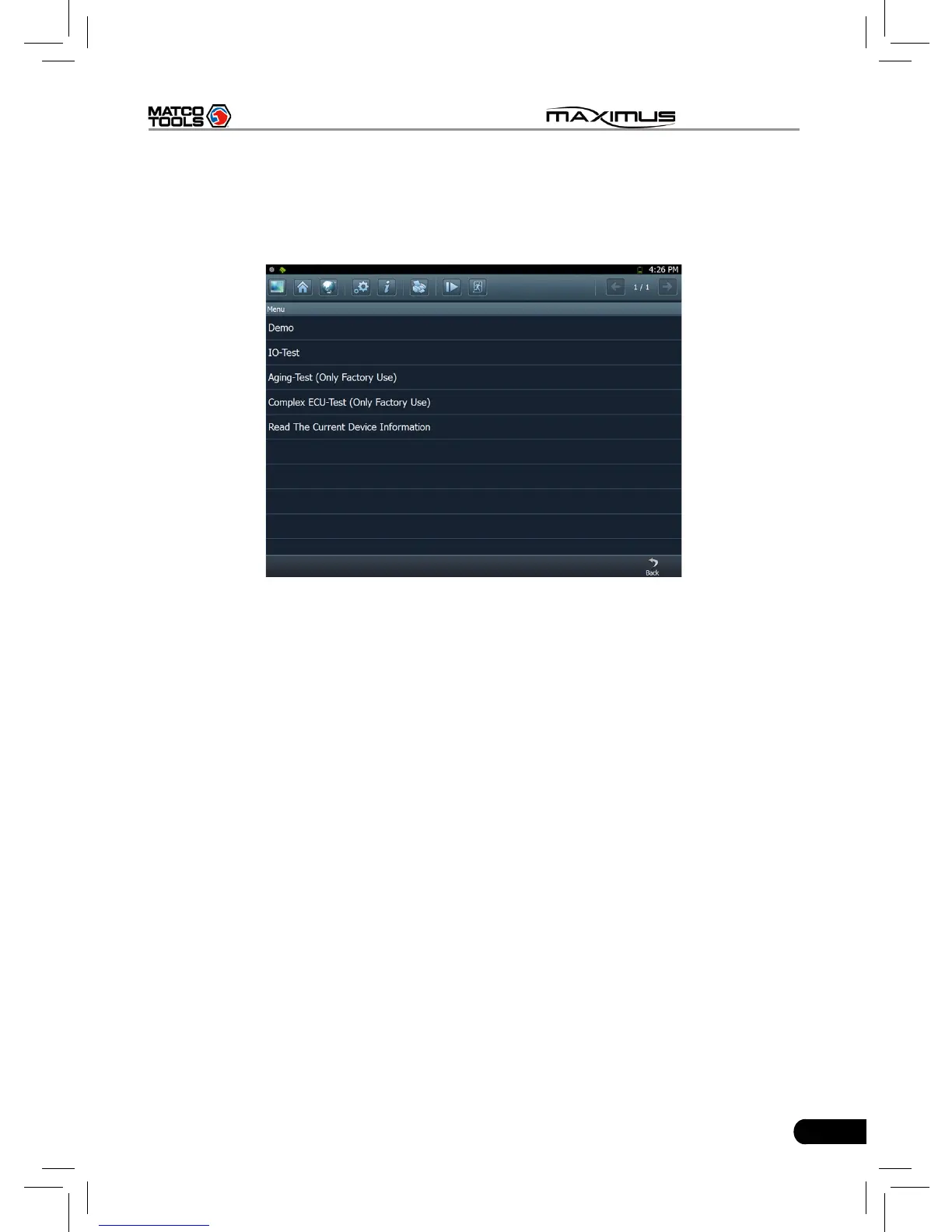
Click “DEMO” (in Common) on the vehicle selection menu, the screen will
display the main menu for DEMO diagnosis program, as shown in Fig. 3-7.
Fig. 3-7
Note: The operations for other models, series and systems are similar to “DEMO”.
Please refer to the relevant operation interface for details. Here only take the
“DEMO” for an example.
Note: Diagnosing different vehicles has the same operation steps (including the
test model, system, model year and the DLC selection options), please follow
the on-screen instructions to proceed.
Click “DEMO”, a screen similar to Fig. 3-8 will appear.



 To Next Page