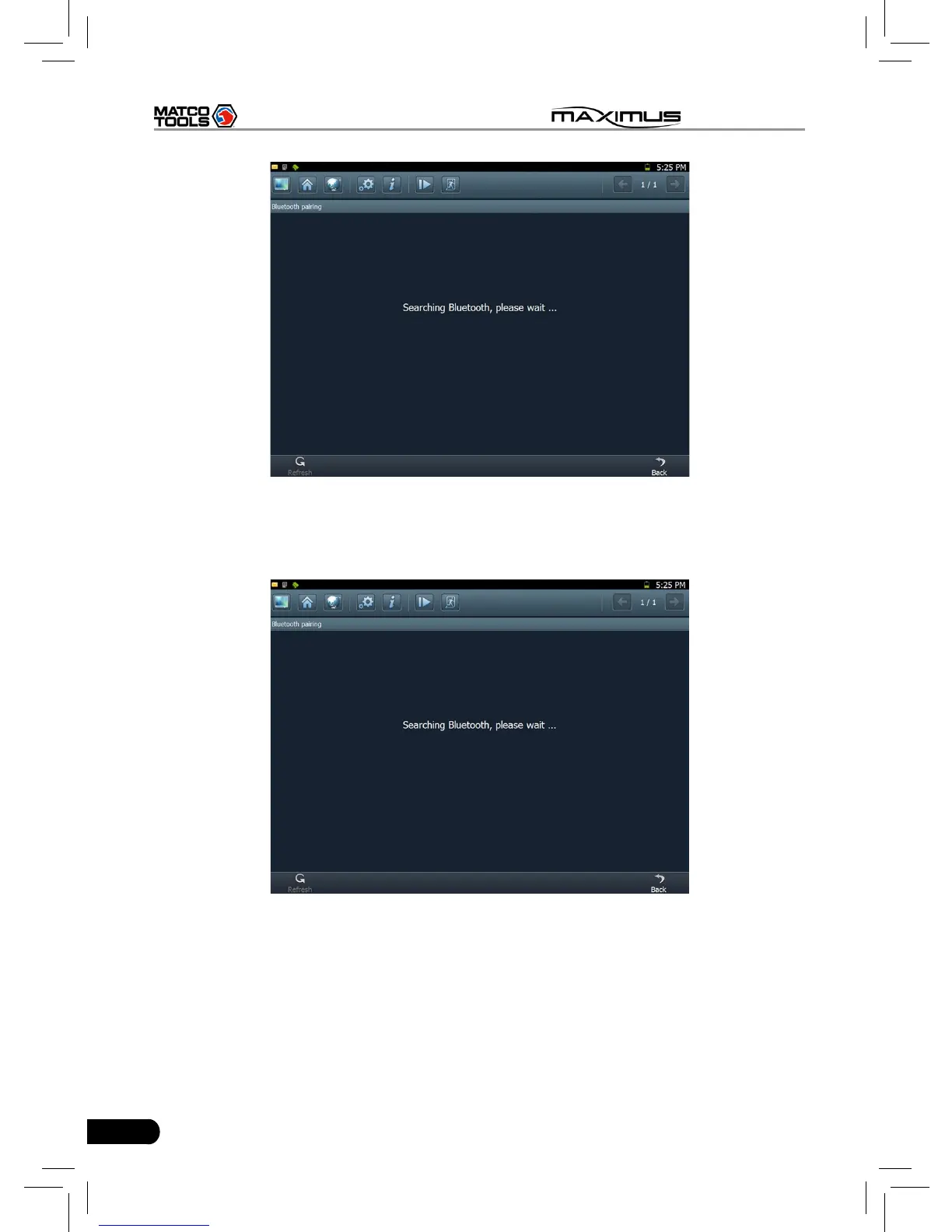
Fig. 3-5
After searching, a list of bluetooth devices (Bluetooth device’s name starts with
Series No. of the diagnostic connector) will be shown on the screen. See Fig.3-6.
Fig. 3-6
Click the desired bluetooth device, the system will display “Pairing bluetooth,
please wait...”. If ok, “Pairing bluetooth succeed! Searching port, please wait...”
will be shown on the screen, otherwise, “Pairing bluetooth failed!” will appear
on the screen. Click [Back] to return to the previous screen. After linked, the
system will enter vehicle selection interface if the included diagnostic connector
is chosen.



 To Next Page