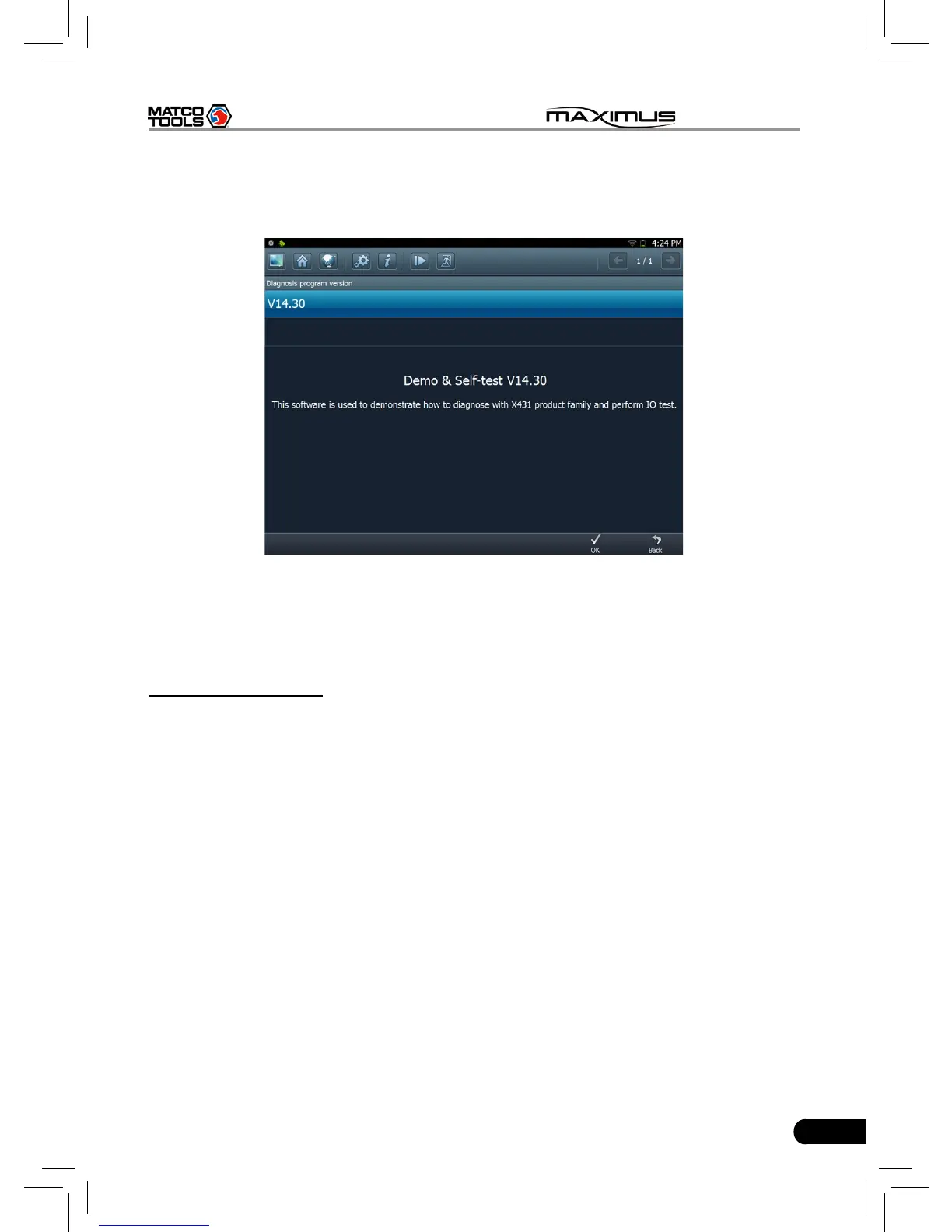
Click the desired one (for example, DEMO) in Common to enter the software
version selection screen. See Fig. 3-4.
Fig.3-4
Choose one version, and click [OK], the system starts resetting and then
validates the diagnostic connector. If ok, it will enter demo menu interface.
Choose the desired one and start diagnosing demo.
B. Search Bluetooth
This option is used to search the bluetooth device. Click it to start searching,
then choose the desired one from the result list to pair. After pairing, the system
will obtain the connector information and then go into the vehicle selection
interface directly.
Notes:
1. The bluetooth device to be paired must be the diagnostic connector
manufactured by LAUNCH, or else MAXIMUS does not work properly.
2. While diagnosing via Bluetooth, the effective communication distance between
MAXIMUS and the diagnostic connector is about 20m.
Detailed operations are as follows:
Click “Search Bluetooth” to enter Fig. 3-5.



 To Next Page