Select
To select the itmes.
Select all Select all items.
Delete Delete the selected items.
Export Export the select items.
Cancel Selection Deselect the selected items.
Return Return to the previous screen.
9.5 Clear Diagnostic software
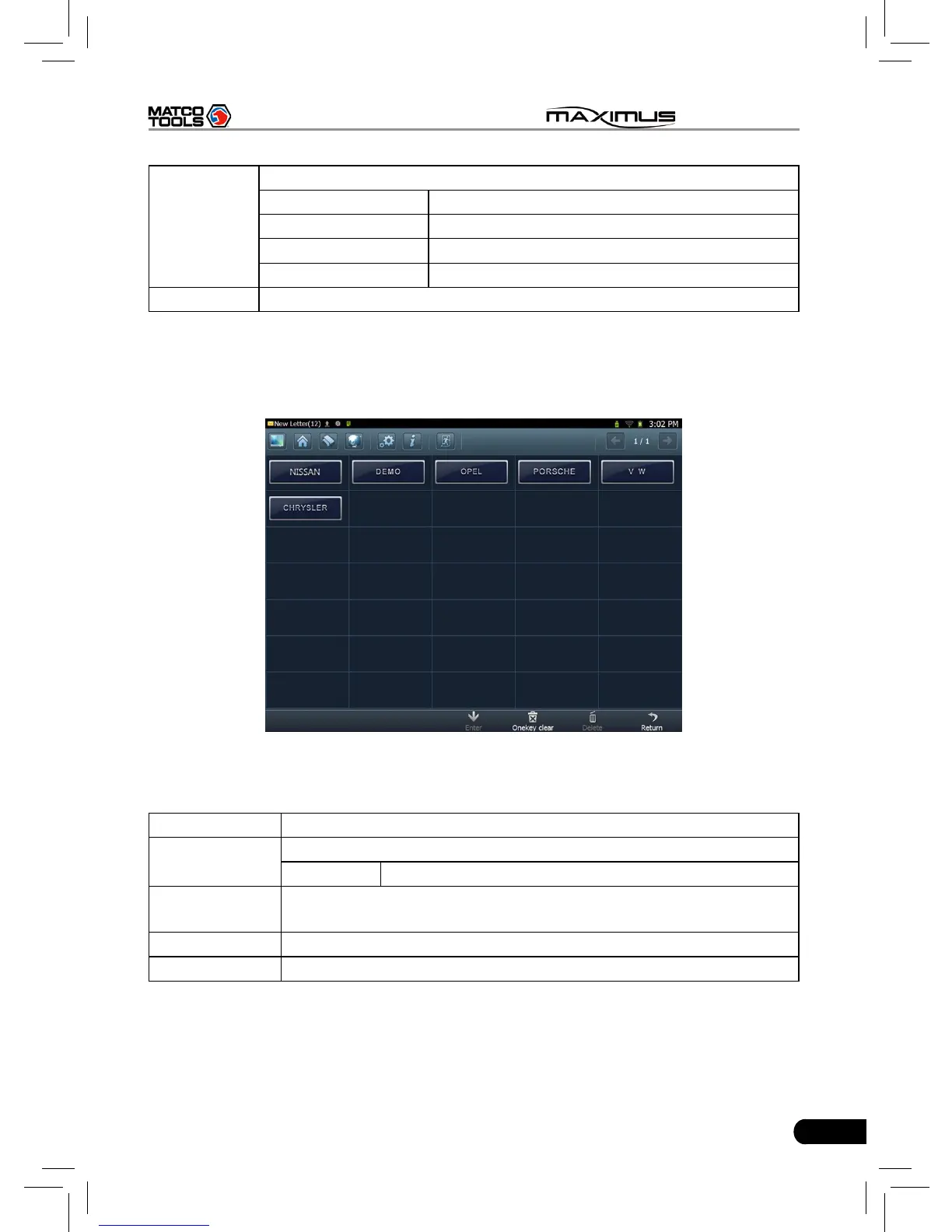
Click “Diagnostic Software”, a screen similar to Fig. 9-5 will appear:
Fig. 9-5
Button Descriptions:
Buttons Descriptions
Enter
Enter the selected diagnostic software.
Clear Clear the selected software version.
Onekey Clear
Delete all other history versions of each vehicle except the two
latest versions.
Delete Deleter the selected software.
Return Return to the previous screen.



 To Next Page