Button Descriptions:
Buttons Descriptions
Refresh Refresh the current screen.
List Arrange the les by list.
Thumbnail Arrange the les in thumbnail mode.
Select
To select the itmes.
Select all Select all items.
Delete Delete the selected items.
Export Export the select items.
Cancel Selection Deselect the selected items.
Return Return to the previous screen.
9.4 Review history diagnostic data
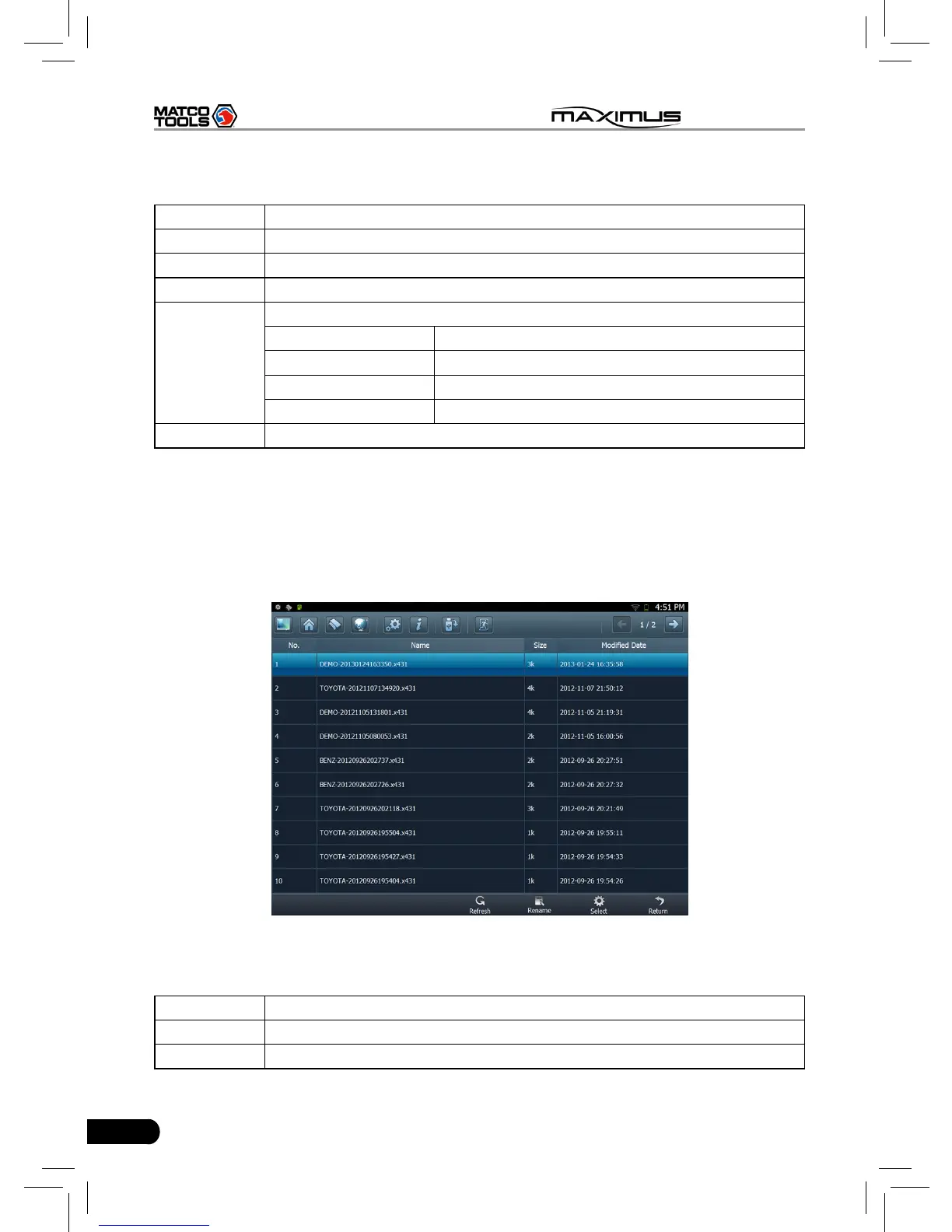
Click “History Diagnostic Data” to enter the screen. (To generate the history
diagnostic data le, you have to record some datastream while diagnosing. For
details, please refer to “3.3.3 Read datastream”.)
Fig. 9-4
Button Descriptions:
Buttons Descriptions
Refresh Refresh the current screen.
Rename Rename the highlighted datastream.



 To Next Page