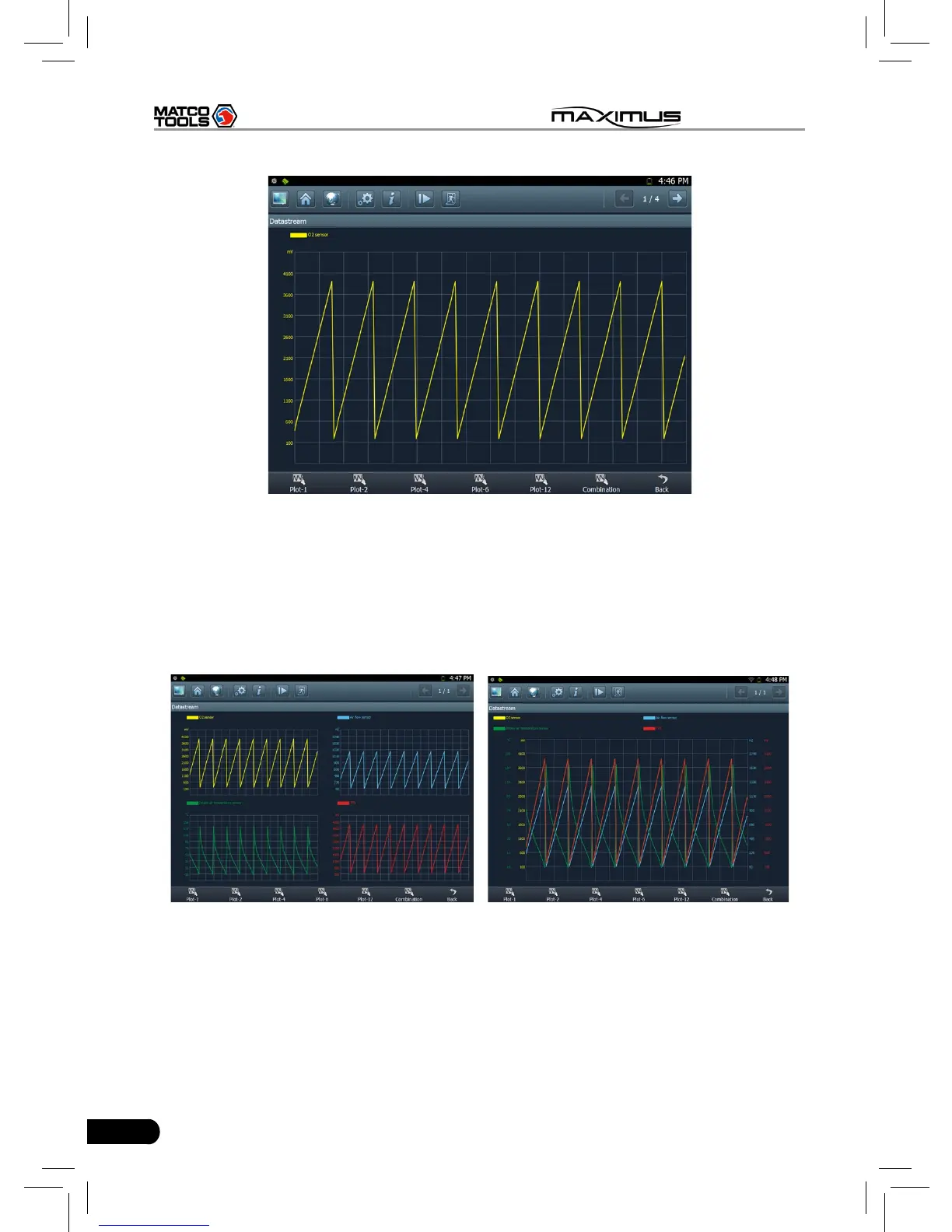
Fig. 3-14
If more datastream items are selected, click [Plot-2], [Plot-4], [Plot-6], [Plot-12]
and [Combination] to switch to display in multi-view window mode. Fig. 3-15 and
Fig. 3-16 represent the display effect of [Plot-4] and [Combination] respectively
(Combination means to display the selected datastream items into one waveform
with each datastream marking in different color for easy review and analysis).
Fig. 3-15 Fig. 3-16
3.3.4 Special function
This option allows you to detect whether the system parameters are normal or
not.
Click [Special function] in function menu, the screen will be shown as Fig. 3-17.



 To Next Page