8 Update
MAXIMUS provides quick and easy software update service, by which you can
enjoy all update services including download and update the software.
Note: Enter the update center, vehicle software which can be updated are
default to be checked, you can click [Upgrade] to perform one-key update. You
can also click [Opt] to select all or deselect all.
8.1 Register
8.1.1 Register your information
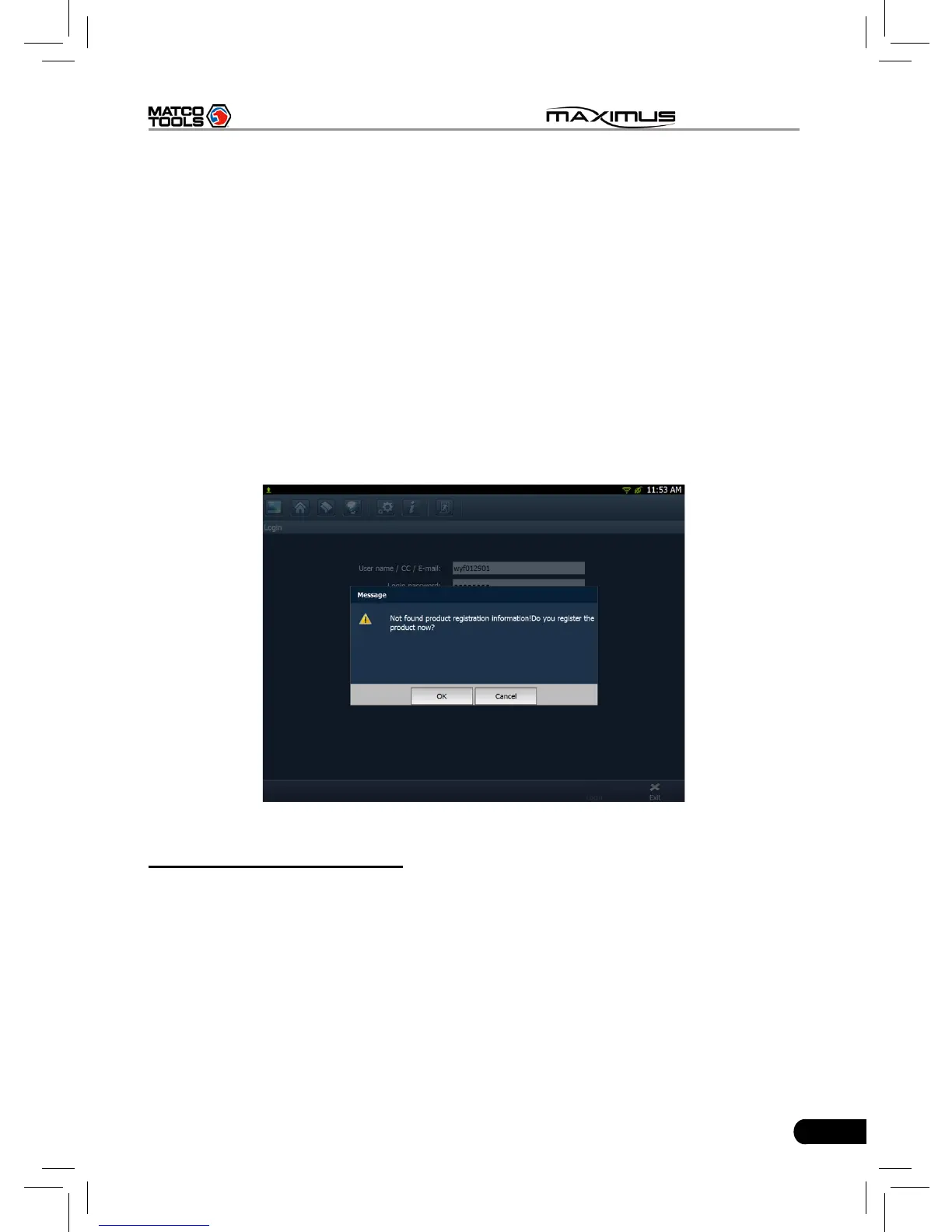
To operate this device, you have to experience a product registration. After
entering the function module, a screen similar to Fig. 8-1 will appear.
Fig. 8-1
A. In case you are a new user
Click [OK] to read service terms. After reading all items, click [Agree], a
registration page as indicated in Fig. 8-2 will appear automatically. Once
registering is complete, this page will never appear again.



 To Next Page