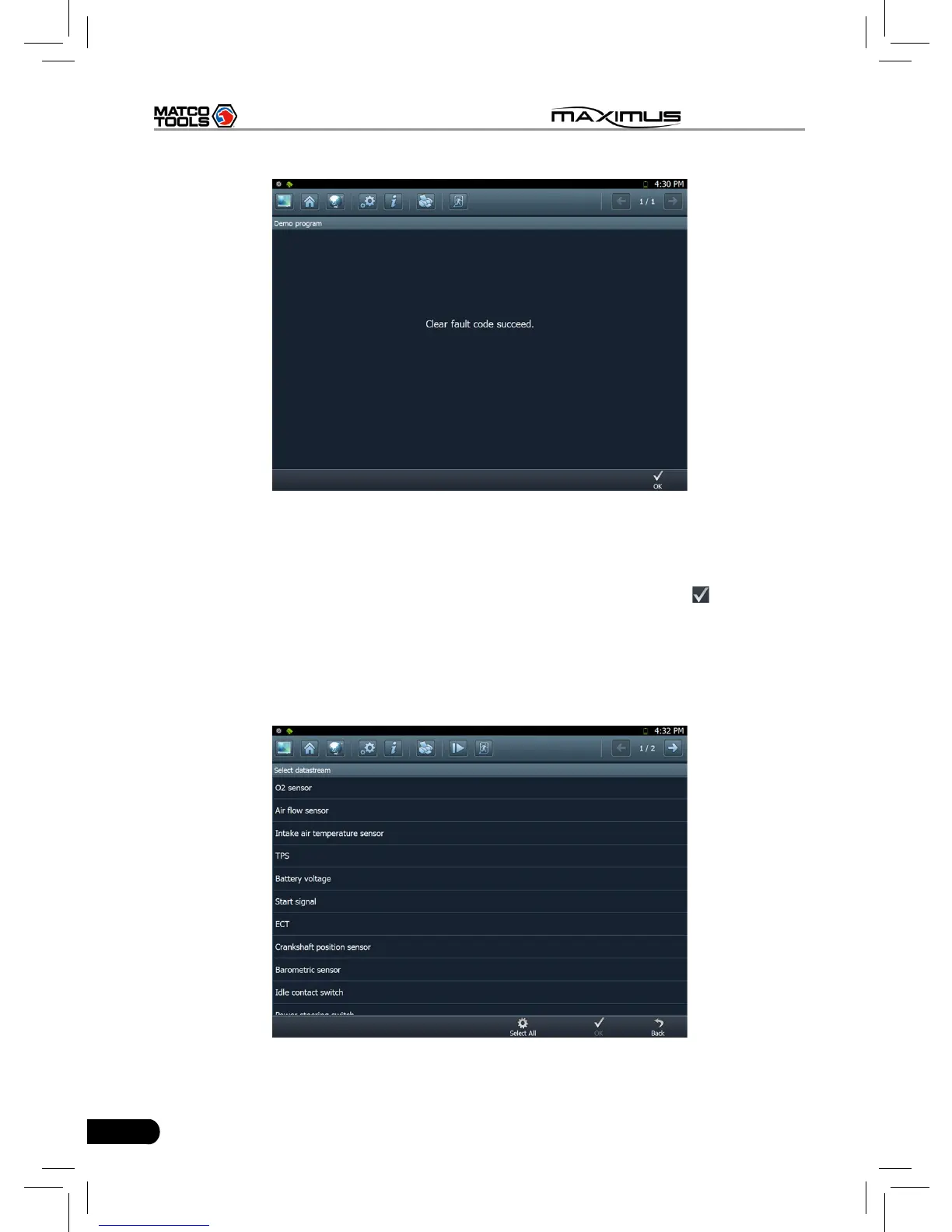
Fig. 3-11
If trouble codes are cleared successfully, a prompt message will appear on the
screen, as shown in Figure 3-11. If all trouble codes have been cleared, or there
are no trouble codes, “No DTCs” will appear on the screen. Click
to return to
the function menu of diagnostic system.
3.3.3 Read datastream
Click [Read datastream] as shown in Figure 3-9, you can read the running
parameters. See Fig. 3-12.
Fig. 3-12



 To Next Page