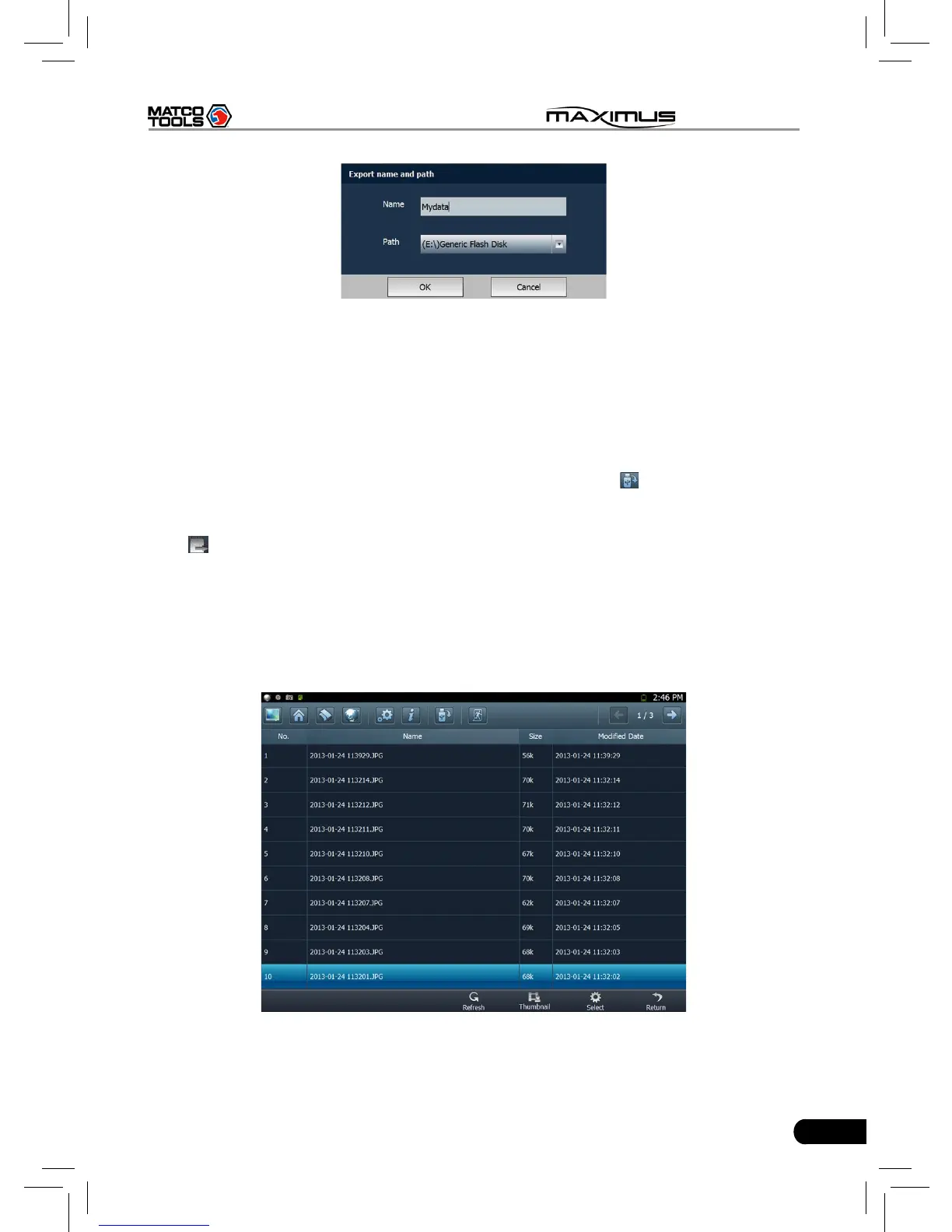
Fig. 9-2
Click in the Name edit eld, then the on-screen keyboard will appear. Input the
desired name. Click the triangle and choose the destination path from the pull-
down list.
9.2 Import data
To import data from USB device into the MAXIMUS, click on the shortcut bar
to export it. A import path dialog box will pop up, choose the desired path and
click “OK”. A list of les will be listed on the screen, highlight the desired one and
click to import it.
9.3 Operations in Image & Video & Message Center
Since the operations of Image is identical to Video, Message Center, here we
just take “Image” for example.
In Fig. 9-1, click “Image” to enter the following screen.
Fig. 9-3



 To Next Page