Take “Diagnose via Bluetooth” as example for demo.
Click “Diagnose via Bluetooth”, the screen will be shown as Fig. 3-2.
Fig. 3-2
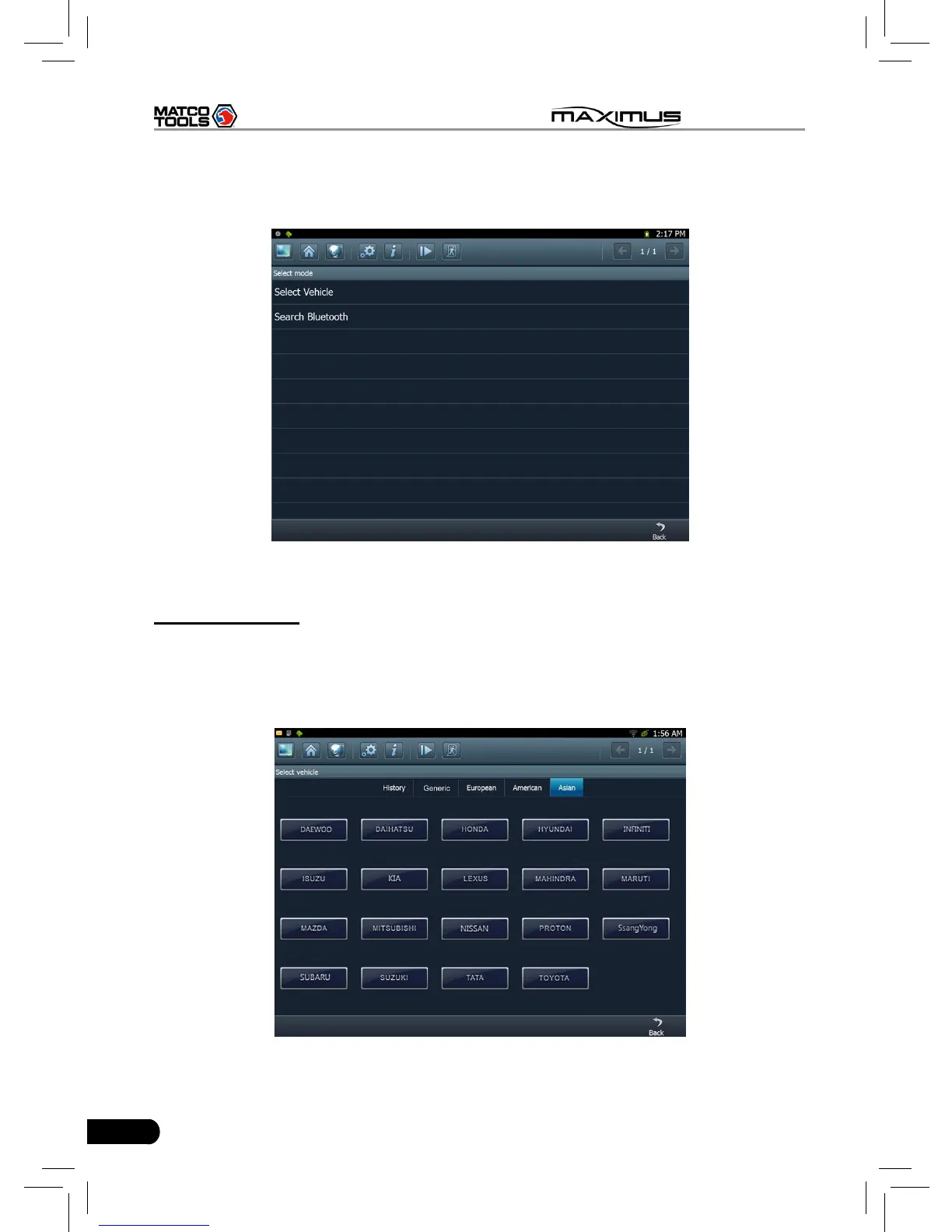
A. Select Vehicle
If the diagnostic connector be paired is the one you matched last time, click this
option to enter vehicle make selection interface directly. There are 5 kinds of
options are available, namely History, Common, European, American and Asian.
Click “Asian”, the system will display all Asian vehicle makes. See Fig. 3-3.
Fig. 3-3



 To Next Page