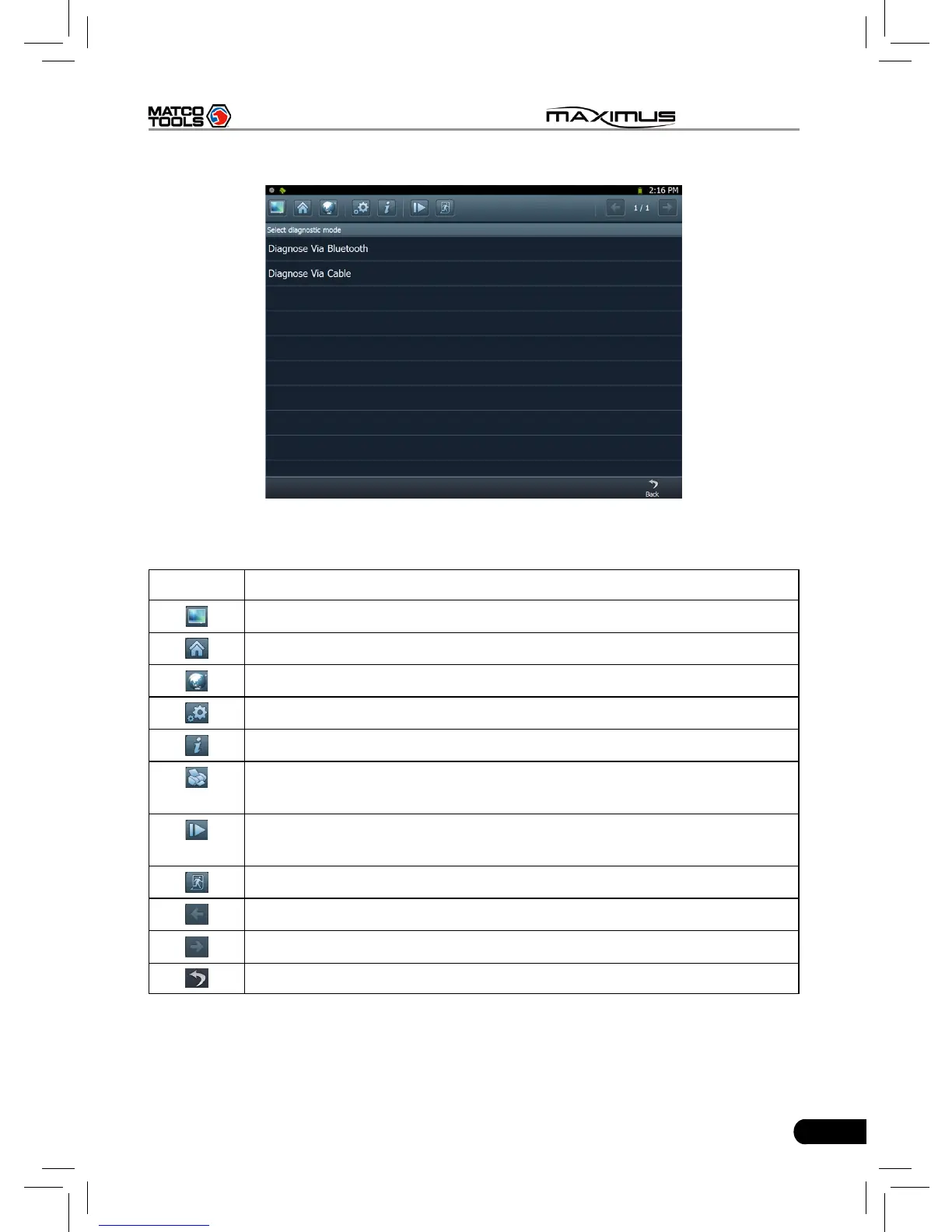
Fig. 3-1
Descriptions for on-screen buttons:
icons Name & functions
Windows: to enter Windows 7 operating system.
Desktop: to return to the main menu.
Browser: click to open web browser.
Settings: enter system settings interface.
Module Info.: click to view the related inforation of current module.
Print: print the test result. Before printing, a printer must be
connected to the USB port of MAXIMUS via USB cable.
Manage diagnostic record: click it to enter diagnostic record
management screen. Replay and Delete are supported.
Exit system: to exit the current program.
Previous page: scroll to the previous page.
Next page: scroll to the next page.
Return: return to the previous screen.
In Fig. 3-1, choose one of the communication mothods. If Diagnose via cable is
selected, please make sure the USB cable is properly connected.



 To Next Page