2. Date/Time Setting
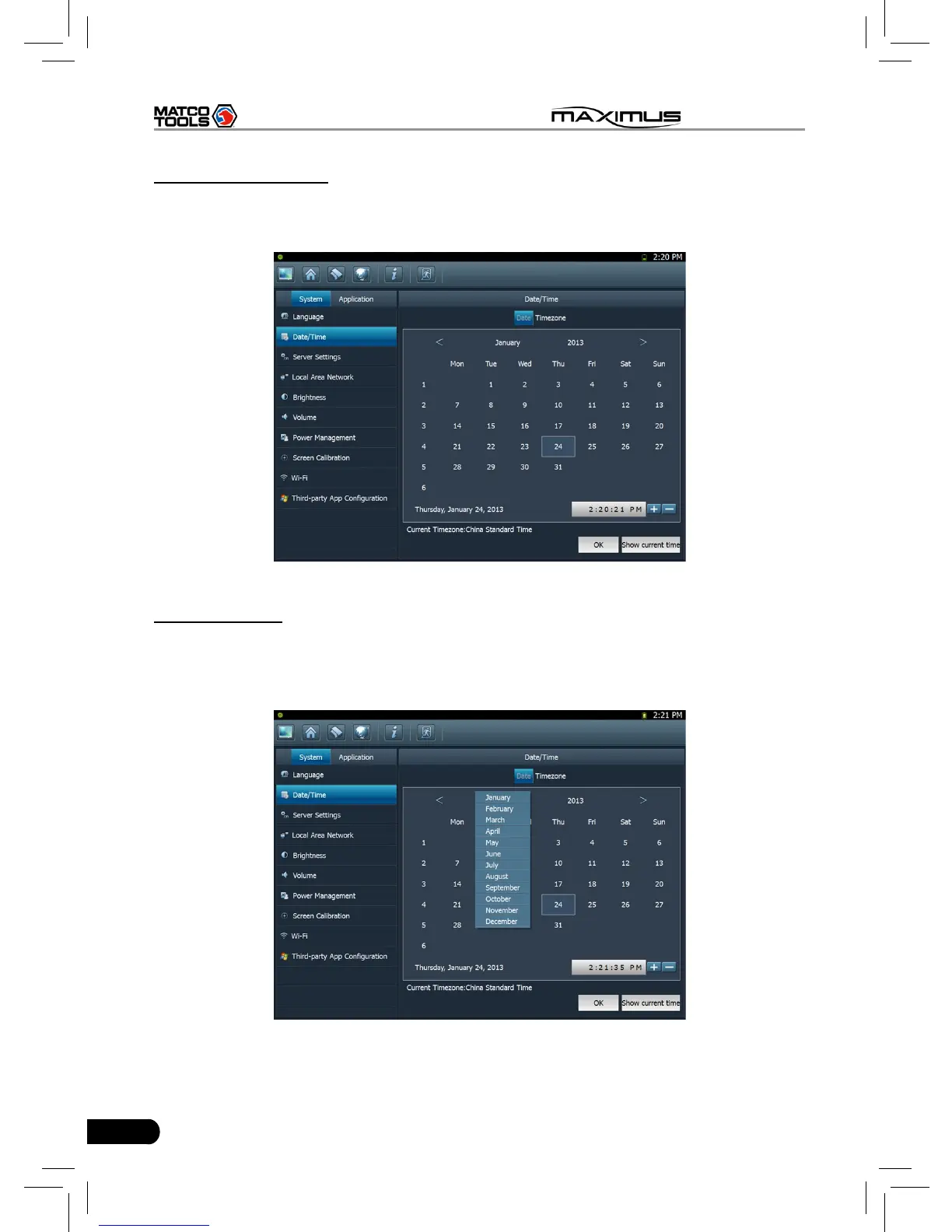
This option can be used to set the system date, time and time zone.
Click “Data/Time”, the screen will appear as Fig. 2-8.
Fig. 2-8
A. Date setting
In Fig. 2-8, click </> to switch to the previous/next month. Alternatively you can
also click month or year directly and choose from the pull-down list (see Fig.
2-9). Then click on the desired date to set the date.
Fig. 2-9



 To Next Page