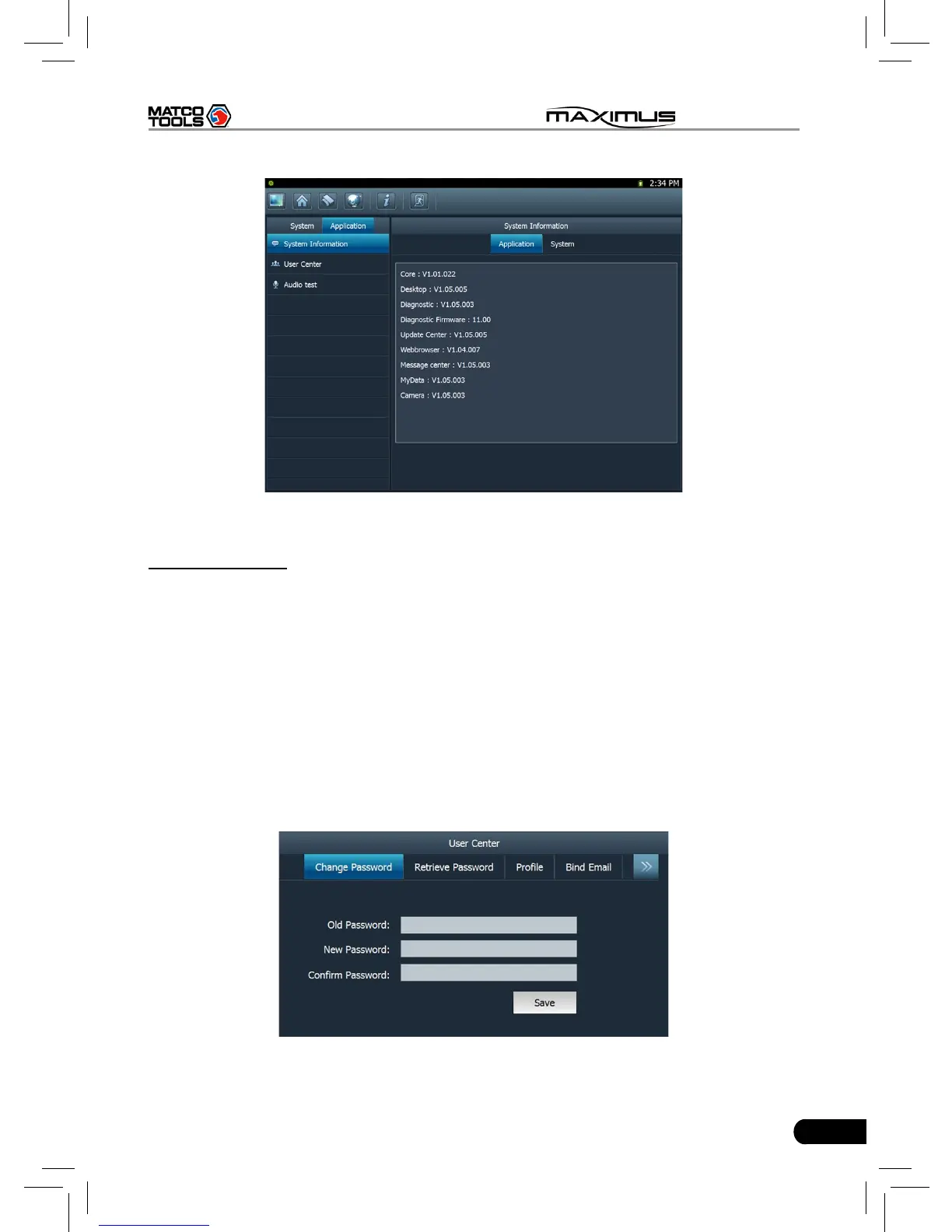
Fig. 2-24
12. User center
This option allows you to set the relevant user information. Since this application
is bound with Update Center, pay attention to the followings before setting this
option:
1. Make sure the MAXIMUS is properly connected to the internet. If yes, go to
Step 2.
2. On the desktop of MAXIMUS, click “Update Center”, and input CC number
and password, then tick off the box “Remember Password” and click “Login
in”. In case the box “Remember Password” is not checked, users can not
access to User center.
Click “User Center” under the Application tab, a screen identical to Fig. 2-25 will
appear.
Fig. 2-25



 To Next Page