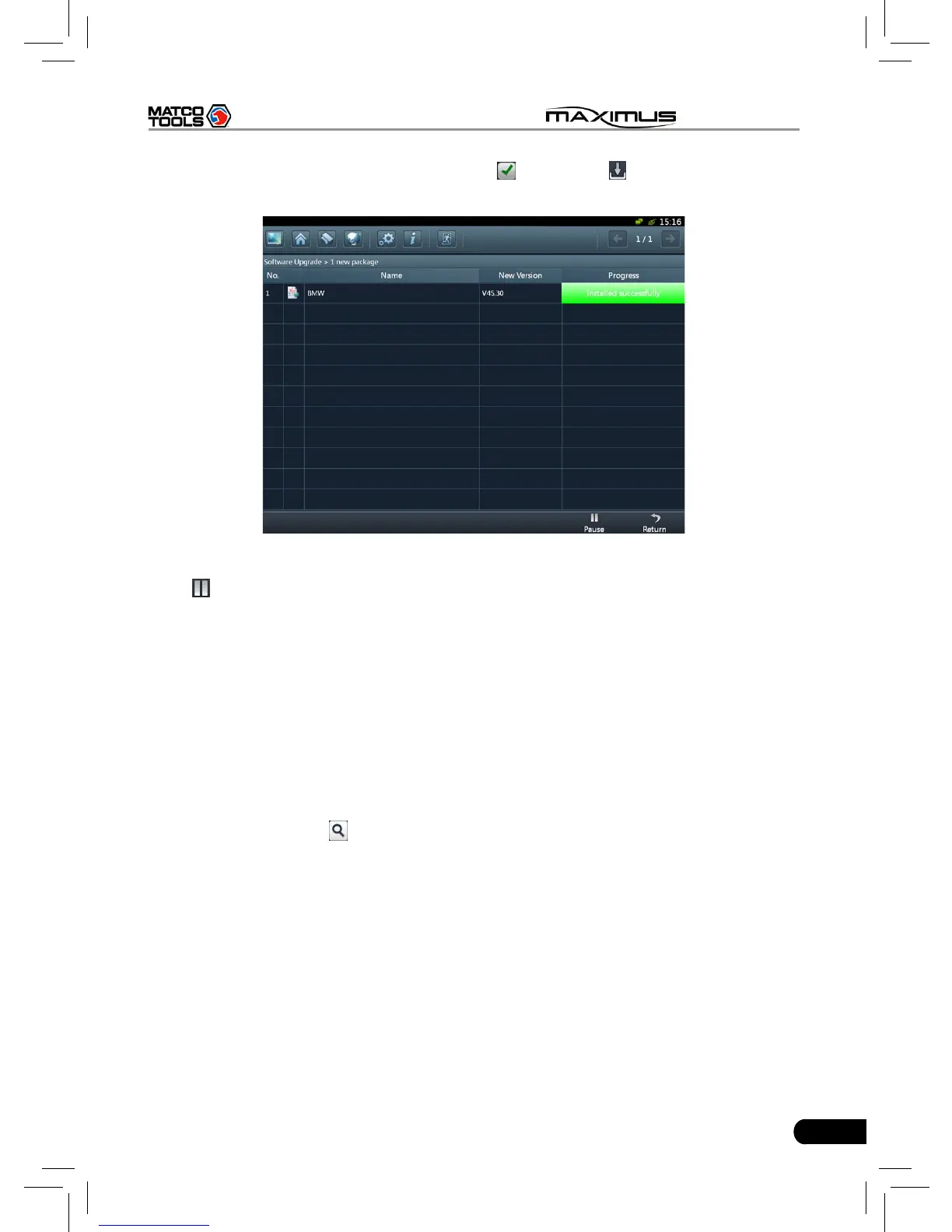
desired item, the checkbox will become to , then click , the system will start
downloading, as shown on Fig. 8-6.
Fig. 8-6
Click
to pause the download.
After download finishes, the system will install the softwar automatically. If
“Installation succeed” appears, it indicates that installation has completed.
If the network communication interrupts, software download will fail and
“Installation failed” will be shown. In this case, please check the network and
download it again.
If “Install after restart” appears, this software will be installed automatically after
restarting system.
Additionally, vehicle search is also supported. Input the desired vehicle make in
search box, and click
, all search result will be listed on the screen. Click the
desired one to update.



 To Next Page