Matrix Audio Designs
14
These should be safely mounted inside a weatherproof electrical box with a door covering the
keypad and adequate water barrier seals to protect the unit.
External cabling should run through conduit (plastic electrical conduit works well) to protect
it from the elements and small animals that may wish to chew on the cable.
You may wish to consider a qualified electrical contractor to install cable conduit for external
applications.
Cable and installation accessories to complete your installation are not part of the system
package, and can be obtained at your local electrical supply retailer.
Keypad Installation
Connections points at the MRC- 8e/ 8.4e and keypad are solder- less and
completed by screw type Molex connectors (provided).
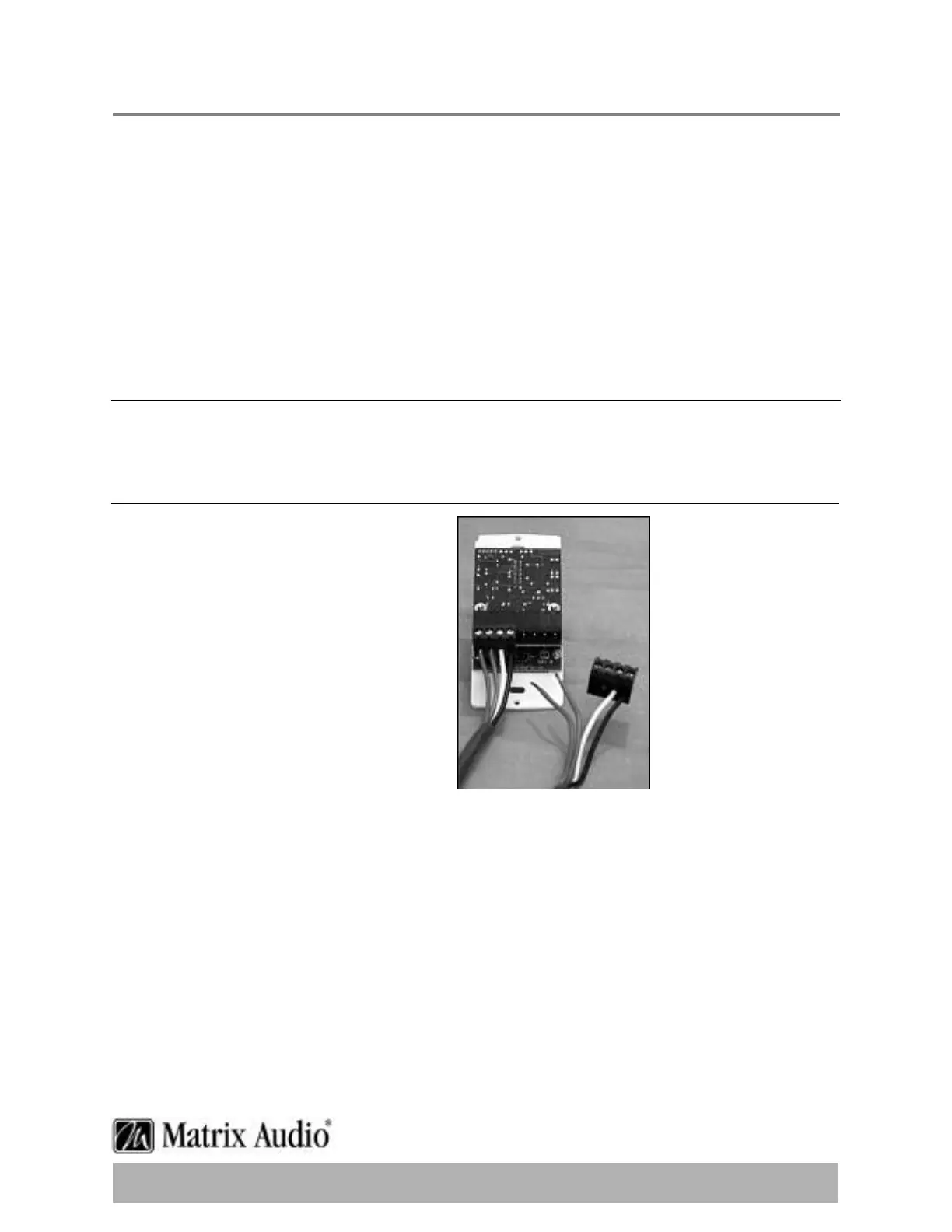
Molex Wiring Connections
Looking at the rear of the keypad with
the connectors at the bottom,you will
see there are 2 plug type connectors
(Molex).Generally the mating part is
already installed in the unit when
shipped,and lifting gently,and pulling
the connector away from the keypad can
remove it.
Each connector terminates 4 conductors
that either arrive from the MRC- 8e/ 8.4e,
or continue on to the speakers in the
zone.The KP- 10e as viewed from the
back,the left side of the unit is for the
line leading to the MRC- 8e/ 8.4e and the
right side of the unit is for the line leading
to the speakers.
Tools you’ll need to complete this part of the installation.Wire strippers,small standard
slotted screwdriver, and a permanent marker.Optional is an ohmmeter to determine which
side of the wire you are working with,and where wires are not secured to an electrical box,
some masking tape to help secure the cable while you are working on it.
There is nothing more frustrating than having the cable fall back behind the wall when trying
to work on it.


 To Next Page