26 Matrix ETERNITY NE Quick Start
• Change the Subnet of the computer, if necessary.
• Make sure a web-browser, either Internet Explorer 7 or 8 or Mozilla Firefox, is installed on the
computer.
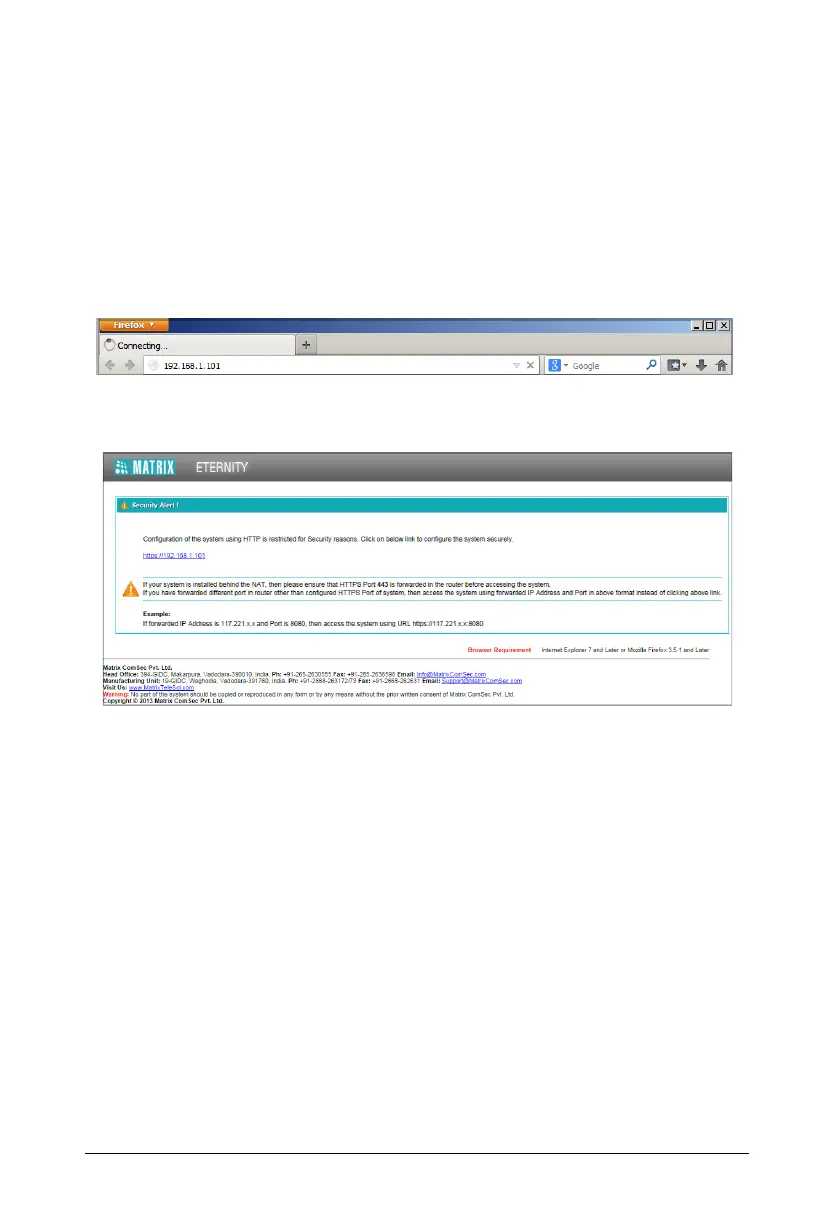
• Open the browser (Internet Explorer or Mozilla Firefox) on the computer.
• Enter the IP address of the Ethernet Port of ETERNITY in the address bar of the browser.
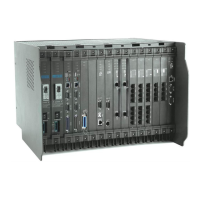
• You will be redirected to the HTTPS protocol for secure access.
•Click the https://192.168.1.101 link.



 To Next Page