26 Chapter 2: Hardware installation
- To attach an RGB display device to DVI-I connector(s) 1/5 and/or 2/6:
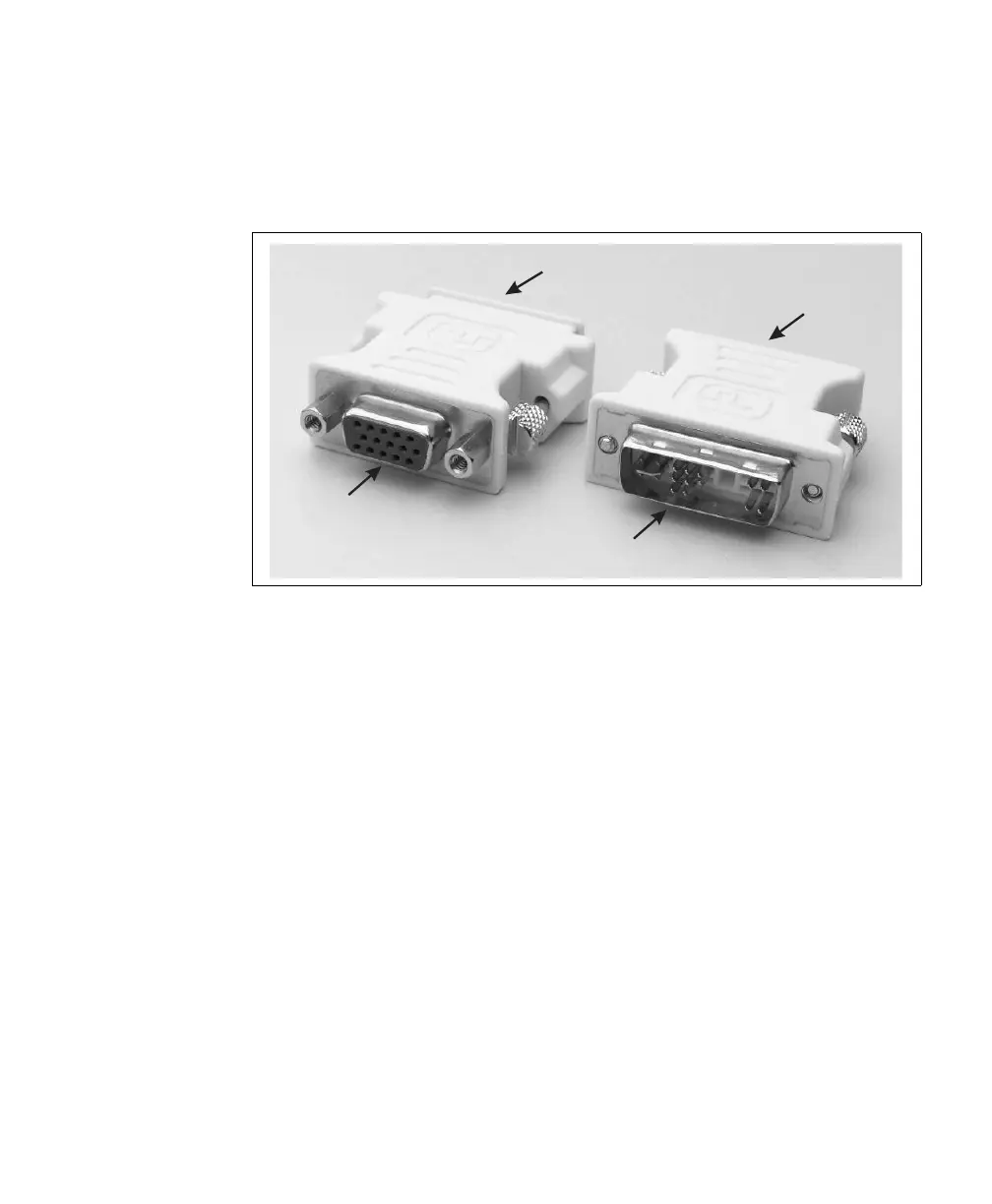
i. Attach the DVI connector end of the supplied DVI to VGA adapter(s) to
DVI-I connector(s) 1/5 and/or 2/6.
ii. Tighten the screws on the sides of the adapter to secure the adapter to the
DVI-I connector.
iii. Attach a standard VGA-compatible video cable to your display device. This
cable is not available from Matrox.
iv. Attach the VGA connector of the display device’s cable directly to the VGA
connector end of the DVI to VGA adapter.
VGA
connector
DVI
connector
VGA
connector
DVI
connector











 To Next Page