Chapter 5 Operation Procedures
- 43 -
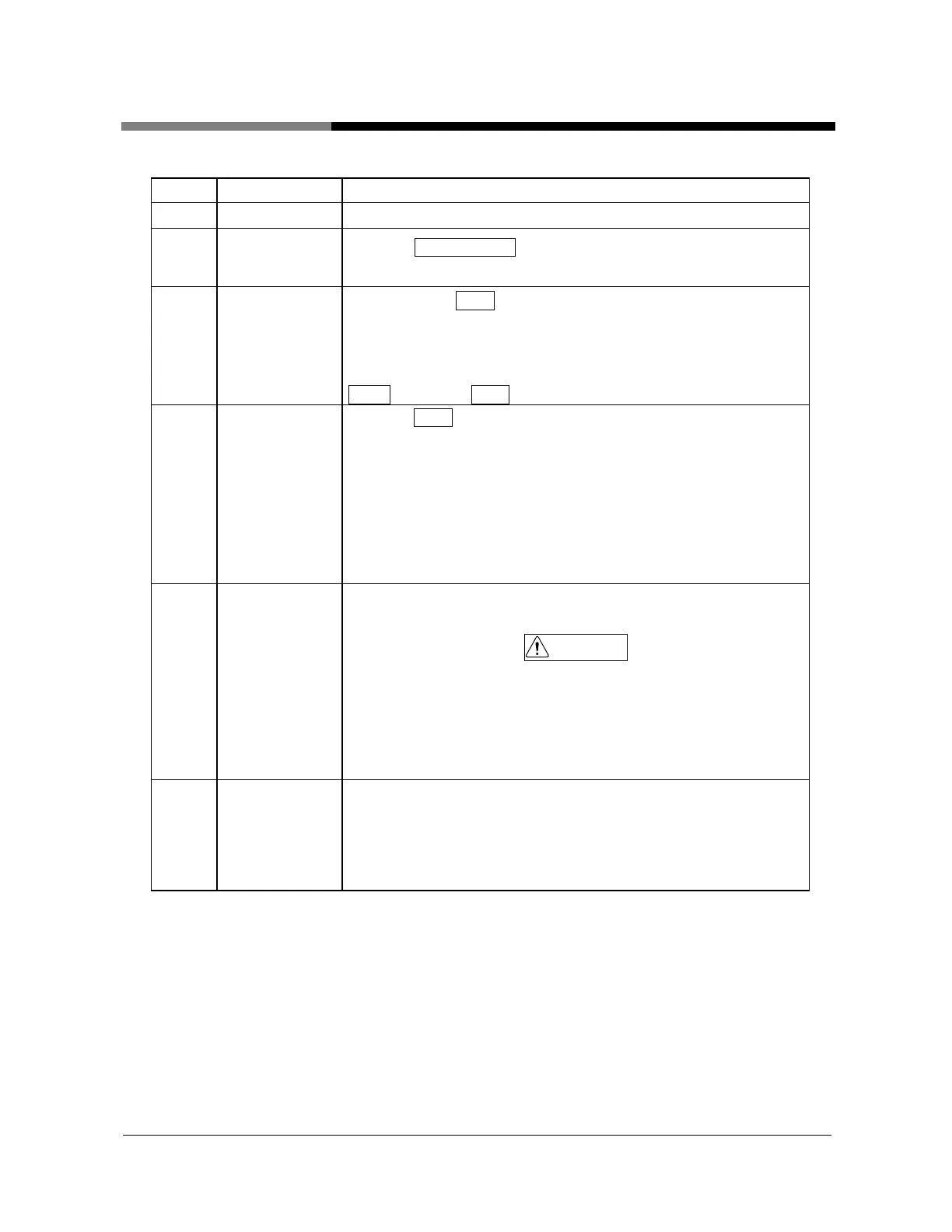
Step
Operation Details
1
Power ON
Set the power breaker in front to “ON”.
2
Preparations for
operation
Press the CONTROL ON switch in the front.
The display of the controller lights up.
3
Drying start-up
When pressing Dryer switch, the『Dryer』 indicator lights up and
the dry operation starts. When the start timer(dLY) is set, after the
setting time, the dry operation is started.
When wanting to do a dry start-up before the setting time, press
Reset switch and Enter switch at the same time.
4 Drying stop
1) Press Dryer switch. The heater becomes OFF. Then, becomes
the cooling operation that only the blower operating.
The『Dryer』indicator changes from turn ON to blink.
2) After the cooling timer time up (10 minute), the『Dryer』
turns OFF and the unit stops.
Except the emergency, until the『Dryer』 indicator turns OFF,
don't cut off the power.
5 Power off
After ending the stop operation of procedure 7, set the front power
breaker to “OFF”.
CAUTION
In the stop operation of procedure 7, during blower operation, don't
make a power breaker “OFF”. When setting a power breaker
“OFF” during blower operation, the blower stops to direct and the
unit is filled with heat in the heater part. Then, the trouble of unit
and the material sometimes becomes firming cause.
6
Recovery in
the power
failure
During unit operation, in case of the power failure, the operation
stops.
In case of more than 40 msec. power failures, the unit stops.
After the recovery in the power failure, confirm that problem
doesn't occur with restart and restart the unit according to need.


 To Next Page