EasyManua.ls Logo

Matsui MAT 101MR - User Manual

Matsui MAT 101MR
23 pages
Print Icon
To Next Page IconTo Next Page
Loading...
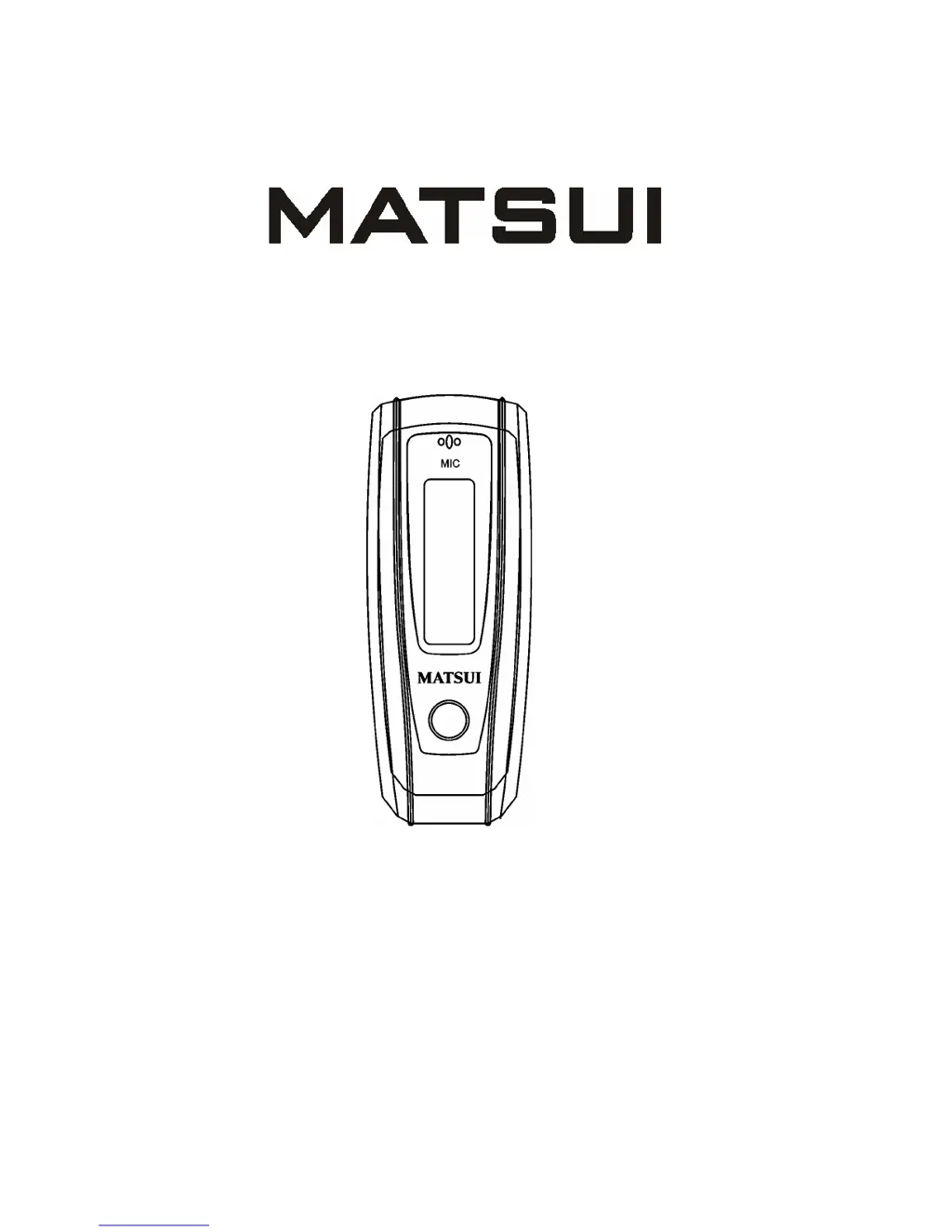
DIGITAL AUDIO PLAYER
MAT 101MR/102MR/105MR/110MR/120MR
INSTRUCTION MANUAL

Questions and Answers

  • K
    kylemejiaJul 31, 2025
    What to do if my Matsui Media Player won't download music properly?
    • J
      Jessica JonesAug 1, 2025
      If you're having trouble downloading music to your Matsui Media Player, check the USB lead to ensure it's not damaged and that the connection is secure. Also, verify that the driver installation is correct and that there is available space on the device.
  • C
    Christopher TurnerAug 7, 2025
    Why is there no sound from the earphones connected to my Matsui Media Player?
    • J
      Julia JohnsonAug 7, 2025
      If you're not getting any sound from the earphones connected to your Matsui Media Player, first check the volume level to make sure it's not set to 0. Then, ensure that the earphone connection is secure and without issues. Finally, if you only hear noise, check the MP3 files for any damage.
  • Q
    qtownsendAug 13, 2025
    What to do if there is no sound from my Matsui MP3 Player earphone?
    • D
      Dan AnthonyAug 13, 2025
      If you're not getting any sound from your Matsui MP3 Player earphones, there are a few things to check. First, make sure the volume isn't set to zero. Next, verify the earphone connection is secure and without issues. Lastly, if you only hear noise, the MP3 files might be damaged.
  • D
    David WilliamsAug 19, 2025
    How to fix music download issues on a Matsui MP3 Player?
    • C
      carla25Aug 19, 2025
      If your Matsui MP3 Player isn't being recognized or music isn't downloading properly, check the USB lead for damage and ensure it's properly connected. Also, verify that the driver installation is correct and that there is available space for new music.
  • P
    Patrick SantosAug 25, 2025
    Why are there strange characters on my Matsui MP3 Player screen?
    • J
      Justin FisherAug 25, 2025
      If you are seeing strange characters on the screen of your Matsui MP3 Player, make sure that you have selected the correct language.

Summary

Safety Warning

Controls

Player

Power on;Power off

Instructions for turning the device on and off.

Music

Play list

Accessing and managing music playlists by artist, album, or songs.

Tracks select

Navigating through tracks using fast forward, rewind, and selection.

Control Menu during Music Playback;Pause

Accessing the control menu during music playback or pause.

Volume

Adjusting the audio volume level.

File Delete

Deleting individual music files from the device.

Delete All Music Files

Deleting all music files from the device.

Record

Start recording

Methods to initiate voice recording on the device.

System

USB disk

Using the device as a USB storage drive.

Software upgrading

Process of updating the device's firmware.

Trouble shooting and specifications

Matsui MAT 101MR Specifications

General IconGeneral
BrandMatsui
ModelMAT 101MR
CategoryMP3 Player
LanguageEnglish