14
Storage space
Check the storage space available. Press
to return to the interface of 'system
setting'. (Press and hold
to return to the Main Menu.)
Software version
Check model and version of the machine. Press
to return to the interface of
'system setting'. (Press and hold
to save and return to the Main Menu.)
● USB disk
This machine has a function as a standard USB disk and it can support Windows
ME ,2000,XP system without installing drivers. If you use Win98, you should install the
driver first.
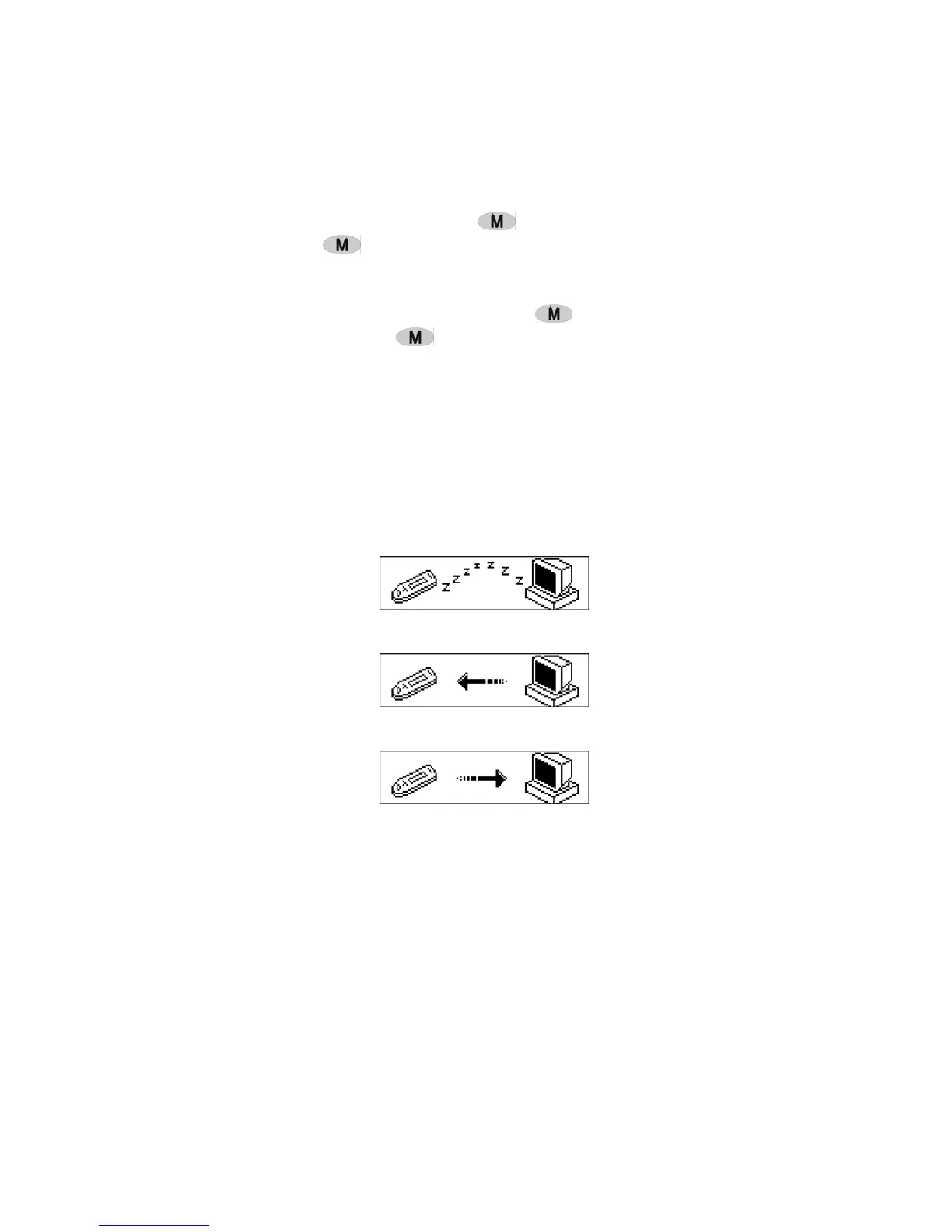
How to connect with PC? Connect the MP3 and PC with the USB plug. There are three
status screens you can see when the connection is successful.
1. waiting
2. download
3. upload
● Software upgrading
This machine can use the software tool that installs in the computer when installing
the drivers to upgrade and maintain the system firmware.
1. Run the firmware upgrade software.
Initializing SigmaTel MSCN firmware download
Searching for the MP3 player


 To Next Page