12
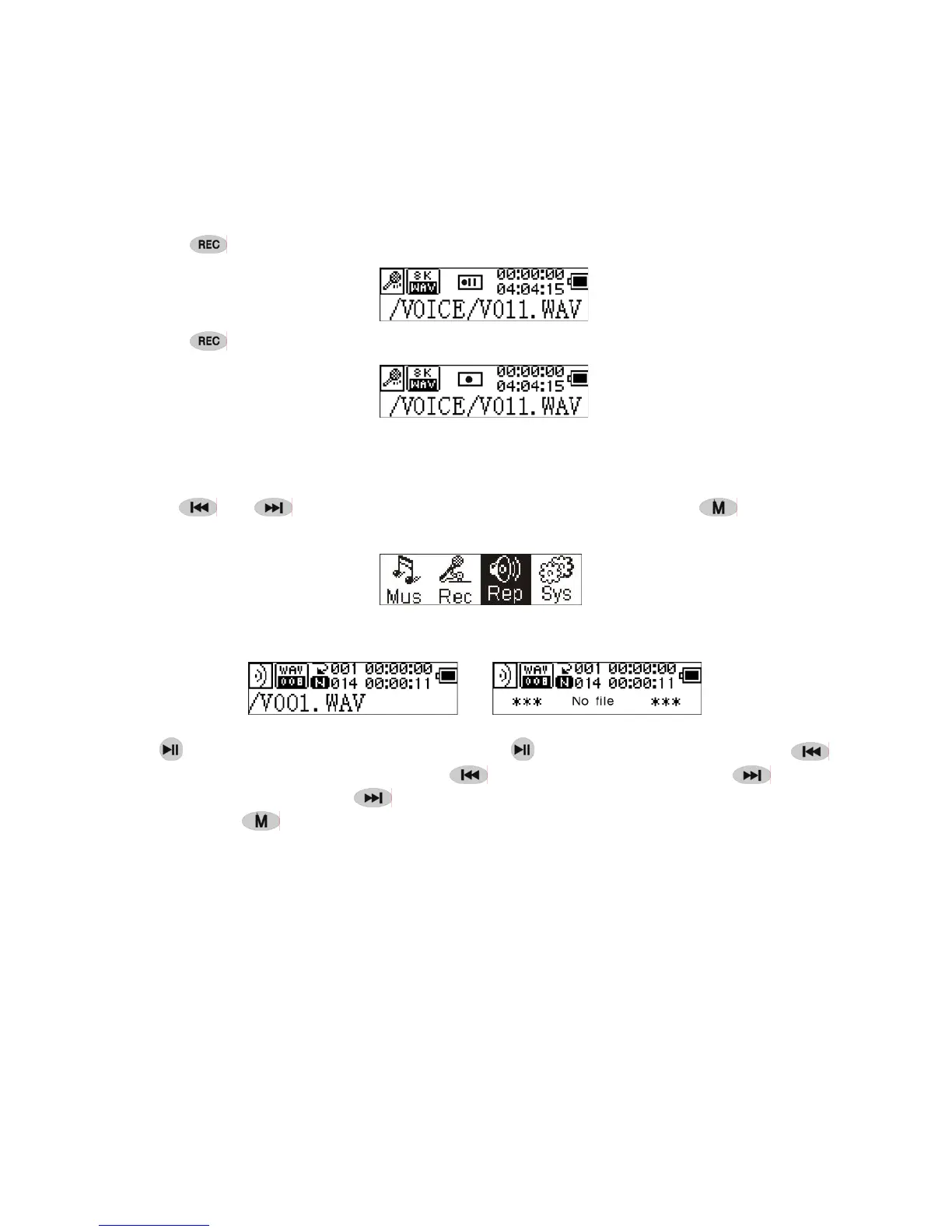
3. Pause
Press
(A-B) to pause recording:
Press (A-B) again to continue recording:
● Play recorded
To play the recorded files.
1. Play
Press
or to select 'Replay' in the Main Menu. Press to enter
replay mode.
There are recorded files stored in the machine.
Press
to play the recorded file, and press key again to pause . Press to
select the previous file, press and hold
for fast backwards. Press to select
the next file, press and hold
for fast forword.
Press and hold
to return to the Main Menu while of playing recorded files.
2. Control Menu under playing, pause mode
Please read chapter 'Music' for further references of being related with the particular
operations.
3. Control Menu at stop mode
Please read chapter 'Music' for further references of being related with the particular
operations.


 To Next Page